Managing one business website is hard enough. Managing dozens or hundreds of client websites across different platforms, hosts, plugins, teams, and marketing campaigns is where small security gaps turn into real business risk. We have seen this firsthand. A single weak password, an abandoned plugin, or a developer account that was never removed can put multiple brands in a bad position fast.
For agencies, security is not a side task. It is part of delivery, maintenance, SEO stability, brand protection, and client retention. If your agency handles website maintenance, technical SEO, custom web design, hosting, paid media landing pages, or social media marketing integrations, you are already in the blast radius when something breaks. Clients may hire you for Las Vegas SEO, web design Las Vegas, or local SEO Las Vegas, but they stay when their digital presence is stable, protected, and professionally managed.
At SiteLiftMedia, we treat client website security as an operational discipline. It should be built into onboarding, development, deployment, maintenance, and reporting. Whether your agency serves one local company in Summerlin or a national portfolio with Las Vegas, Nevada as a primary market, the same rule applies: standardize what you can, monitor what you cannot, and never assume a website is safe just because it is live.
Why agencies face different security risks than single site owners
Business owners often think of a website hack as a one-site problem. Agencies know it is rarely that simple. Shared workflows create shared exposure. The same project manager may touch 20 logins in a week. A freelancer may have access to three CMS platforms, two analytics properties, and a DNS provider. A hosting stack may serve multiple client sites with similar configurations. One compromised device or reused password can cascade.
There is also a timing issue. Agencies move fast. New landing pages go up for PPC. Plugins get installed to support forms, chat tools, booking systems, or backlink building services. A developer pushes a code change on a Friday. Someone grants temporary admin access and forgets to revoke it. These are normal agency realities, which is why security has to be process-driven instead of personality-driven.
This matters for revenue too. Search performance suffers when sites are hacked, redirected, blacklisted, or bloated with malicious scripts. If you are positioning your firm as an SEO company Las Vegas businesses can trust, or as a web design Las Vegas partner for growth-focused brands, your security posture cannot be an afterthought. Rankings, leads, and trust are connected.
Start with an agency wide security baseline
The fastest way to lose control of multiple client websites is to let every project run on its own rules. Agencies need a baseline. That baseline should define how logins are created, where credentials are stored, who approves plugin installs, how updates are scheduled, what gets backed up, and how incidents are escalated.
A practical baseline usually includes:
- Password manager usage for every team member, with no credentials stored in browsers or shared in chat.
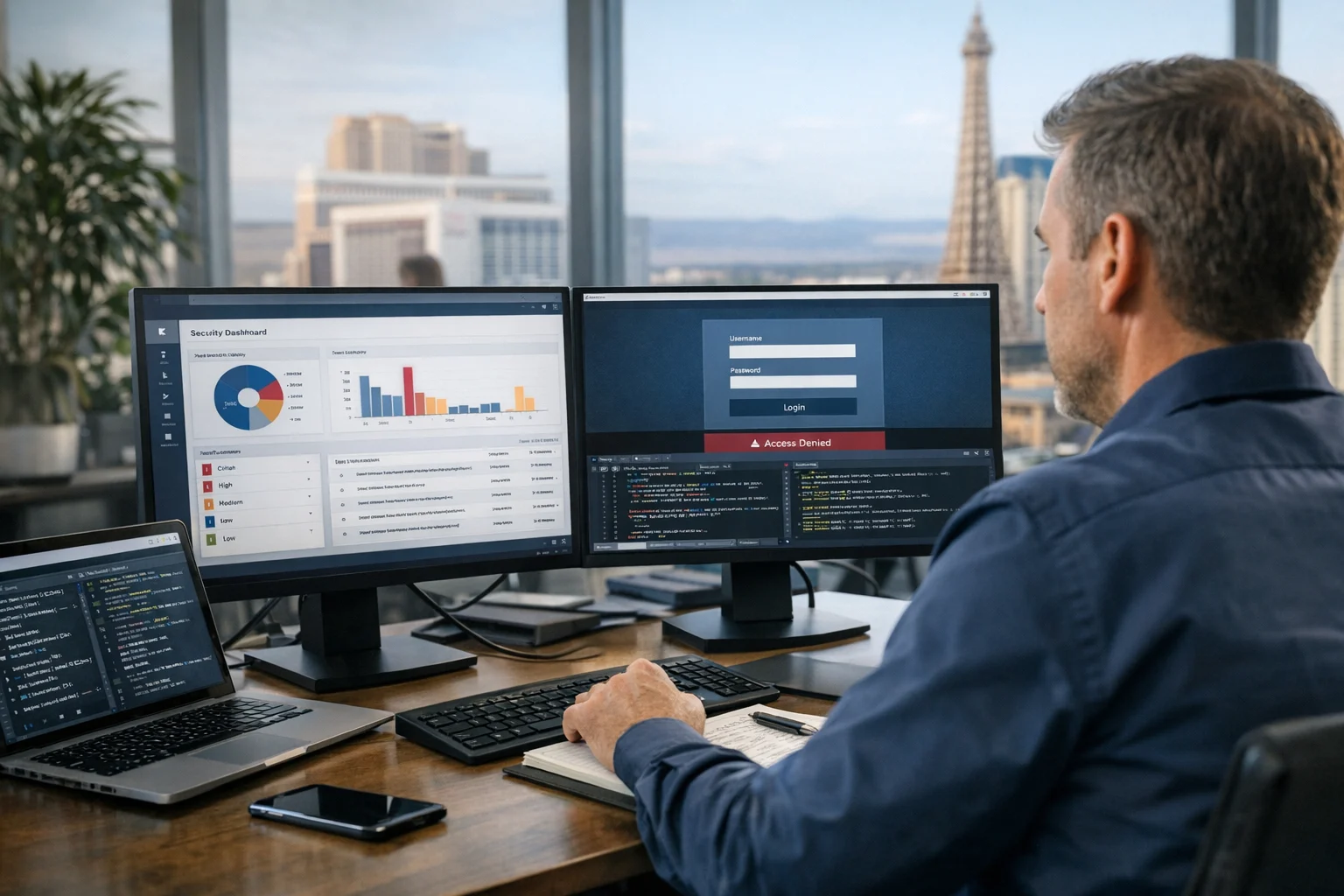
- Multi factor authentication on hosting, CMS admin, registrar, email, analytics, and cloud services.
- Role based permissions so designers, editors, developers, and account managers only get the access they actually need.
- Documented update windows for CMS core, themes, plugins, frameworks, and server packages.
- Offboarding checklists for staff, vendors, and freelancers.
- Backups with restore testing, not just backup creation.
- Incident response playbooks that define who gets contacted, how the site is isolated, and what is communicated to the client.
Without this kind of baseline, each client site becomes a one-off risk. That is expensive to manage and even more expensive to clean up.
Access control is where most preventable problems start
In many agency environments, the biggest security issue is not a sophisticated attacker. It is loose access control. Too many admin accounts. Too much shared access. Too little visibility into who still has credentials.
Every client website should have a named owner on both the client side and the agency side. From there, keep permissions tight. Content teams do not need server access. Paid media teams usually do not need CMS admin rights. External vendors should get temporary, limited accounts rather than master logins.
Some agencies still use one generic admin account across multiple WordPress sites. That is a mistake. Shared accounts make auditing nearly impossible, and they increase the damage when a password is exposed. Unique accounts with clear roles are the safer standard.
It is also worth separating environments. Production, staging, and development should not share the same credentials or broad access. If a staging site is less protected, which often happens, it should never become a back door into production.
Useful access control habits for agencies
- Review all active accounts every quarter.
- Disable unused accounts immediately after project changes.
- Use MFA everywhere possible, especially hosting, registrar, and email.
- Avoid sending credentials by email or chat.
- Track who approved elevated access and when it should expire.
If your team is juggling SEO campaigns, content publishing, custom web design, and website maintenance for multiple brands, disciplined access management is not optional. It is the core of business website security.
Patch fast, but patch with a process
Outdated software remains one of the most common ways attackers get into client websites. Agencies know updates matter, but the challenge is scale. When you manage a large portfolio, patching cannot be handled casually. It needs inventory, prioritization, testing, and follow-through.
Start by maintaining a live inventory of every CMS, plugin, theme, custom integration, hosting environment, and server package in use. You cannot protect what you cannot see. From there, group sites by stack so recurring tasks are easier to schedule and verify.
Critical security updates should have a fast response window. Lower-priority updates can follow a regular maintenance cycle. The real win is consistency. A reliable patch routine is safer than sporadic panic updates triggered by client complaints.
For teams managing WordPress portfolios, plugin hygiene is a major issue. Old, unsupported plugins often stick around because a feature still works or nobody wants to touch a fragile build. That is how quiet risk turns into a public incident. SiteLiftMedia has covered why outdated WordPress plugins put business sites at risk, and it is a topic every agency operator should take seriously.
If your maintenance plans include regular updates, communicate that value clearly. Clients may see website maintenance as a line item. You should frame it as continuity protection for SEO, lead flow, and reputation. The same goes for annual planning and Q1 growth strategies. Security hardening should sit next to content calendars and conversion improvements, not somewhere in a forgotten technical backlog.
For a deeper operational view, our guide on why patch management matters for website security breaks down why structured updates are essential for any agency responsible for production sites.
Hosting and server standards matter more than most agencies admit
Many website incidents blamed on the CMS actually trace back to poor hosting practices. Weak file permissions, exposed services, stale server packages, or sloppy multi-tenant setups can make a secure site vulnerable. When an agency manages multiple client websites, infrastructure decisions compound quickly.
Even if you do not offer full system administration, you should still have hosting standards. Know where client sites live. Know what is patched. Know how backups are handled. Know whether staging environments are public. Know who gets alerted when disk space spikes, PHP errors pile up, or suspicious requests start hammering the login page.
Server hardening is not just for enterprise environments. It matters for local service businesses, ecommerce sites, law firms, medical practices, and any company collecting leads online. In a market like Las Vegas, where competition is aggressive and digital visibility matters, a compromised website can damage both trust and search performance at the worst possible time.
Agencies should define minimum hosting requirements such as:
- Supported operating systems and web server versions
- Routine operating system and package updates
- Web application firewall or equivalent filtering
- Least privilege file permissions
- Isolated accounts where practical
- Automated backups stored off server
- Log retention and review
- Uptime and resource monitoring
If your agency supports hosting, migration, or system administration, treat infrastructure as part of your service quality. Our article on how to secure Apache and Nginx for business websites is a good reference point for teams that need stronger production standards.
Do not let convenience break your backup strategy
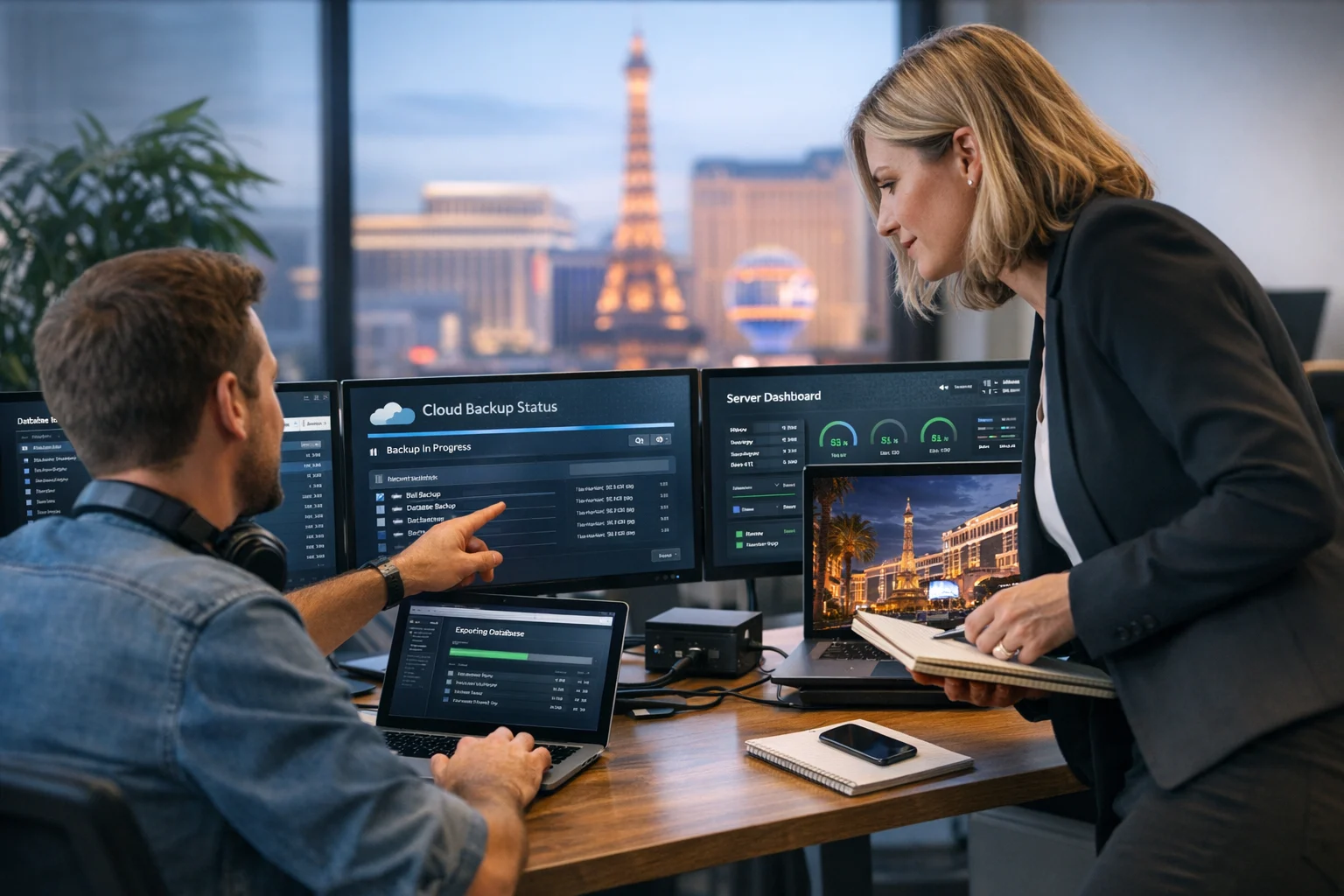
Every agency says backups matter. Fewer agencies actually test restores. That is the difference between a comforting assumption and a real recovery plan.
A proper backup strategy for multi-client website management should answer four questions:
- What is being backed up? Files alone are not enough. You need databases, media, configuration, and sometimes DNS or infrastructure snapshots.
- How often? A brochure site does not need the same cadence as a high-volume lead generation site or ecommerce store.
- Where are backups stored? Off-server storage is critical so a compromised host does not destroy both production and backups.
- Can you restore quickly? Restore testing should be scheduled, documented, and timed.
One of the most common agency mistakes is relying entirely on a host-level backup without verifying retention, restore speed, or scope. Another is assuming plugin-based backups are enough for larger websites with custom functionality. In reality, the backup approach should match the business value of the site.
For example, a Las Vegas SEO lead generation site for a local service company may depend heavily on form submissions and organic visibility. If that site goes down on a busy weekend or gets compromised during a paid campaign push, lost leads add up quickly. Recovery has to be fast, and the recovery process has to be rehearsed.
Monitoring should catch trouble before the client does
If a client tells you their website is hacked before your agency knows about it, your monitoring is not good enough.
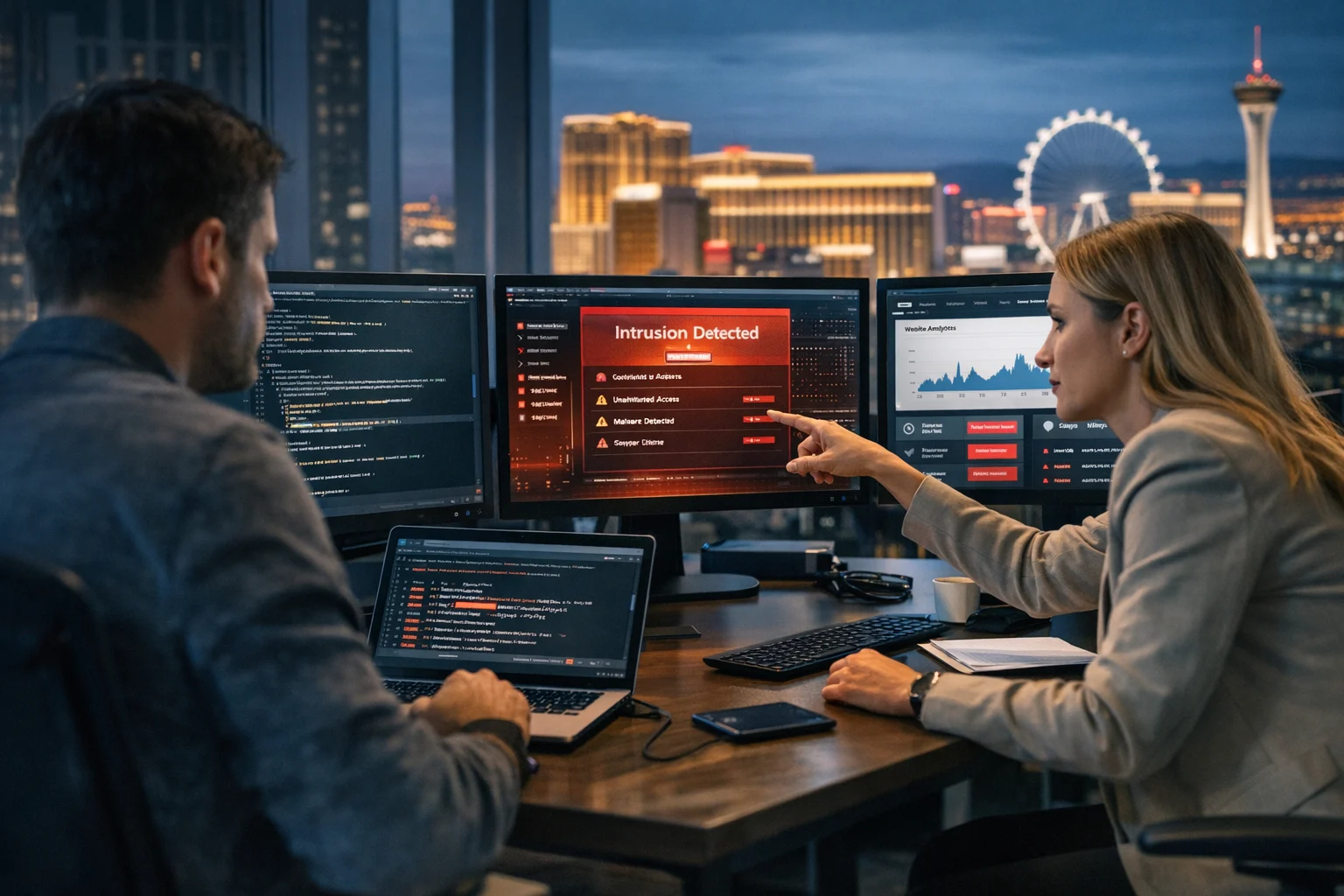
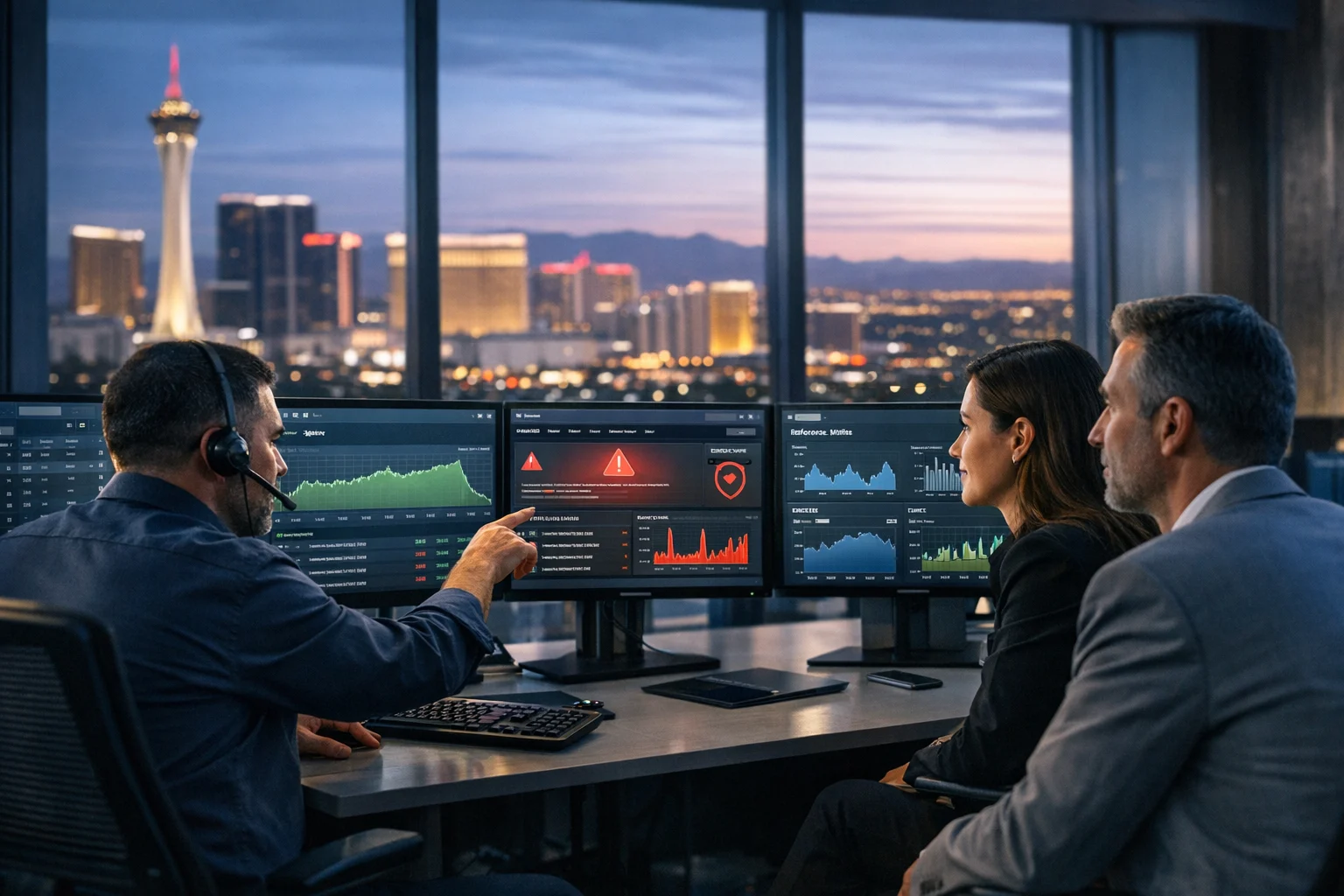
Agencies managing multiple websites need layered monitoring. Uptime checks are the bare minimum. You also want alerting for SSL expiration, malware indicators, sudden file changes, abnormal admin logins, database growth spikes, failed login floods, and major traffic anomalies that may signal abuse or malicious redirects.
This is where operational maturity shows. Monitoring should feed into a simple triage path. Who checks the alert? What counts as urgent? When do you pull the site from public access? Who contacts the client? How do you preserve evidence before cleanup?
Penetration testing can also be valuable for higher-risk clients, especially those with custom applications, sensitive data, or complex user roles. Not every site needs a deep test every quarter, but agencies offering cybersecurity services should know when a basic vulnerability scan is not enough. If you are handling healthcare, finance, legal, or multi-location businesses with public user inputs, more formal testing deserves a place in the conversation.
At SiteLiftMedia, we encourage clients to see website security monitoring as part of digital operations, not just IT cleanup. It protects leads, conversions, rankings, and internal confidence across teams.
Secure development and content workflows reduce avoidable exposure
Many website problems are introduced during normal work, not during dramatic security events. A rushed plugin install. A direct edit on production. A form script copied from an untrusted source. A staging site left indexable. A page builder update tested nowhere. Agencies that manage multiple client websites need workflows that reduce this kind of exposure.
Some of the most effective rules are simple:
- Make changes in staging whenever possible.
- Review third-party scripts before adding them.
- Limit plugin installations to approved tools.
- Document custom code and integration dependencies.
- Protect staging with authentication and no-indexing controls.
- Use version control for custom development work.
This is especially important when your agency combines technical SEO, custom web design, conversion work, and campaign support. A team trying to improve Core Web Vitals, launch a landing page, and support social media marketing tags can unintentionally create security holes if the release process is sloppy.
One helpful mindset is to treat every new plugin, script, or integration as a vendor risk decision. Ask what data it touches, how often it is updated, whether it is still supported, and whether there is a lighter or safer alternative.
Third party vendors and client tools deserve scrutiny
Agencies rarely control the full environment. Clients may insist on specific plugins, CRMs, chat widgets, appointment systems, ecommerce extensions, or older hosting providers. That means security best practices must include how you assess external dependencies, not just your own work.
When evaluating a tool, look at vendor reputation, update frequency, breach history, documentation quality, and access scope. If a tool needs admin permissions, server access, or sensitive customer data, the bar should be higher.
Ask hard questions early:
- Does this tool need full admin access, or can it work with limited permissions?
- Who is responsible for updates and security notices?
- What happens if the vendor is acquired, abandoned, or compromised?
- Can the feature be replaced with a more stable native option?
This is where experienced agencies separate themselves from order takers. A client may request a feature. A strong agency explains the risk, proposes safer alternatives, and documents the decision. That builds trust, especially with decision-makers who are weighing multiple vendors for website maintenance or cybersecurity services.
Standardize incident response before you need it
When a website incident hits, chaos is the enemy. Agencies need a short, clear incident response process that can be activated quickly across any client account.
Your process does not need to be overcomplicated, but it should define:
- How incidents are reported internally
- Who has authority to take a site offline
- How credentials are rotated
- How backups are assessed and restored
- How logs and evidence are preserved
- How the client is updated
- How SEO, ads, and analytics impacts are checked after recovery
The last point matters more than many agencies realize. A compromised site often affects more than uptime. It can trigger search warnings, break conversion tracking, inject spam pages, or poison internal links. If you offer Las Vegas SEO, backlink building services, or paid landing page support, post-incident cleanup should include technical SEO review and crawl checks, not just malware removal.
For agencies that want to reduce exposure before a major exploit hits, our piece on how to reduce zero day risk on public facing websites offers practical controls that are highly relevant for multi-client portfolios.
Security should be part of client onboarding and sales conversations
One reason agencies end up with messy security environments is that they inherit them silently. During onboarding, ask better questions. Who controls the domain registrar? Where are backups stored? Who currently has admin access? What plugins are considered business-critical? Is there a staging environment? Has the site ever been compromised? What is the recovery expectation if something goes wrong?
These questions do two things. They reduce hidden risk, and they position your agency as a serious partner. Business owners and marketing managers may start by looking for an SEO company Las Vegas businesses recommend, or a team for web design Las Vegas projects, but they often stay because the agency brings structure where previous vendors brought patchwork.
Security also belongs in proposals and maintenance plans. If you provide website maintenance, say what that includes. If you perform server hardening, define the tasks. If you offer system administration, note how updates, backups, and monitoring are handled. If you provide penetration testing or broader cybersecurity services, tie them to business outcomes like reduced downtime, stronger compliance posture, and better continuity during peak campaign periods.
What decision makers should expect from an agency partner
If you are a business owner or marketing leader evaluating agency support, ask direct questions. A good agency should be able to explain its security practices in plain language. You should not need a technical background to understand whether your website is being managed responsibly.
Ask an agency:
- How do you manage admin access across client websites?
- How often do you apply updates, and how are critical patches handled?
- What hosting and server hardening standards do you follow?
- How do backups work, and how often are restores tested?
- What monitoring is in place for uptime, malware, and suspicious behavior?
- What happens if our website is compromised?
- Do you coordinate security with SEO, development, and paid campaigns?
If the answers are vague, you are probably buying risk along with services.
SiteLiftMedia works with businesses that need more than surface-level execution. We support website maintenance, technical SEO, custom web design, system administration, and broader digital growth with security built into the process. For companies in Las Vegas, Nevada and for brands across the country, that means cleaner operations, fewer surprises, and a stronger foundation for growth. If your team is managing multiple websites or relying on an agency that cannot clearly explain its security standards, contact SiteLiftMedia and let’s review your current setup before a small weakness turns into an expensive problem.
Photo Gallery