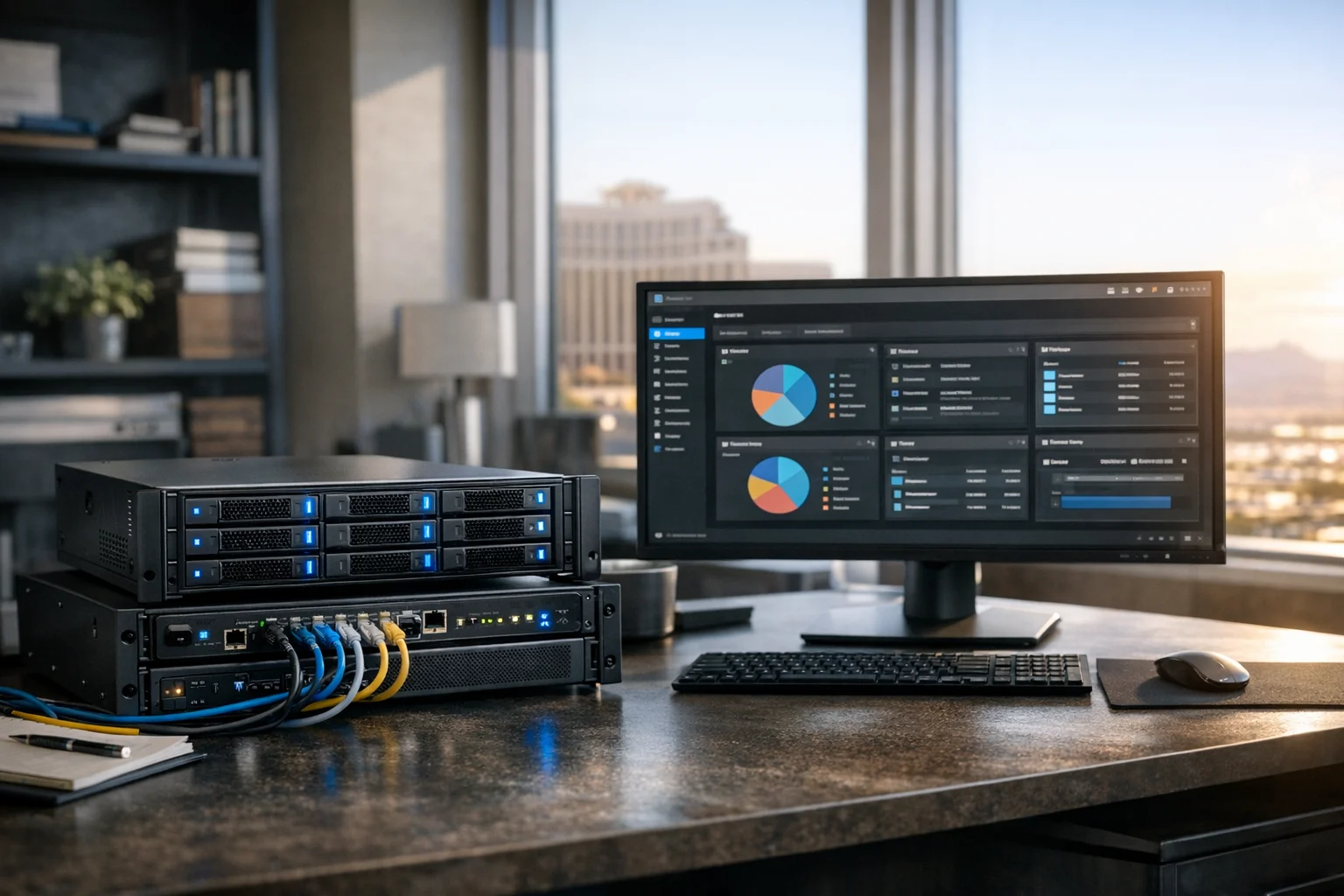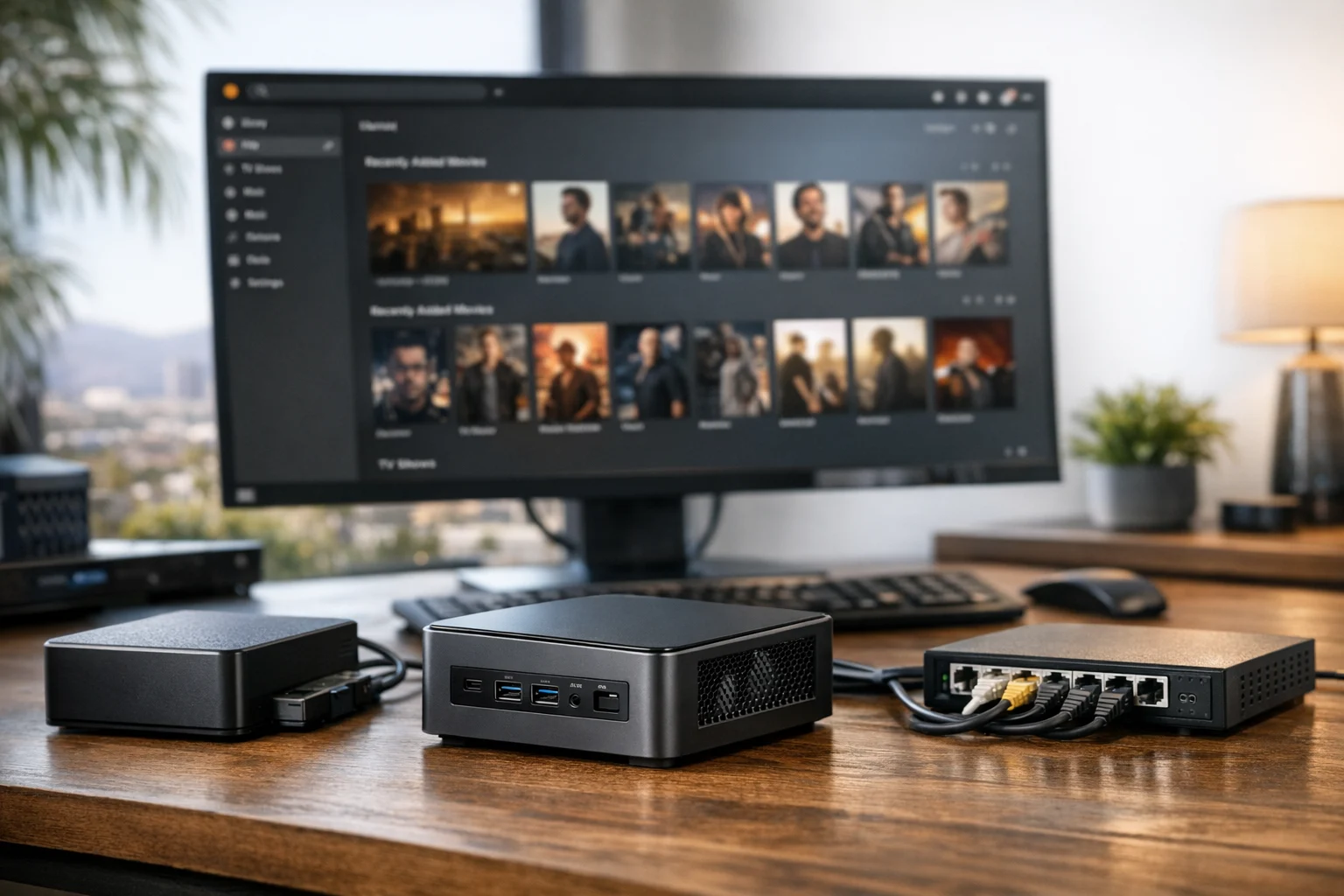
If you're a business owner or marketing lead, a home lab might sound like something only IT teams care about. In reality, a well planned Proxmox setup can save your company money, reduce downtime, and give you a safe place to test ideas before they hit production. That's especially useful if your website brings in leads, your team relies on internal tools, or you want tighter control over business website security.
At SiteLiftMedia, we've seen small businesses use home labs for everything from staging websites and testing ad landing pages to running internal file servers, development environments, monitoring tools, and backup systems. For Las Vegas businesses in particular, where quick turnaround and lean operations matter, a Proxmox home lab can be a practical bridge between consumer hardware and full enterprise infrastructure.
Proxmox Virtual Environment, usually called Proxmox VE, is a virtualization platform that lets you run virtual machines and containers on one physical server. That means one compact box in your office or home office can host a Windows test machine, a Linux web server, a backup appliance, a firewall VM, and more. If your team handles web design Las Vegas campaigns, local SEO Las Vegas reporting, technical SEO audits, or custom web design QA, this kind of environment becomes useful very quickly.
Here's how to set it up the right way for a small business home lab, without overbuilding it or leaving obvious security gaps.
Start with the business goal, not the hardware
The first mistake most people make is buying hardware before deciding what the lab actually needs to do. Proxmox is flexible enough to support a wide range of scenarios, so start with a simple list of business use cases.
For a small company, that list usually looks something like this:
- A staging server for website maintenance and redesign planning
- A safe test environment for plugin updates, CRM changes, or content expansion
- A backup target for critical files or websites
- A monitoring server for uptime checks and infrastructure cleanup
- A sandbox for cybersecurity services, server hardening, or penetration testing practice
- Internal tools for project tracking, reporting, or documentation
If you run campaigns tied to seasonal demand, like spring marketing pushes, this setup becomes even more useful. You can spin up a copy of a landing page stack, test caching, validate analytics, and check forms before traffic starts hitting. That's far better than making risky edits on a live site.
For agencies, eCommerce stores, law firms, contractors, and medical offices, the value is much the same. You get a private space to experiment without putting revenue generating systems at risk.
Choose hardware that fits a small business budget
You do not need a data center rack to run Proxmox well. For most small business home labs, a modern mini tower, workstation, or compact server is enough. Focus on reliability, expandability, and quiet operation if the system will live in an office.
Recommended baseline specs
- CPU: 6 to 12 cores, Intel or AMD with virtualization support enabled
- RAM: 32 GB minimum, 64 GB preferred if you plan to run multiple VMs
- Boot drive: SSD, ideally separate from VM storage
- Primary storage: SSD or NVMe for active virtual machines
- Backup or bulk storage: larger SATA SSDs or HDDs depending on budget
- Network: at least 1 gigabit Ethernet, with 2.5G or 10G if you move large files often
- UPS: strongly recommended to avoid corruption during power loss
If you're in Las Vegas, pay attention to heat. We've seen otherwise solid home lab builds become unstable because they were tucked into a closet with poor airflow. Desert temperatures, warm garages, and poorly ventilated network cabinets can create problems long before the hardware is technically overloaded. Give the server clean airflow and stable power from day one.
Storage matters too. If you plan to host multiple staging sites, file shares, and backup snapshots, do not try to squeeze everything onto one small consumer SSD. Separate your operating system, active VM storage, and backups if possible. If you want a stronger storage layer, SiteLiftMedia recommends pairing Proxmox with a dedicated storage strategy, and this guide on using TrueNAS for a reliable home lab storage server is a strong next read.
Prepare your network before installation
Proxmox installs quickly, but the network decisions you make up front affect everything that comes after. Before you touch the installer, decide where this server will sit on your network and how you'll access it.
For a small business home lab, I usually recommend:
- A static IP address
- A reserved DHCP entry if your router supports it, or a manually assigned address outside the DHCP pool
- A hostname that clearly identifies the server
- A dedicated VLAN if you already segment office devices, guest WiFi, and production systems
- No direct public exposure during initial setup
If this lab will be used to test public facing websites, marketing tools, or customer portals, keep that traffic separate from your primary office network whenever practical. That's one of the easiest ways to improve business website security without adding much complexity.
Think about remote access too. Do not open Proxmox management ports directly to the internet. Use a VPN, secure jump box, or another tightly controlled remote access method. This is where rushed setups often go wrong.
Install Proxmox VE cleanly
Once the hardware and network are ready, download the current Proxmox VE ISO from the official source and create a bootable USB drive. Plug it into your server and boot from it.
During installation, pay attention to these settings
- Select the correct target disk for the OS
- Choose a strong root password
- Set a valid email address for alerts
- Assign the management interface to the right network adapter
- Confirm the static IP, gateway, and DNS settings
For most small business users, the default installation is fine. You do not need to get fancy on day one. The goal is a stable base system you can log into from a browser on your local network.
After the installation finishes, open the Proxmox web interface from another machine. You'll usually access it with the server IP and port 8006 over HTTPS. Sign in as root, then take care of some basic housekeeping before you build anything on top of it.
Handle the first round of post install cleanup
This is where experienced admins separate a test toy from a usable platform. A fresh Proxmox install works, but it should be tightened up before you trust it with business workloads.
Your first checklist
- Update the host fully
- Verify time sync and DNS resolution
- Check storage visibility and free space
- Rename the node if needed for clarity
- Create a non root administrative user when appropriate
- Review firewall options at the datacenter, node, and VM levels
Security matters here. Even in a home lab, sloppy permissions and exposed management interfaces can create real risk. If you want a step by step hardening workflow, this SiteLiftMedia guide on how to secure a Proxmox server before production use is worth following before you move forward.
This is also a good time to think like a business operator, not just a technician. If the lab is supporting technical SEO testing, custom web design reviews, social media marketing asset staging, or client demos, document how the environment is built. Clear naming, password storage, and access policies save a lot of headaches later.
Set up storage with performance and recovery in mind
Proxmox gives you several storage options, but small businesses should prioritize simplicity and recoverability. Fast storage makes the platform feel responsive. Good backup storage makes it survivable.
A practical layout for many small business labs looks like this:
- Local SSD for the Proxmox OS
- NVMe or SSD storage for active virtual machines and containers
- Separate backup storage, either local secondary disks, network attached storage, or another system on the LAN
Containers are lighter and usually faster for simple Linux services. Virtual machines provide better isolation and flexibility, especially for Windows, appliance images, or more complex testing.
If your team runs multiple staging websites, SEO crawlers, analytics tools, or development stacks, put active workloads on the fastest storage you have. Disk performance affects far more than most people expect. Slow disks make websites feel sluggish, admin panels lag, imports crawl, and snapshot operations drag on.
Backups are not optional. Snapshots are useful, but they are not a backup strategy by themselves. Build scheduled backups into your setup early. SiteLiftMedia already covered this in detail in our article on how to back up Proxmox virtual machines the right way, and it's one of the most important parts of the whole stack.
Configure networking the way a business will actually use it
Out of the box, Proxmox uses a Linux bridge so VMs can talk to your network. For a small business home lab, that's usually enough to get started. You can always introduce VLANs, routing rules, or virtual firewalls later.
What matters is keeping things organized. Name your bridges clearly. Document which subnet each workload belongs to. Keep internal only services separate from anything you intend to publish externally.
Common examples include:
- An internal bridge for management tools and admin access
- A testing network for staging sites
- A segmented network for security tools or penetration testing labs
- A file and backup network if you move large images or snapshots often
If you are a business owner who also manages vendors, this is where a home lab becomes useful beyond IT. You can stage a new website, test DNS changes, validate redirects, or review load balancing ideas before asking your hosting provider to touch production. That's valuable if you're investing in Las Vegas SEO, hiring an SEO company Las Vegas, or trying to clean up technical SEO issues without risking rankings.
Build your first VMs and containers around actual workflows
Once Proxmox is stable, start with a few workloads that create immediate value. Do not build ten things just because you can.
Strong first workloads for a small business lab
- A Linux VM for staging websites or application testing
- A Windows VM for browser testing, legacy software, or vendor tools
- A lightweight container for uptime monitoring or internal documentation
- A backup or sync service for shared files
- A reverse proxy or test web stack for development
For marketing teams, this can be surprisingly practical. Need to validate a redesign before launch? Spin up a clone. Need to test schema updates, tracking scripts, or page speed changes before a local SEO Las Vegas push? Use the lab. Need a clean system for checking how landing pages load across environments during a social media marketing campaign? The lab helps there too.
Agencies and internal teams can also use Proxmox to host crawlers, reporting stacks, lightweight databases, or secure file exchange systems. If you're doing backlink building services or content expansion with outside contributors, having a controlled internal system for asset review and approvals can cut down on friction.
One recommendation from experience, build templates early. Create a clean Ubuntu VM, update it fully, install baseline tools, then convert it into a template. Do the same for any standard Windows image you use. Cloning from templates saves time and keeps deployments more consistent.
Secure the environment before it becomes business critical
Small business labs have a habit of turning into production systems. A server starts as a test box, then six months later it is quietly hosting a file share, a reporting tool, and a staging site everyone depends on. That's exactly why security cannot wait.
At minimum, lock down these areas:
- Strong passwords and role based access where possible
- Firewall rules on the host and upstream router
- Restricted management access
- Routine updates for the host and all guests
- Off device backups
- Monitoring for storage health and unusual activity
If you are handling client data, financial records, employee documents, or anything regulated, take it more seriously. This is where professional cybersecurity services, penetration testing, and system administration support start to make sense. SiteLiftMedia helps businesses that need a practical middle ground between casual self hosting and fully outsourced enterprise infrastructure.
If you already think about business website security for your public site, apply that same mindset internally. A vulnerable staging server can still create a real incident. The same goes for test WordPress installs, old plugins, weak remote access settings, and forgotten admin accounts.
Put maintenance on a schedule so the lab stays useful
A Proxmox home lab is not a one time project. It needs light but regular care. The companies that get the most value from these systems are the ones that schedule maintenance instead of waiting for something to break.
Monthly maintenance list
- Apply host updates and reboot during a planned window if required
- Update guest operating systems and major applications
- Check backup success and test one restore occasionally
- Review disk usage, SMART data, and storage performance
- Remove unused templates, snapshots, and abandoned VMs
- Audit users, access methods, and firewall rules
This matters as much for marketers as it does for admins. If your team depends on the lab for website maintenance, technical SEO tests, design reviews, or content QA, reliability becomes part of your delivery process. Nothing slows a redesign or spring campaign rollout like a neglected test environment that no longer matches reality.
It also keeps infrastructure cleanup from turning into a much bigger project later. Home labs age quickly when nobody owns them.
Where Proxmox fits into a broader digital growth plan
For many companies, Proxmox is not the end goal. It's the support layer behind smarter digital operations. A reliable home lab makes it easier to improve sites, launch campaigns, test new tools, and protect core systems.
That lines up well with the work many small businesses are already doing. If you're investing in web design Las Vegas services, reworking landing pages, fixing technical SEO, strengthening local search visibility, or preparing a larger content expansion initiative, a home lab gives you room to validate changes first. If you're trying to tighten operations across hosting, website maintenance, cybersecurity services, and system administration, it gives you a controlled place to do that work with fewer surprises.
We've also seen it help during agency transitions. A business hires a new SEO company Las Vegas, redesigns a lead gen site, or starts a broader digital refresh, and suddenly they need staging space, backups, change control, and test systems. Proxmox is often the most cost effective way to create that foundation without jumping straight into expensive managed infrastructure.
When it makes sense to get outside help
There is a point where doing it yourself stops being efficient. If your team is busy, if compliance matters, or if the lab is going to support revenue generating systems, bringing in experienced help is usually cheaper than recovering from a preventable issue.
That's where SiteLiftMedia can step in. We help businesses plan the infrastructure behind digital growth, whether that means secure self hosted environments, server hardening, business website security improvements, website maintenance workflows, or broader technical support connected to SEO, development, and online operations.
If you want a Proxmox home lab that supports real business use, not just a weekend experiment, build the first version around one or two practical workloads, lock it down properly, and keep backups from day one. If you'd rather have it designed and set up with the right structure for your team, contact SiteLiftMedia and we can help you map out a clean, secure environment that fits your business.
Photo Gallery