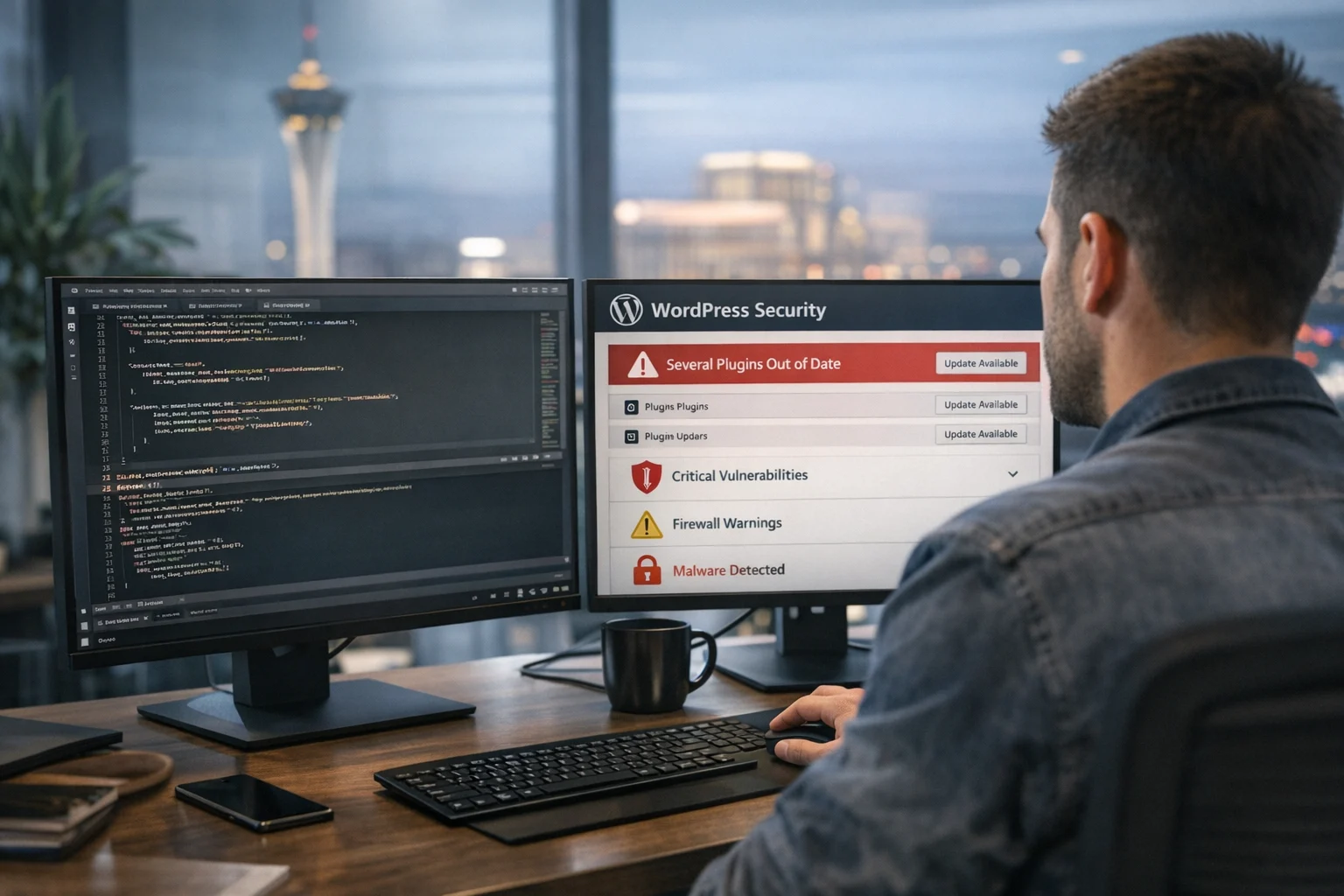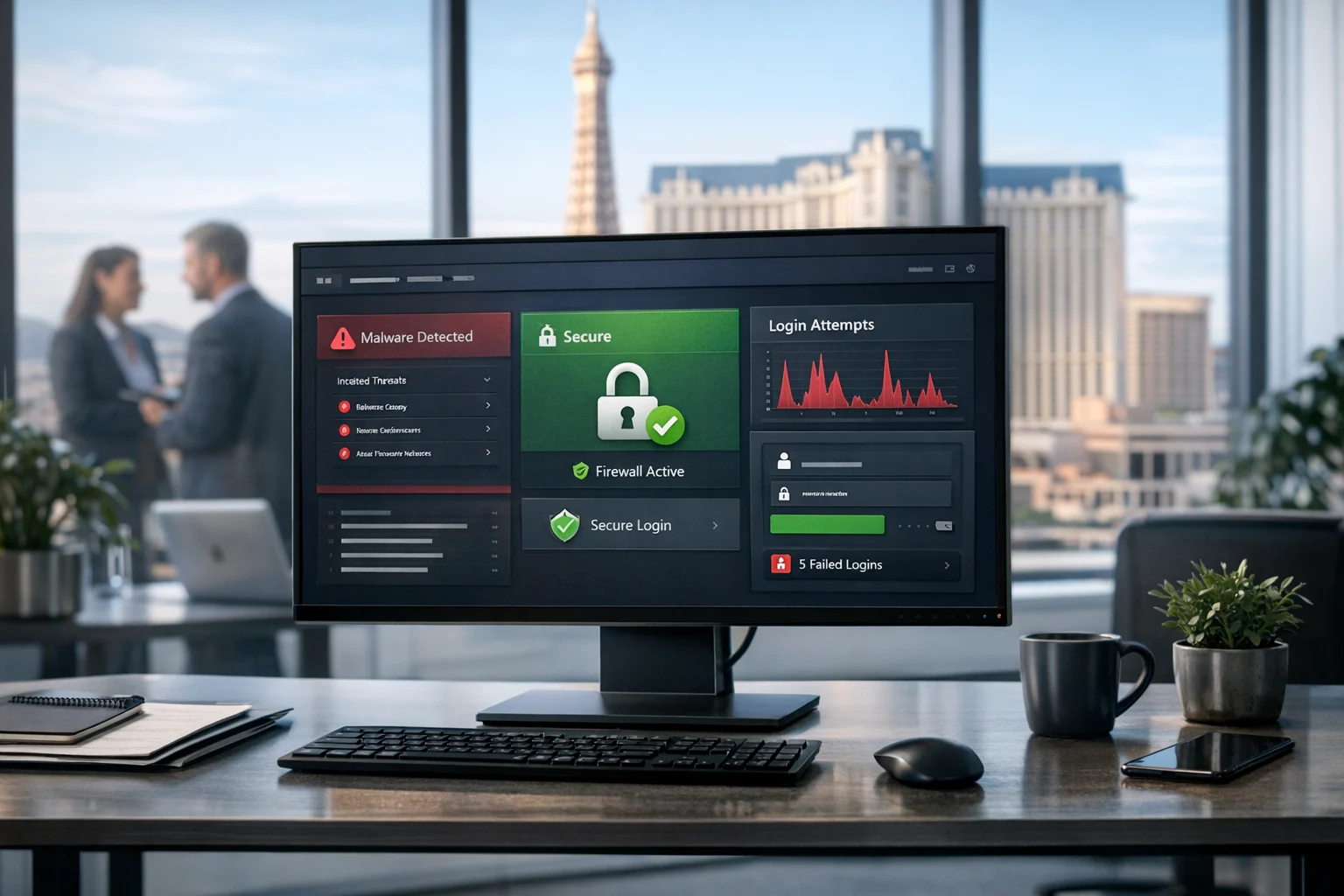
WordPress is still one of the most practical platforms for business websites. It is flexible, scalable, search friendly, and supported by a massive plugin ecosystem. That same popularity also makes it one of the most targeted content management systems on the internet. When a business owner says their website was hacked, the root cause is often not exotic. It is usually a familiar weakness that went unpatched, unnoticed, or underestimated.
For business owners, marketing managers, and decision makers, the real issue is not just technical. A hacked WordPress site can interrupt lead flow, damage trust, inject spam pages into Google, tank local visibility, and create expensive cleanup work. You can invest in custom web design, technical SEO, backlink building services, and social media marketing, but if the website itself is vulnerable, those growth efforts can be undermined fast.
At SiteLiftMedia, we work with companies nationwide and with many organizations that care deeply about visibility in Nevada, especially competitive markets like Las Vegas. Whether you are running a service business, a multi location brand, a medical practice, or a hospitality company, understanding the most common WordPress vulnerabilities is a smart first step toward stronger business website security.
Why WordPress Sites Get Targeted So Often
Most WordPress attacks are not personal. They are automated. Bots scan the web looking for outdated plugins, weak passwords, exposed login pages, insecure hosting setups, and known file paths. If your website matches a known pattern, it can become a target without anyone specifically choosing your brand.
That matters because many businesses assume they are too small to be attacked. In reality, smaller sites are often easier to exploit because security discipline is lighter. A local company in Las Vegas may think attackers only care about banks or big ecommerce brands. In practice, a small business site can be used for spam, redirects, phishing, malware distribution, or even as part of a larger botnet. That still damages your reputation, your rankings, and your customers.
1. Outdated WordPress Core, Plugins, and Themes
This is the most common cause of WordPress compromises. The WordPress core platform, plugins, and themes all receive updates for a reason. Those updates often include fixes for publicly known vulnerabilities. Once a weakness is disclosed, attackers move quickly to scan websites that have not yet updated.
Common scenarios include:
- A plugin that allows unauthorized file uploads
- A theme with insecure AJAX functions
- An old WordPress version with known privilege escalation issues
- A form plugin that fails to properly sanitize user input
If your business website is running outdated software, you may be exposed even if everything appears normal on the front end. Many hacked sites continue looking fine while attackers quietly create admin users, plant backdoors, or inject SEO spam into hidden pages.
This is why disciplined patching matters. SiteLiftMedia often sees businesses treat updates as optional until something breaks. The better approach is scheduled, tested, and monitored updates as part of ongoing website maintenance. If you want a deeper look at that process, this article on why patch management matters for website security explains why delayed updates create avoidable risk.
2. Weak Passwords and Poor Login Security
Weak credentials are still one of the easiest ways into a WordPress site. Passwords like admin123, CompanyName2024, or reused passwords from old employee accounts create a predictable attack path. Bots constantly attempt brute force logins against WordPress admin pages, and without strong controls, they eventually succeed.
Here is where businesses get into trouble:
- Shared logins used by multiple employees or vendors
- No multi factor authentication for administrators
- Default usernames such as admin
- No limit on failed login attempts
- Passwords stored in insecure spreadsheets or email threads
Strong password policies are not enough by themselves. You also want two factor authentication, role based access, login monitoring, and protection against brute force traffic. For companies with active marketing teams, sales teams, and outside contractors, access control should be part of a larger cybersecurity services plan, not an afterthought.
3. Vulnerable or Abandoned Plugins
Not all plugins are equal. Some are well maintained, professionally coded, and regularly tested. Others are abandoned, bloated, or poorly reviewed. A plugin can look harmless and still expose your site to serious risk through insecure database queries, remote code execution flaws, or insufficient authorization checks.
Businesses often install too many plugins because it feels efficient in the moment. Need a popup, slider, analytics overlay, form enhancement, chat widget, review carousel, or SEO helper? There is a plugin for all of it. The problem is that each added plugin expands the attack surface.
High risk plugin patterns include:
- Plugins that have not been updated in a long time
- Plugins downloaded from unofficial sources
- Tools with poor support history or low trust signals
- Plugins with more features than your website actually needs
- Duplicate plugins that perform similar tasks
One overlooked issue is the use of nulled or pirated premium themes and plugins. These files are notorious for hidden malware, unauthorized code, and backdoor access. The short term savings are rarely worth the cleanup costs.
For many businesses, a safer strategy is to reduce plugin dependence and use a cleaner site architecture. If your company is planning a website refresh, custom web design often gives you tighter control, better performance, and fewer third party security risks than stacking plugin after plugin.
4. Insecure Themes and Poorly Coded Customizations
WordPress themes are not just visual layers. They contain executable code. A poorly built theme or a rushed customization can introduce serious vulnerabilities, especially when developers skip proper escaping, validation, or permission checks.
This is especially common on sites that have changed hands over the years. A business launches with one developer, adds another freelancer later, then has a marketing team make quick edits, and eventually no one fully understands how the site is wired together. That patchwork environment creates blind spots.
Warning signs include:
- Theme files edited directly on the live server
- No staging environment for testing
- Custom code snippets copied from random forums
- Unused theme files left behind after redesigns
- Old child themes with unsupported functionality
If your website plays a major role in lead generation, this is where professional oversight matters. A serious web design Las Vegas partner should think about security, maintainability, and performance together, not just aesthetics. Good design without secure engineering is not enough.
5. Poor Hosting Configuration and Weak Server Security
Sometimes WordPress is not the only issue. The server environment matters just as much. Weak hosting setups can expose websites even when WordPress itself is mostly current. Poor file permissions, outdated PHP versions, missing malware scanning, and insecure database access are all common contributors to compromises.
Examples of server side weaknesses include:
- Outdated PHP or database software
- Improper file and folder permissions
- No web application firewall
- Disabled or incomplete backups
- Exposed staging sites or subdomains
- No malware monitoring or integrity checks
- Insecure admin panels and unmanaged hosting accounts
This is where system administration and server hardening become business critical. Many website problems that look like marketing issues are really infrastructure issues. A hacked website may become slow, unstable, or prone to downtime because malicious scripts are consuming server resources in the background.
If your site has unexplained lag, timeouts, or spikes in resource usage, it is worth investigating both performance and security. SiteLiftMedia regularly helps businesses diagnose hosting and application issues together. This guide on how to troubleshoot slow server response times on busy websites is a useful companion when performance problems may be hiding deeper risks.
6. Exposed Login Pages, XML RPC Abuse, and Brute Force Attacks
Many WordPress sites leave their login surfaces too exposed. The default admin URL is predictable, and attackers know exactly where to aim. While changing the login URL is not a complete defense, it can reduce automated noise when combined with stronger controls.
XML RPC is another common entry point. While it has legitimate uses, it can also be abused for brute force attacks or amplification activity if not properly restricted. Not every site needs it enabled.
Good protection usually includes:
- Multi factor authentication for admin users
- Rate limiting and bot filtering
- IP reputation and firewall rules
- Restricted admin access by role or IP where practical
- Reviewing whether XML RPC should be disabled or limited
For companies investing heavily in Las Vegas SEO, local SEO Las Vegas campaigns, or paid media, login surface security deserves more attention than it usually gets. A simple brute force compromise can undo months of growth if your site starts serving malware or redirecting visitors.
7. Poor User Role Management and Orphaned Accounts
Access sprawl is a quiet but serious risk. WordPress sites often accumulate users over time: old employees, former interns, outside agencies, freelance designers, temporary developers, and plugin support accounts. If those accounts are never audited, they become easy footholds.
Common mistakes include:
- Giving administrator access to users who only need editor access
- Leaving accounts active after staff changes
- Allowing shared credentials instead of individual logins
- Ignoring failed login patterns for dormant accounts
- Never reviewing user permissions after growth or restructuring
Least privilege should be the standard. People should only have the access they truly need. This is especially important during annual planning, Q1 growth strategies, rebrands, and website refresh projects, when more people tend to touch the site.
8. Missing Security Monitoring, Backups, and Incident Response
Some websites are not hacked because of one dramatic flaw. They are hacked because no one is watching. Without file change monitoring, malware scanning, activity logs, and tested backups, a compromise can sit undetected for weeks.
That delay makes everything worse. Attackers get more time to spread malware, create hidden users, alter forms, or inject pages targeting search terms you would never knowingly publish. For local businesses, this can be devastating. If your site starts generating spam URLs, Google may flag the domain, reduce trust, or show warning messages that hurt conversions.
From a business standpoint, monitoring is not just an IT function. It protects revenue. Strong website maintenance should include:
- Automated offsite backups
- Malware and integrity scanning
- Uptime monitoring
- Login and user activity logs
- Routine update reviews
- Recovery testing, not just backup creation
An SEO company Las Vegas businesses trust should also understand this overlap. Security issues affect technical SEO, crawl health, indexing, and user trust. If you are cleaning up after a compromise, it often makes sense to pair security remediation with smart on page SEO improvements so the site can recover faster once it is stable.
9. SEO Spam, Redirect Malware, and Hidden Backdoors
Not every hacked site gets defaced. In fact, many compromises are designed to stay invisible to the business owner while exploiting the site for search or traffic manipulation. Attackers may inject spam content into hidden folders, create cloaked pages for pharmaceutical or gambling terms, or redirect mobile users to malicious destinations.
This kind of infection is especially damaging because it can quietly poison your brand while you keep paying for traffic. Your campaigns may still run, but users land on untrustworthy pages, analytics data becomes distorted, and rankings may slide. Local businesses in Nevada can see hard earned visibility disappear from both organic results and map driven discovery.
Common indicators include:
- Sudden indexing of strange pages in Google
- Unexplained redirects on mobile or from specific locations
- Security warnings in Search Console
- Sharp drops in organic traffic or lead quality
- Unknown admin users or modified core files
If your company relies on local search, this has direct consequences. Strong local SEO Las Vegas performance depends on trust signals, clean technical foundations, and a stable user experience. Security problems break all three.
How to Reduce WordPress Risk Before You Get Hacked
The good news is that most common WordPress compromises are preventable. Businesses do not need fear based decision making. They need a repeatable security process. That process should be aligned with marketing, hosting, and operational goals rather than handled as a one time emergency task.
A practical hardening plan usually includes:
- Keep WordPress core, themes, and plugins updated on a schedule
- Remove unused plugins, themes, and inactive user accounts
- Use strong passwords and multi factor authentication
- Audit user roles and limit administrator access
- Choose reputable hosting with strong security controls
- Apply server hardening and file permission best practices
- Use a firewall and malware scanning
- Back up the site automatically and test restores regularly
- Review logs and monitor for file changes or unusual activity
- Conduct periodic penetration testing for higher risk or higher value sites
For some businesses, especially those in regulated industries or competitive markets, this should extend into a larger cybersecurity services strategy. If your website supports sales, appointments, ecommerce, or lead generation, security should sit alongside SEO, design, and advertising in your budget planning.
When to Bring in Professional Help
If you are already seeing suspicious behavior, the worst move is usually to ignore it or keep stacking quick fixes. A hacked WordPress site often needs more than a plugin scan. It may require forensic review, malware removal, credential resets, database inspection, server review, and post incident hardening.
You should consider agency or specialist help if:
- Your site has been blacklisted or flagged by Google
- Traffic has dropped sharply without a clear SEO explanation
- Unknown pages or redirects appear in search results
- The host keeps suspending your account
- You have recurring reinfections after cleanup
- You do not know whether the compromise was isolated or server wide
SiteLiftMedia helps businesses approach this holistically. That means not only cleanup, but also prevention, website maintenance, system administration, server hardening, technical SEO recovery, and strategic improvements that support long term growth. For companies in Las Vegas, that often means protecting both lead generation and local search visibility at the same time. For nationwide brands, it means creating a stable platform that marketing can trust.
Protect the Website That Protects Your Revenue
A WordPress website does not get hacked because WordPress is automatically unsafe. It gets hacked when routine security fundamentals are neglected. Outdated software, weak login security, risky plugins, poor hosting practices, and missing monitoring are the vulnerabilities that show up again and again.
If your business depends on its website for credibility, leads, or search performance, treating security as optional is expensive. Whether you need a security review, website maintenance, penetration testing support, cleanup after a compromise, or a more resilient web design Las Vegas strategy, SiteLiftMedia can help. We support businesses in Las Vegas and across the country with practical business website security that strengthens performance instead of slowing growth.
If you want a team that understands cybersecurity, technical SEO, and revenue driven digital strategy together, contact SiteLiftMedia to assess your WordPress risk, harden your environment, and keep your site working the way your business needs it to.
Photo Gallery