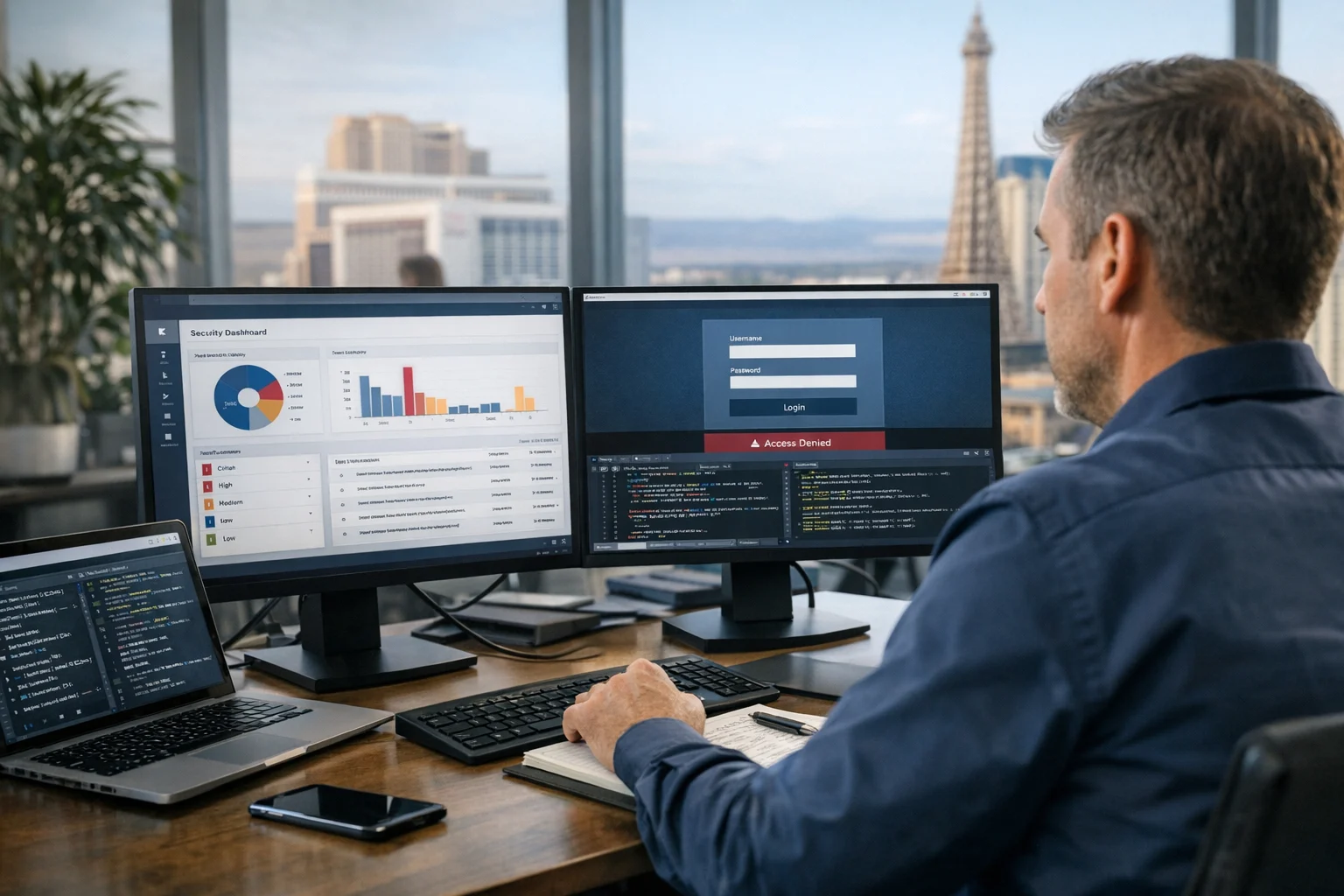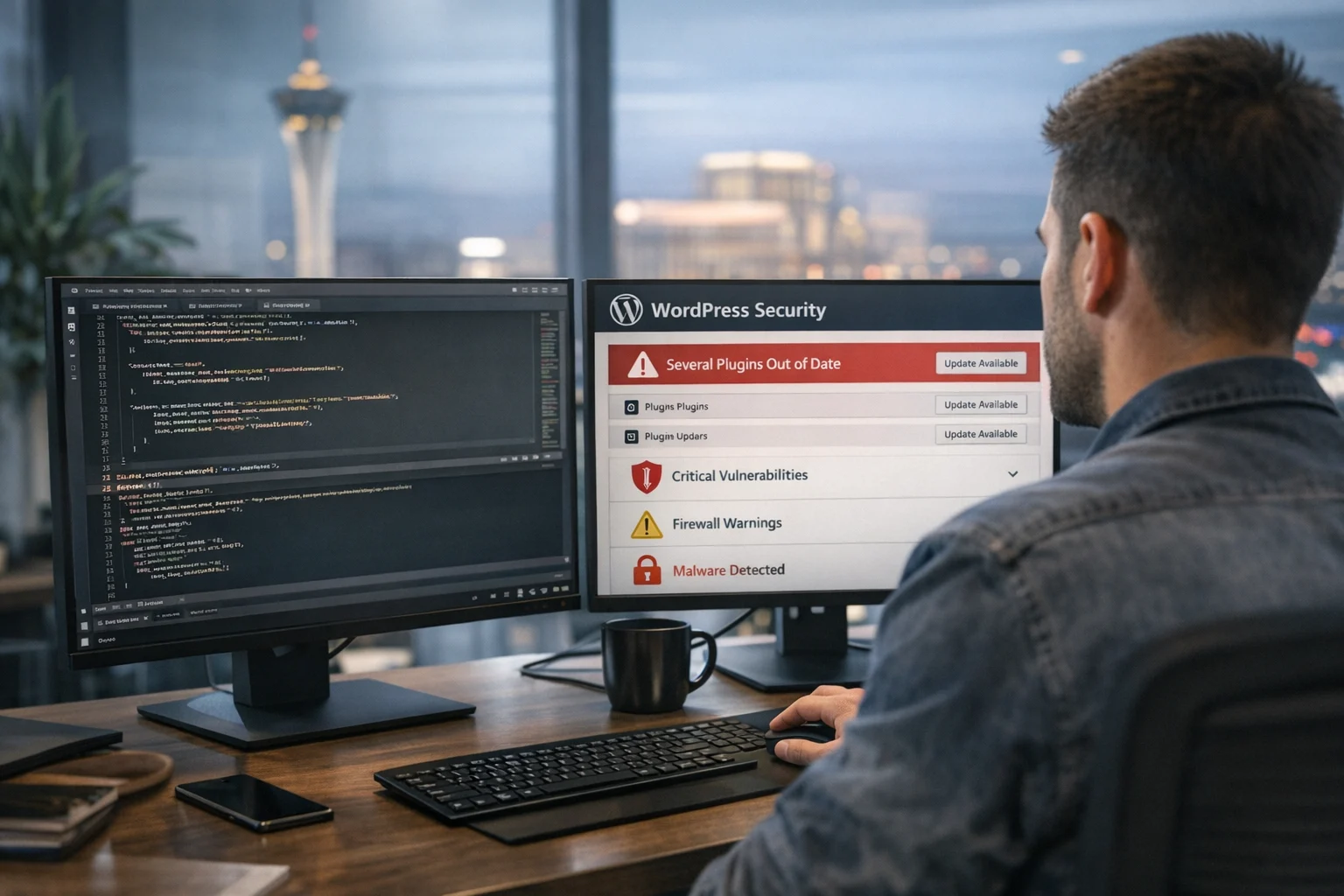
WordPress is flexible for a reason. Plugins make it easy to add forms, ecommerce features, booking tools, SEO functions, chat, security layers, and custom workflows without rebuilding a site from scratch. That convenience is also where many business websites become vulnerable.
An outdated plugin is not a minor maintenance issue. It can become the easiest path into your website, customer data, admin accounts, and sometimes even your hosting environment. We’ve seen companies invest months into content, paid traffic, Las Vegas SEO campaigns, custom web design, and conversion improvements, only to have the site compromised because a plugin was left untouched for too long.
For business owners and marketing managers, this matters more than ever. WordPress attacks are now highly automated. Bots do not care whether you run a national brand, a local service company in Nevada, or a growing ecommerce store with a strong local SEO Las Vegas strategy. If a plugin vulnerability is public and your site is exposed, your website can be scanned and targeted within hours.
At SiteLiftMedia, we work with businesses that rely on their websites for leads, search visibility, and day to day operations. Many come to us because the site feels slow, rankings are unstable, or forms have started acting strangely. Once we dig in, outdated plugins are often part of the problem. Sometimes they are the entire problem.
Why outdated plugins are such a serious security risk
Plugins live inside the core environment of your WordPress site. They often have access to your database, file system, user roles, forms, payment paths, media library, and front end output. When a vulnerability exists in one of those plugins, an attacker may be able to upload malware, inject spam, create admin users, redirect traffic, steal data, or run code on the server.
The risk gets much higher when businesses treat plugin updates like optional housekeeping. They are not optional. Every month, new plugin vulnerabilities are disclosed publicly. Once that happens, attackers move fast and build scripts to scan the web for sites still using the affected version. The moment a vulnerability becomes known, the clock starts ticking.
A common mistake is assuming that if the site still looks normal, it must still be safe. Real compromises rarely work that way. Many hacked sites keep functioning at first. The homepage may load fine. Leads may still come in. Meanwhile, hidden code can be sending spam, injecting SEO junk pages, placing backdoors in directories, or silently redirecting mobile users.
If you want a broader view of the patterns behind these issues, this breakdown of common WordPress vulnerabilities that get sites hacked is a useful companion read.
How attackers actually exploit old plugin versions
Not every outdated plugin leads to a breach, but the most dangerous cases usually fall into a few predictable categories.
Known vulnerabilities with published exploit paths
Once a plugin developer releases a patch, security researchers and attackers can compare the old and new code to see what changed. That often exposes the weakness directly. If your site stays on the old version, you are effectively signaling that the door is still open.
Abandoned plugins with no future security support
Some plugins have not been updated in a year or more. Others are quietly removed from the WordPress repository. Businesses often leave them installed because the feature still works. That is risky. A plugin can keep functioning while being completely unsafe. If no active developer is maintaining it, your business website security is running on luck.
Poorly coded premium plugins and bundled theme tools
This is common on older sites built from marketplace themes. The site may include page builders, sliders, popups, form tools, and visual add-ons that were bundled years ago. Nobody knows which license controls them. Nobody updates them. Many of those tools eventually become compatibility and security liabilities.
Privilege escalation and account takeover
Some plugin flaws allow low level users to gain higher permissions. Others expose password reset functions, admin AJAX endpoints, or weak authentication logic. Once an attacker gets admin access, the damage can spread quickly.
File upload and remote code execution flaws
These are some of the most dangerous issues because they can let an attacker place malicious files on the server and run them. That is when a simple plugin problem turns into a full compromise.
Patch timing matters. A delay of a few weeks can be enough to turn a manageable maintenance task into a cleanup project. Site owners who want a deeper look at the operational side should read why patch management matters for website security.
The business damage goes far beyond a hacked homepage
When people picture a hacked website, they often imagine a defaced homepage with an obvious message across it. In reality, the most expensive WordPress compromises are usually much quieter.
Here’s what outdated plugins can lead to for a real business:
- Lead loss: contact forms stop working, emails fail, or users get redirected before they convert.
- SEO damage: spam pages get indexed, search listings show malware warnings, rankings collapse, and branded search trust drops.
- Ad performance problems: paid landing pages get flagged, quality scores suffer, and conversion tracking breaks.
- Reputation issues: visitors see browser warnings, phishing pages, fake product pages, or suspicious redirects.
- Data exposure: customer records, order data, or user details may be accessible depending on the plugin involved.
- Downtime and cleanup costs: restoring a compromised site usually costs far more than maintaining it properly would have.
For businesses investing in technical SEO, backlink building services, social media marketing, and high intent landing pages, one compromised plugin can undo months of growth work. Website maintenance should never be treated as separate from marketing performance. Security and growth are tied together.
Why this matters even more for Las Vegas businesses
Las Vegas is one of those markets where websites have to work hard. Law firms, medical providers, contractors, restaurants, real estate teams, hospitality brands, ecommerce businesses, and service companies all rely on their sites to capture demand quickly. If you are competing in a crowded space and targeting terms tied to Las Vegas SEO, web design Las Vegas, or local SEO Las Vegas, you cannot afford a security event that disrupts crawlability, performance, or user trust.
We’ve seen businesses in the Las Vegas area lose visibility not because their content strategy was weak, but because the technical foundation underneath it had been neglected. Malware injections can create index bloat. Redirect scripts can confuse search engines. Plugin conflicts can tank Core Web Vitals. Once a site starts behaving unpredictably, search presence and conversion rates often decline together.
That is one reason companies looking for an SEO company Las Vegas or a web design Las Vegas partner should ask security questions early, not as an afterthought. If the agency only talks about rankings and traffic but ignores update policies, plugin audits, server hardening, and long term website maintenance, you may be building growth on unstable ground.
Signs your WordPress plugin stack may already be a problem
Plenty of businesses do not realize there is an issue until something breaks. These are the warning signs we take seriously during audits:
- Plugins that haven’t been updated in 6 to 12 months
- Multiple plugins doing similar jobs
- Inactive plugins left installed on the site
- Premium plugins with expired licenses
- Plugins bundled into an old theme and never independently maintained
- Admin notices that are ignored because updates might break the site
- Unexplained slowdowns in admin or front end performance
- Strange user accounts, database growth, or file changes
- Security plugins reporting repeated issues with the same component
- A site no one wants to touch because past edits caused damage
That last one is common. A website becomes so patched together over the years that nobody wants to update anything. At that point, plugin sprawl is usually hurting both performance and security. If that sounds familiar, this article on why many WordPress sites need cleanup before they perform will probably hit home.
Outdated plugins also create SEO and performance problems
Security is the headline risk, but it is not the only one. Old plugins regularly create technical issues that drag down search visibility and conversion rates.
We see this in several ways:
- Bloated scripts and styles loading sitewide
- Broken schema or conflicting metadata output
- Slow admin performance that delays publishing and campaign work
- JavaScript conflicts that break forms, menus, filters, or checkout
- Excessive database queries that increase page load time
- Legacy plugin output that creates crawl waste or duplicate content
That means outdated plugins are not just a cybersecurity services issue. They affect technical SEO, user experience, and revenue. A business might think it needs more traffic, more paid media, or more backlink building services when the real problem is a fragile website stack that cannot support growth cleanly.
At SiteLiftMedia, this is why our audits often connect web design, SEO, app development, system administration, and security hardening instead of treating them as separate silos. A website that is secure, lean, and properly maintained performs better across the board.
Why businesses delay plugin updates, and why that backfires
Most site owners do not ignore updates because they are careless. They delay them because they have valid concerns.
- The site was custom built and nobody wants to break it
- The original developer is gone
- There is no staging environment
- Old plugins are tied to revenue generating functionality
- Marketing teams are focused on campaigns, not maintenance
- IT assumes the website vendor handles it, and the website vendor assumes someone else does
Those are real operational issues, but they do not reduce the risk. They increase it. When plugin maintenance depends on hope, websites age into a dangerous state. Eventually, one forced update, one hosting change, or one public vulnerability pushes the whole thing over the edge.
This is where process matters more than guesswork. A proper update workflow includes plugin inventory, version tracking, compatibility review, staging tests, backup verification, rollback planning, and active monitoring after deployment. That sounds like a lot because it is. It is still far less expensive than incident response after a breach.
What a safer WordPress maintenance process looks like
If your business depends on WordPress, plugin security needs to be part of a larger maintenance discipline. The best setups usually include:
Regular plugin audits
Every plugin should justify its existence. If two plugins overlap, remove one. If a plugin is abandoned, replace it. If a feature is mission critical, make sure it is supported by an actively maintained tool.
Staging before production updates
Updates should be tested in a controlled environment first, especially on older or high traffic sites. This lowers the fear that keeps businesses from patching in the first place.
Daily backups with restore testing
Backups are only useful if they can actually be restored. We still see businesses paying for backup systems they have never tested.
Security monitoring and vulnerability awareness
You need visibility into plugin issues as they emerge. That means monitoring known vulnerabilities, not just waiting for WordPress to show an update badge.
Least privilege and access control
Not every user needs admin access. Not every plugin needs broad permissions. Tightening roles and login policies reduces the blast radius if something goes wrong.
Server and hosting hardening
Business website security is not only about WordPress itself. Hosting configuration, WAF setup, file permissions, malware scanning, CDN rules, and server hardening all matter. This is where experienced system administration support becomes valuable.
If you are actively improving defenses, this guide on how to harden WordPress against brute force and plugin attacks pairs well with plugin cleanup work.
When updating is enough, and when you should replace or rebuild
Not every plugin issue requires a full rebuild. Sometimes the fix is simple: update the plugin, test the site, remove unused add-ons, and move forward with a cleaner maintenance process.
Other times, updating is not enough because the whole site has drifted too far from a stable baseline. Here are situations where replacement or a broader website refresh project makes more sense:
- The site relies on abandoned plugins with no safe upgrade path
- Theme functions are heavily tied to old plugin versions
- Admin performance is poor and plugin conflicts are constant
- There are signs of prior compromise or hidden file changes
- Critical pages are hard to edit without breaking layout or functionality
- The business is planning Q1 growth strategies and needs a reliable platform for SEO, ads, and lead generation
That is often the point where custom web design becomes a smarter investment than endless patching. A cleaner build reduces attack surface, improves speed, simplifies website maintenance, and gives your marketing team room to move. It also makes future SEO, content publishing, and campaign landing page creation much easier.
What SiteLiftMedia looks at during a WordPress security review
When SiteLiftMedia reviews a WordPress site, we do not stop at a plugin update list. We look at the larger system because serious issues rarely live in isolation.
- Plugin age, source, support status, and known vulnerability history
- Theme dependencies and bundled components
- User roles, authentication setup, and suspicious accounts
- File integrity, upload paths, and unauthorized code patterns
- Hosting configuration, PHP versions, and database exposure
- Performance bottlenecks tied to plugin bloat
- Indexation problems, spam pages, and technical SEO side effects
- Backup reliability and incident recovery readiness
For some clients, the right answer is an immediate cleanup. For others, it is a phased maintenance plan tied to annual planning, redesign timing, or a broader cybersecurity services engagement. In higher risk cases, we may recommend deeper validation work such as penetration testing, malware forensics, or infrastructure level changes involving system administration and server hardening.
This is especially useful for businesses in Las Vegas that are running active campaigns and cannot afford website instability during busy seasons, promotions, or high intent local search pushes.
What decision makers should ask before hiring a website or SEO partner
If you are vetting an agency for web design, SEO, or ongoing support, ask practical security questions up front:
- How do you handle plugin updates and testing?
- Do you maintain a staging environment?
- How do you identify abandoned or vulnerable plugins?
- What is your rollback plan if an update breaks the site?
- Do you provide website maintenance as an ongoing service?
- Can you coordinate with hosting, IT, or internal teams on security issues?
- How do you protect SEO performance during security cleanup or redesign work?
Those questions matter whether you are a local company looking for an SEO company Las Vegas, a regional brand investing in web design Las Vegas support, or a national business trying to stabilize a WordPress site before growth campaigns ramp up.
If your site runs on outdated plugins and nobody is fully owning the risk, now is the time to address it. SiteLiftMedia helps businesses clean up WordPress environments, reduce security exposure, protect search visibility, and build a safer foundation for growth. If you want a practical audit instead of vague advice, contact SiteLiftMedia and we’ll show you where the real risks are hiding.
Photo Gallery