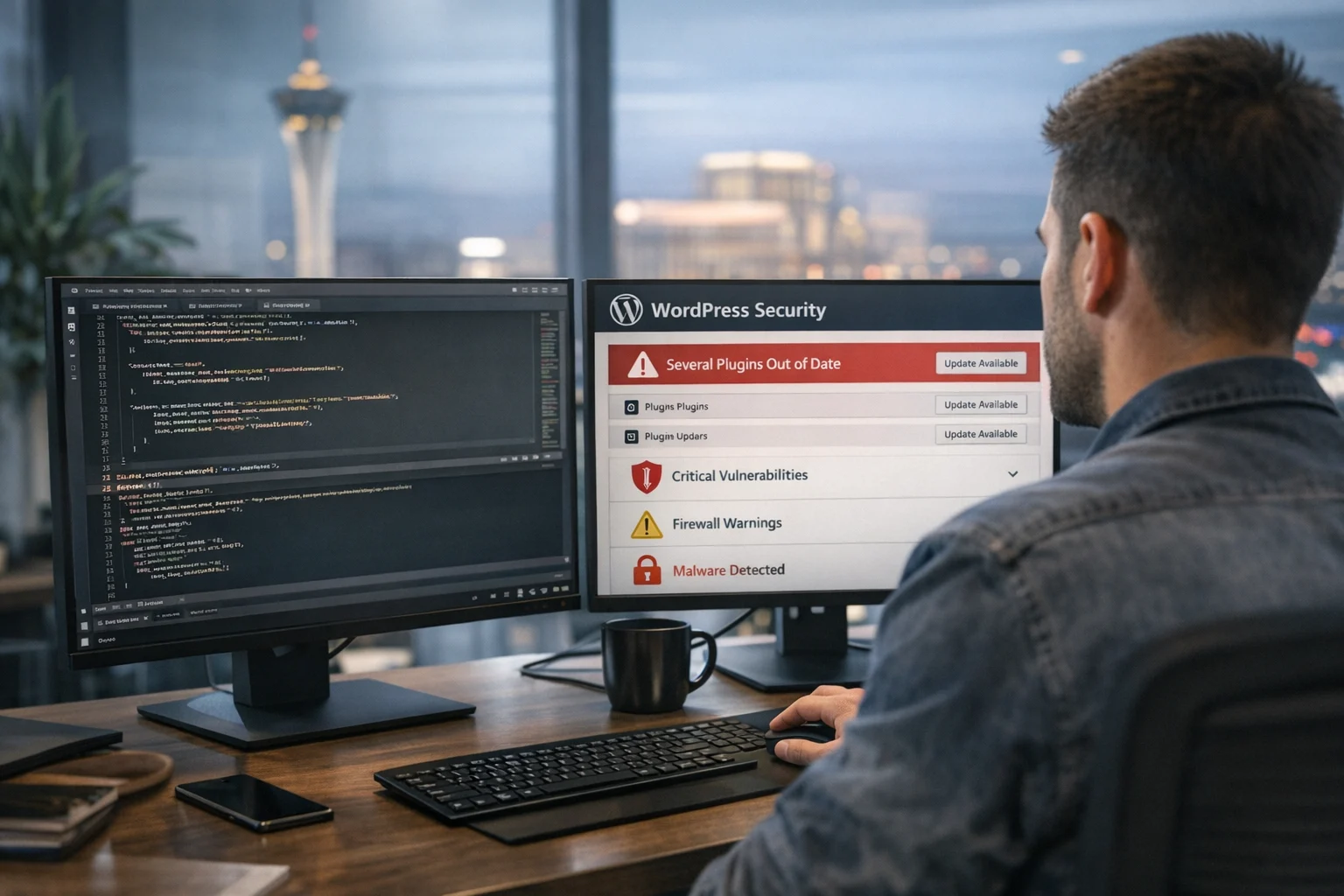
If your website is public, it is exposed. That may sound obvious, but many business owners still treat security like something to worry about only after a site gets hacked. Zero day attacks change that. They target flaws that are unknown to the vendor, unpatched, or not yet widely defended, so waiting for a routine update cycle is not enough.
For businesses that rely on their website for leads, sales, bookings, applications, or customer trust, a zero day event can quickly become a marketing problem, a revenue problem, and a brand problem. We have seen this affect ecommerce stores, law firms, healthcare groups, home service companies, hospitality brands, and fast-growing local businesses that invested heavily in Las Vegas SEO or paid campaigns, only to have the site itself become the weak point.
At SiteLiftMedia, we treat website security as part of business continuity. A public-facing website has to be fast, stable, search-friendly, and resilient under pressure. Reducing zero day risk is not about pretending you can predict every new exploit. It is about building an environment that is harder to abuse, easier to monitor, and faster to recover when something unexpected appears.
Why zero day attacks worry website owners so much
A known vulnerability is bad enough, but at least there is usually a patch, a public advisory, or a clear mitigation path. Zero day threats are different because defenders often start behind. Attackers may already have working exploit code while site owners are still assuming their platform is safe.
Public-facing websites are especially attractive targets because they are easy to find, often lightly monitored, and directly tied to business value. If an attacker can inject malware, redirect traffic, create spam pages, steal credentials, skim payments, or gain a foothold in the hosting environment, the damage moves far beyond security. Rankings drop. Leads stop. Ad budgets burn on broken landing pages. Customer confidence takes a hit.
That is why business website security cannot be treated as a technical afterthought. It belongs alongside website maintenance, system administration, SEO, and growth planning.
Where public-facing websites are most exposed
CMS platforms, plugins, and themes
Most business websites run on content management systems because they are flexible and cost-effective. That works fine until the stack gets bloated. Old plugins, abandoned themes, poorly coded add-ons, and overprivileged admin accounts create a long list of entry points. WordPress is the most obvious example because of its market share. If your site depends on a plugin-heavy setup, it is worth reviewing these common WordPress vulnerabilities before the next redesign or maintenance cycle.
The risk is not limited to WordPress. Magento, Drupal, Joomla, custom PHP systems, headless builds, and even modern JavaScript frontends can expose admin interfaces, APIs, or deployment secrets in ways that make exploitation easier.
Server stack and hosting layer
We regularly find public sites running services that do not need to be exposed, default server settings that were never hardened, and admin tools accessible from anywhere on the internet. Apache, Nginx, PHP, Node, database services, container panels, and control interfaces all need careful configuration. A zero day in one component becomes much more dangerous when the surrounding environment is loose.
Third-party scripts and integrations
Tag managers, chat widgets, analytics tools, booking engines, payment components, CRMs, and embedded forms all expand the attack surface. Marketers love convenience, but every outside dependency introduces trust you do not fully control. One compromised vendor or poorly secured API can create a path into your public site or expose customer data.
What reducing risk actually means
You cannot promise that a public website will never be affected by a zero day. Anyone who says otherwise is selling fantasy. What you can do is reduce the chances of successful exploitation and limit the impact if something slips through.
- Reduce attack surface so there is less exposed code, fewer services, and fewer admin paths to target.
- Slow attackers down with layers like a web application firewall, access controls, and rate limiting.
- Detect abnormal behavior early through logging, alerting, integrity monitoring, and uptime checks.
- Recover fast with clean backups, rollback procedures, and a tested response plan.
That mix matters more than any single product claim. In practice, strong security comes from disciplined operations.
Practical ways to reduce zero day risk on public websites
Keep a live inventory and patch everything that can be patched
The first question during an incident is usually simple: what are we running? If nobody can answer that quickly, the problem gets expensive. Maintain an accurate inventory of your CMS version, plugins, themes, server packages, runtime versions, third-party integrations, DNS provider, CDN, certificates, and all admin endpoints.
Even though a zero day may not have a fix on day one, a strong patch program still matters because attackers often chain new flaws with old ones. We often find sites compromised through a combination of one fresh exploit and several stale weaknesses that should have been cleaned up months earlier. If patch discipline is inconsistent, start with a documented process and review why patch management matters for website security.
Businesses planning Q1 growth strategies, new landing pages, or a website refresh project should build patching into the budget from the start. Security does not hold growth back. Deferred maintenance does.
Reduce what is publicly reachable
Many websites expose far more than they need to. This is one of the easiest fixes with the biggest payoff. Admin areas should not always be visible to the open internet. Staging sites should not sit on public URLs with weak passwords. XML-RPC, unused APIs, development tools, preview environments, and old microsites should not linger after launch.
- Restrict admin panels by IP where practical
- Put sensitive dashboards behind VPN or identity-aware access
- Disable unused plugins, services, modules, and endpoints
- Remove old subdomains and retired campaign pages
- Close unused ports and block direct database exposure
This is where good system administration pays off. The goal is simple: if a service does not need to be public, it should not be public.
Put a web application firewall and CDN in front of the site
A managed WAF is not magic, but it gives you time. When a new exploit starts circulating, quality WAF providers often release virtual protections before many site owners can deploy deeper fixes. That can block common exploit patterns, bad bots, malicious payloads, credential stuffing, and obvious reconnaissance traffic.
For public-facing business sites, especially high-traffic campaigns or ecommerce stores, a CDN plus WAF layer also improves performance and absorbs noise. That matters for uptime and for SEO. Search engines do not reward unstable websites. Customers do not either, especially in a competitive market like Las Vegas.
If you are investing in technical SEO, backlink building services, paid media, or social media marketing, a WAF helps protect the return on that spend. There is no upside in sending expensive traffic to a site that can be taken down by preventable abuse.
Harden the server and runtime environment
When zero day attacks succeed, weak server configuration often turns a limited flaw into a full compromise. Server hardening reduces that blast radius. Strip the box down to what the site actually needs. Run services with least privilege. Separate workloads where possible. Keep file permissions tight. Disable dangerous functions and unnecessary modules. Lock down shell access. Rotate credentials. Enforce strong TLS settings. Set security headers. Watch outbound connections, not just inbound traffic.
For sites running on Apache or Nginx, secure configuration is a big part of the job. If that layer has not been reviewed recently, this guide on how to secure Apache and Nginx for business websites is a useful place to start.
We also recommend separating web, database, and backup functions whenever possible. A flat environment is easy to manage until one compromise gives an attacker access to everything.
Protect admin access like it matters
Attackers love admin panels because one stolen login can bypass a lot of defenses. Every public site should have strong access controls for CMS users, hosting, DNS, CDN, code repositories, and analytics tools.
- Require multi-factor authentication everywhere it is supported
- Use unique credentials stored in a password manager
- Remove old accounts immediately when staff or vendors change
- Grant the minimum permission level needed for each role
- Separate publishing access from server-level access
- Log and review authentication activity
This sounds basic, but it gets missed all the time. During incident work, we often find shared logins, recycled passwords, and dormant vendor accounts that no one remembered existed.
Monitor for changes, not just downtime
Most businesses know if their site goes offline. Fewer know when malicious files appear, redirects are added, new admin users get created, or pages start generating spam content in the background. Zero day exploitation often shows up as subtle change before it becomes obvious damage.
Useful monitoring includes file integrity checks, log aggregation, failed login alerts, unusual process activity, configuration change alerts, uptime monitoring, performance anomalies, and notifications for DNS or certificate changes. For higher-value environments, a lightweight SIEM or managed security monitoring setup makes sense.
If a company calls us after rankings tank, we do not only check SEO. We look for signs of compromise, cloaked pages, injected links, and malicious redirects. Search visibility and security are connected more often than people realize.
Back up for recovery, not for appearances
Backups are only useful if they are clean, isolated, recent enough, and restorable under pressure. Many teams assume they are covered because their host says backups exist. Then an incident happens and they learn the backups were on the same account, untested, or already contaminated.
A stronger backup strategy includes offsite storage, retention points that go back far enough to predate the compromise, access control around backup systems, and regular restore tests. If your business depends on bookings, lead forms, or transactions, define recovery time and recovery point targets before you need them.
That conversation matters even more for companies running busy local campaigns. A Las Vegas restaurant group, med spa, contractor, or law firm does not just lose website traffic during a prolonged incident. They lose calls, form fills, map visibility, and trust.
Build custom code and deployments with rollback in mind
Custom web design and app development can reduce plugin bloat, but custom code still needs discipline. The right setup includes version control, protected branches, code review, secrets management, dependency scanning, separate environments, and a one-click rollback path when a release goes bad.
We prefer deployment processes that assume mistakes will happen. That mindset also helps with zero day events. If you can quickly disable a vulnerable feature, revert a release, or isolate a service without taking the entire site down, you give yourself options.
For many businesses, this is the difference between a website that looks modern and a website that is truly production-ready. Good web design Las Vegas businesses rely on should include security planning, not just visual polish.
Control third-party risk before marketing tags get out of hand
Marketing stacks can get messy fast. One script for analytics, one for a CRM, one for chat, one for heatmaps, one for retargeting, one for reviews, one for a scheduler, and suddenly the site depends on a chain of external code no one is fully tracking. That creates performance issues and security exposure at the same time.
Review every external script and integration. Remove what is not pulling its weight. Use Content Security Policy where possible. Limit who can publish tags through your tag manager. Document which vendors process form data or inject code into the frontend. Make sure legal, marketing, and IT all know what is running.
This is one reason SiteLiftMedia tends to align technical SEO, website maintenance, and cybersecurity services together. The cleanest growth stacks are usually the safest ones.
Schedule penetration testing and incident drills
You cannot improve what you never test. Penetration testing helps uncover weak admin flows, exposed services, broken access control, insecure integrations, and unsafe deployment habits before attackers do. It is not only for enterprise environments. Mid-market companies, multi-location brands, and successful local businesses benefit from it too.
Alongside penetration testing, run simple incident drills. Who gets called first if a site starts redirecting? Who can put the site behind a maintenance page? Who can revoke API keys, lock logins, roll back code, and work with the hosting provider? If those answers live only in one employee's head, that is a risk on its own.
Why zero day defense belongs in SEO and growth planning
A compromised site hurts far more than IT. Organic rankings can slide when search engines detect hacked content, malware, spam URLs, or frequent downtime. Paid campaigns become less efficient when landing pages break. Sales teams stop trusting lead flow data. Customer service has to answer for problems they did not create.
That is why smart decision-makers now ask their SEO company Las Vegas prospects tougher questions. Can they support technical SEO without creating security debt? Do they understand website maintenance? Can they coordinate with hosting and system administration? Will they catch spam pages before they damage local SEO Las Vegas performance? If an agency only talks about rankings and never mentions risk, that is not a complete growth partner.
The same goes for redesigns. A website refresh, custom web design project, or new location rollout is the right time to audit plugins, tighten permissions, clean up old assets, and improve server hardening. You should not have to choose between better conversion design and stronger business website security.
What business owners and marketing managers should ask before signing off
If you are evaluating internal teams, freelancers, or agencies, ask direct questions:
- Who owns patching for the CMS, plugins, server packages, and integrations?
- Do we have a WAF and CDN configured correctly?
- Is multi-factor authentication enforced for every critical system?
- How are backups stored, and when was the last restore test?
- What monitoring alerts would tell us a compromise is happening?
- Which admin paths and services are publicly exposed today?
- Do we have a documented incident response plan?
- When was the last penetration test or hardening review?
Those questions cut through vague reassurance. They also reveal whether your provider is thinking like an operator or just a designer.
SiteLiftMedia works with businesses across the country, with a strong focus on Las Vegas companies that need their websites to perform under real commercial pressure. If your public-facing site supports lead generation, ecommerce, bookings, or local search growth, this is a smart time to review the stack before the next campaign launch. We can help with security hardening, website maintenance, system administration, technical SEO, and practical remediation work so you are not left reacting after the damage is already public. Reach out if you want a security review built for business use, not just a generic checklist.
Photo Gallery