Raspberry Pi projects are easy to get excited about. The hardware is affordable, the community is huge, and the ideas seem endless. One quick search will show people building everything from retro game consoles to network monitors, digital signs, camera systems, and lightweight servers. That variety is exactly what trips up beginners.
The hardest part usually is not setting up the board. It is choosing a first project that actually fits your experience, your patience, and what you want to get from it. I have seen plenty of beginners buy a Raspberry Pi, a case, a power supply, storage, adapters, and a few accessories before they ever answered the basic question: what is this project supposed to do for me?
For business owners, marketing managers, and decision makers, that question matters even more. A Raspberry Pi can be a smart, low cost way to test an idea before you invest in a larger rollout. It can help you prototype a kiosk, create a simple internal dashboard, monitor a network, or learn how a lightweight server works. But if the project is too technical, too fragile, or disconnected from a real business need, it quickly turns into drawer clutter.
At SiteLiftMedia, we work with businesses nationwide and spend a lot of time helping Las Vegas, Nevada companies think through digital systems in a practical way. Whether the need is web design, SEO, app development, cybersecurity services, or infrastructure cleanup, the same rule applies: start with the result you want, then choose the tool that gets you there with the least friction.
That is the best way to choose the right Raspberry Pi project as a beginner.
Start with the outcome, not the hardware
Beginners usually make better decisions when they choose a project based on the outcome instead of the features. In other words, do not start with I bought a Raspberry Pi, now what can I build? Start with I want a device that shows our office dashboard on a TV, or I want to learn Linux basics with a small server, or I want a fun weekend project that teaches me setup, storage, and software installation.
That shift sounds small, but it saves money and frustration.
Ask yourself a few direct questions:
- Is this project for learning, business use, or both?
- Do I want a visible result in one afternoon, or am I willing to troubleshoot for a week?
- Does this need to run every day, or is it just a one time experiment?
- Will anyone else depend on it?
- Does it need internet access, security controls, or remote management?
If the real goal is learning, pick something forgiving. If the goal is business value, choose something stable, simple, and easy to maintain. That is especially true for small businesses in Las Vegas that are already juggling spring marketing pushes, redesign planning, content expansion, and day to day operations. The Pi should reduce complexity, not add another fragile system to babysit.
Know the four beginner project lanes
Most beginner Raspberry Pi projects fall into a few broad lanes. Once you know which lane fits your goal, the right project usually becomes much easier to spot.
1. Display and dashboard projects
These are some of the best first projects because the result is visible, useful, and easy to understand. A Pi can power a wall mounted dashboard, conference room schedule display, internal KPI screen, digital menu board, event slideshow, or office announcement board.
For beginners, display projects work well because they teach the basics without forcing you into deep networking or electronics. You learn how to flash an operating system, connect peripherals, configure startup behavior, and keep a device running reliably.
For business owners, these projects also map cleanly to real use cases. A Las Vegas restaurant might test a simple digital menu board. A real estate office might rotate listings and neighborhood stats. A trade show team might run a branded looping presentation at an event booth.
If your goal is a quick win with low technical stress, this lane is usually the safest place to start.
2. Server and network utility projects
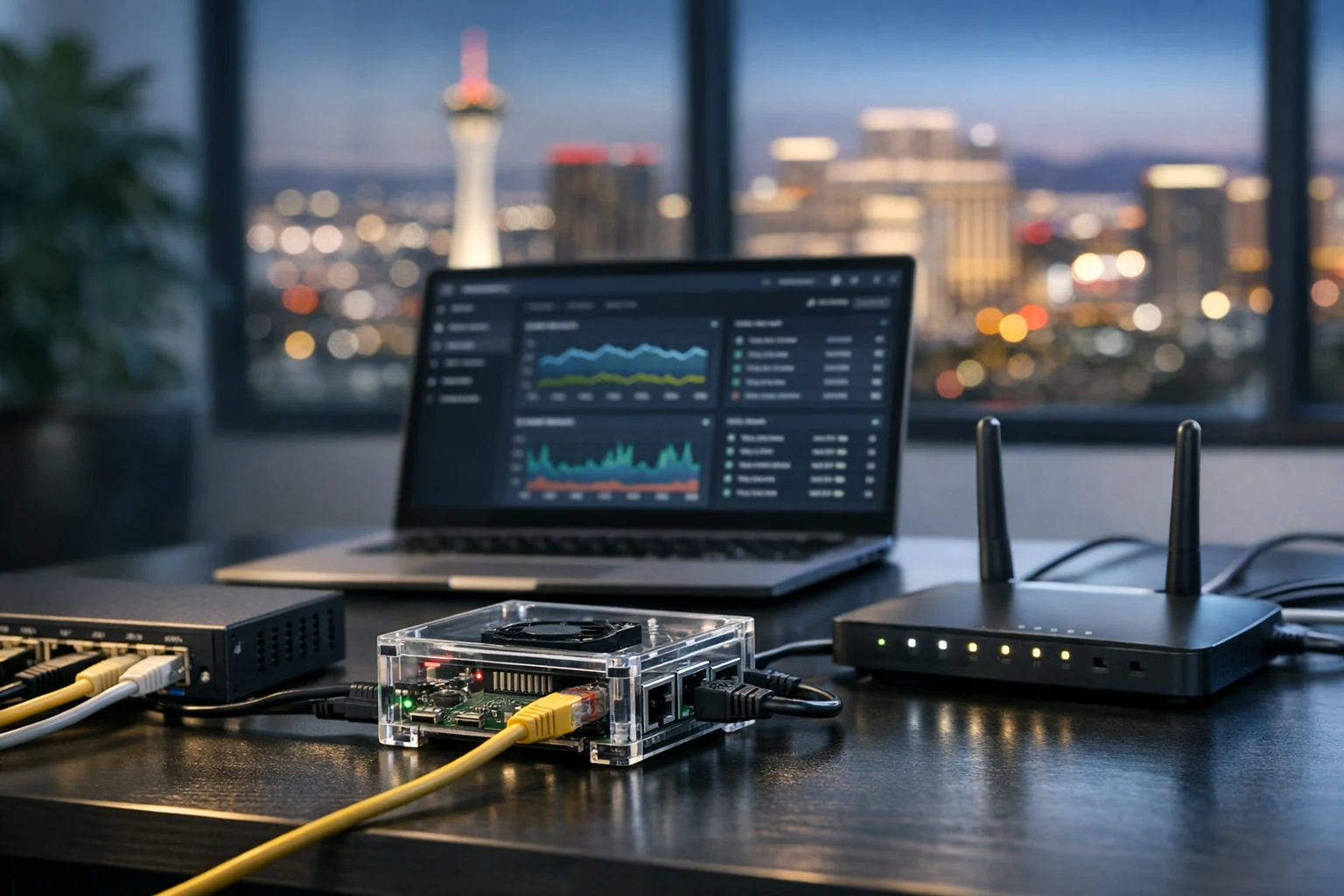
This lane appeals to people who want a little more technical depth. Common examples include a local file server, lightweight web server, DNS filter, VPN endpoint, internal status monitor, or uptime checker.
These projects are practical, but they come with more responsibility. Once a Pi is acting like a server, even in a small role, you need to think about uptime, storage, backups, updates, and security. That makes them great learning tools, but not always the easiest first build for someone who has never touched Linux.
If this path interests you, start with a guided setup instead of inventing everything from scratch. SiteLiftMedia has a useful walkthrough on how to turn a Raspberry Pi into a lightweight server, and it is the kind of project that teaches a lot without requiring enterprise hardware.
3. Automation and sensor projects
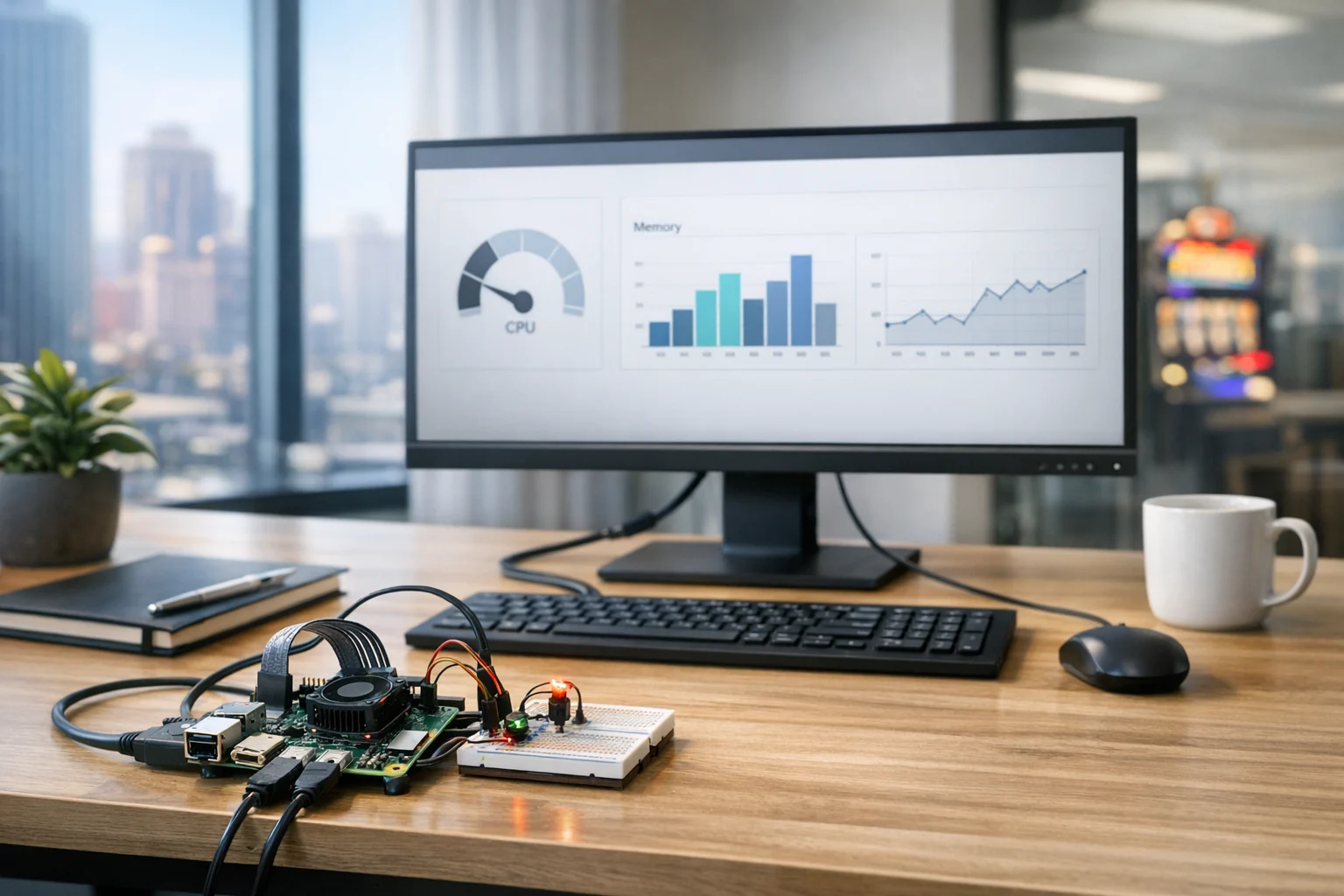
These include temperature monitors, motion sensors, office occupancy counters, environmental logging, and simple automation triggers. They can be excellent projects, but they add another layer because now you are working with GPIO pins, sensors, and sometimes soldering or wiring.
I usually tell true beginners to choose this lane only if they are genuinely excited about the hardware side. If your real interest is websites, networking, dashboards, or internal tools, sensor projects can feel like extra work that pulls you away from your main goal.
4. Learning and entertainment projects
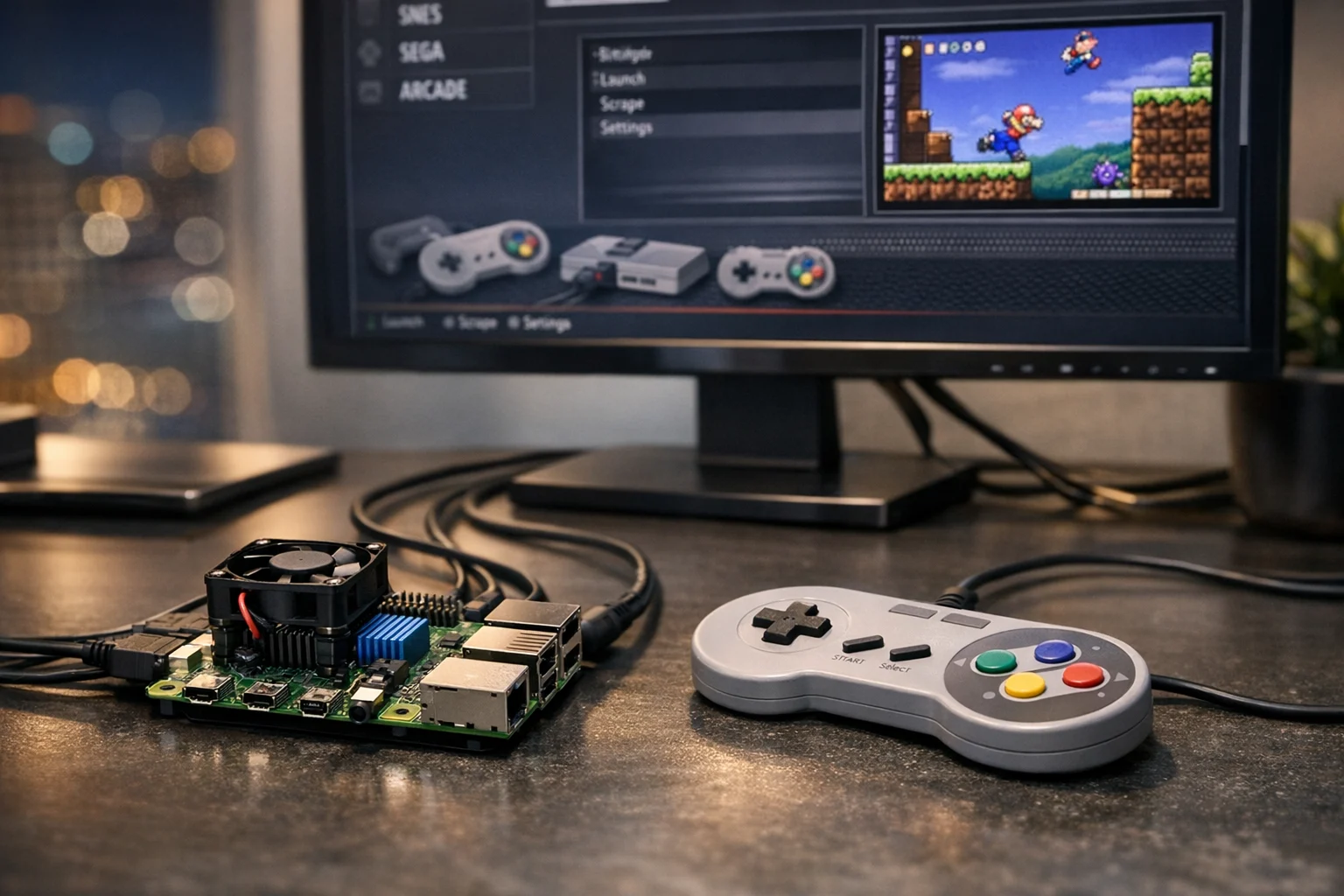
There is nothing wrong with choosing a fun project first. In fact, a fun build is often the smartest entry point because it keeps motivation high. Retro gaming setups, media players, and simple home lab builds can teach a beginner about operating system imaging, storage, controllers, HDMI output, and configuration management without the pressure of business reliability.
If that sounds like your speed, a step by step guide like installing RetroPie on a Raspberry Pi is a solid way to build confidence before you move into business focused projects.
Match the project to your real skill level
Beginners often underestimate how different Raspberry Pi projects can be. Some are basically appliance setups. Others are miniature IT jobs.
Be honest about where you are starting:
- Low experience: You want a project with clear instructions, minimal command line work, and an obvious end result. Choose displays, media players, or simple prebuilt software images.
- Moderate experience: You are comfortable following Linux tutorials, editing config files, and troubleshooting network issues. A lightweight server or internal monitor may be a good fit.
- Higher technical confidence: You do not mind SSH, permissions, package installs, and service management. You can take on more custom builds, but it still makes sense to keep your first project focused.
The best beginner project is rarely the most impressive one. It is the one you can actually finish, understand, and maintain next month.
Check the real cost before you commit
The Raspberry Pi board itself is only part of the budget. A project that looks cheap at first can get expensive quickly once you add the extras:
- Power supply
- microSD card or SSD
- Case and cooling
- HDMI cables or adapters
- Keyboard and mouse for initial setup
- Display or touchscreen
- Sensors, hats, or USB accessories
Time is a cost too. If a business owner or operations manager is going to spend six hours fighting a shaky setup to save a small amount of money, that is not efficient. I have seen companies spend more in internal labor than it would have cost to buy the right commercial device in the first place.
That does not mean Raspberry Pi projects are a bad idea. It means you should choose projects where the low cost creates real value, such as testing a concept, learning a workflow, or building a small internal tool.
Choose software you can still support later
Software choice matters just as much as the hardware. Beginners should lean toward projects with strong documentation, active communities, and clear update paths. A cool GitHub repo with no maintenance history can turn a simple weekend build into a recovery project two months later.
Whenever possible, use well documented operating systems and follow a clean initial setup process. If you need a starting point, SiteLiftMedia also covers how to set up a Raspberry Pi for home and business projects, which gives you the right foundation before you start layering on services and apps.
For a beginner, strong software choices usually share a few qualities:
- Simple installation
- Reliable update process
- Clear backup options
- Active support community
- Good compatibility with your exact Raspberry Pi model
If the project will live in a business environment, also think about who will support it after the fun part is over. A project is only beginner friendly if it stays manageable after launch.
Do not ignore security just because it is small
This is where a lot of beginner projects go sideways. A Raspberry Pi feels harmless because it is tiny, but once it is on a network, handling files, or powering a public display, it becomes part of your infrastructure.
At minimum, beginners should do the following:
- Change default credentials immediately
- Keep the system updated
- Disable anything you do not use
- Limit remote access
- Use secure passwords or key based access where appropriate
- Back up configs and important data
If the device is doing anything customer facing or sitting on a business network, the bar goes higher. That is where system administration, server hardening, penetration testing, and broader cybersecurity services start to matter. A Pi connected to office systems should not become the weak link that exposes customer data, credentials, or internal tools.
This matters even more in industries common across Las Vegas, such as hospitality, food service, events, professional services, and retail. Public facing screens, kiosks, and internal dashboards are useful, but they need to be deployed thoughtfully. Business website security and internal device security are part of the same trust equation.
A simple filter for picking your first Raspberry Pi project
If you are torn between a few ideas, use this simple decision filter. A strong beginner project should check most of these boxes:
- Clear purpose: You can describe exactly what the device should do in one sentence.
- Visible payoff: You will know quickly if it is working.
- Low dependency: The project does not break an important business process if it fails.
- Manageable setup: You can complete the first version without custom soldering, advanced coding, or risky network exposure.
- Reasonable upkeep: You can update, restart, and troubleshoot it without needing a specialist every week.
- Teaches a core skill: You learn Linux basics, networking, display control, storage management, or automation concepts you can use again.
If a project sounds exciting but fails most of these checks, save it for later.
Beginner Raspberry Pi projects that make sense for business minded readers
When decision makers ask me which first project is actually worth doing, these are the ones I recommend most often:
Office dashboard display
This is one of the easiest wins. Show internal KPIs, calendars, lead volume, ad performance, call tracking, or sales goals on a screen in the office. It is useful, visible, and not too risky.
Digital signage prototype
If you are considering in store screens, front desk displays, or event booth loops, a Pi is a low cost way to test content and placement before paying for a larger rollout. For Las Vegas businesses that rely on foot traffic and presentation, this can be a smart proof of concept.
Network monitor or status board
This is ideal for teams that want to learn basic infrastructure awareness. You can use it to monitor uptime, internet connection status, or internal device health. It is more technical than signage, but still manageable for a focused beginner.
Simple internal file or tool server
This can work well in a small office or lab setting if the data is not mission critical and the system is properly secured. It is a great project for learning, but it should stay in the prototype category until you are sure it is stable.
Notice what these have in common: they solve a specific problem, they are easy to test, and they do not require you to redesign your whole business around a tiny computer.
Projects beginners should avoid first
Some ideas look appealing online but are poor choices for a first build.
- Public facing business systems with customer data
- Primary email or production web hosting
- Complex robotics with multiple moving parts
- Large home or office automation setups with many dependencies
- Anything that needs deep custom coding before you can even test it
These projects are not bad. They are just bad first projects for most people. The risk is that you spend all your time solving edge cases and none of your time learning the basics well.
Where Raspberry Pi fits into bigger digital growth plans
A Pi project can be useful on its own, but for many businesses it is only one small part of a bigger digital system. A digital sign still depends on good branding. A store kiosk still relies on clean content. An internal dashboard still depends on reliable data and secure infrastructure.
That is where broader agency strategy matters. If you are a Las Vegas company preparing for a redesign, content expansion, or a stronger local search push, the bigger gains may come from pairing these experiments with custom web design, technical SEO, and website maintenance. If your location visibility is weak, local SEO in Las Vegas and a solid Las Vegas SEO strategy will do more for revenue than a clever piece of hardware sitting in the corner.
We see this often with businesses comparing a basic SEO company in Las Vegas against a more integrated partner. If your website, hosting, security posture, and local search presence all need work, it helps to work with a team that can connect the dots across web design in Las Vegas, backlink building services, social media marketing, system administration, and business website security instead of treating every problem like a separate project.
At SiteLiftMedia, that integrated view is a big part of the value. Sometimes the right answer is a Raspberry Pi pilot. Sometimes the right answer is skipping the Pi and investing in the website, infrastructure, or security layer that will actually move the business forward.
If you are considering a Raspberry Pi project and want to know whether it makes sense as a learning tool, an office utility, or a real business prototype, talk to SiteLiftMedia. We can help you choose the right build, avoid security mistakes, and connect it to the web, SEO, app, and infrastructure work that supports long term growth.
Photo Gallery