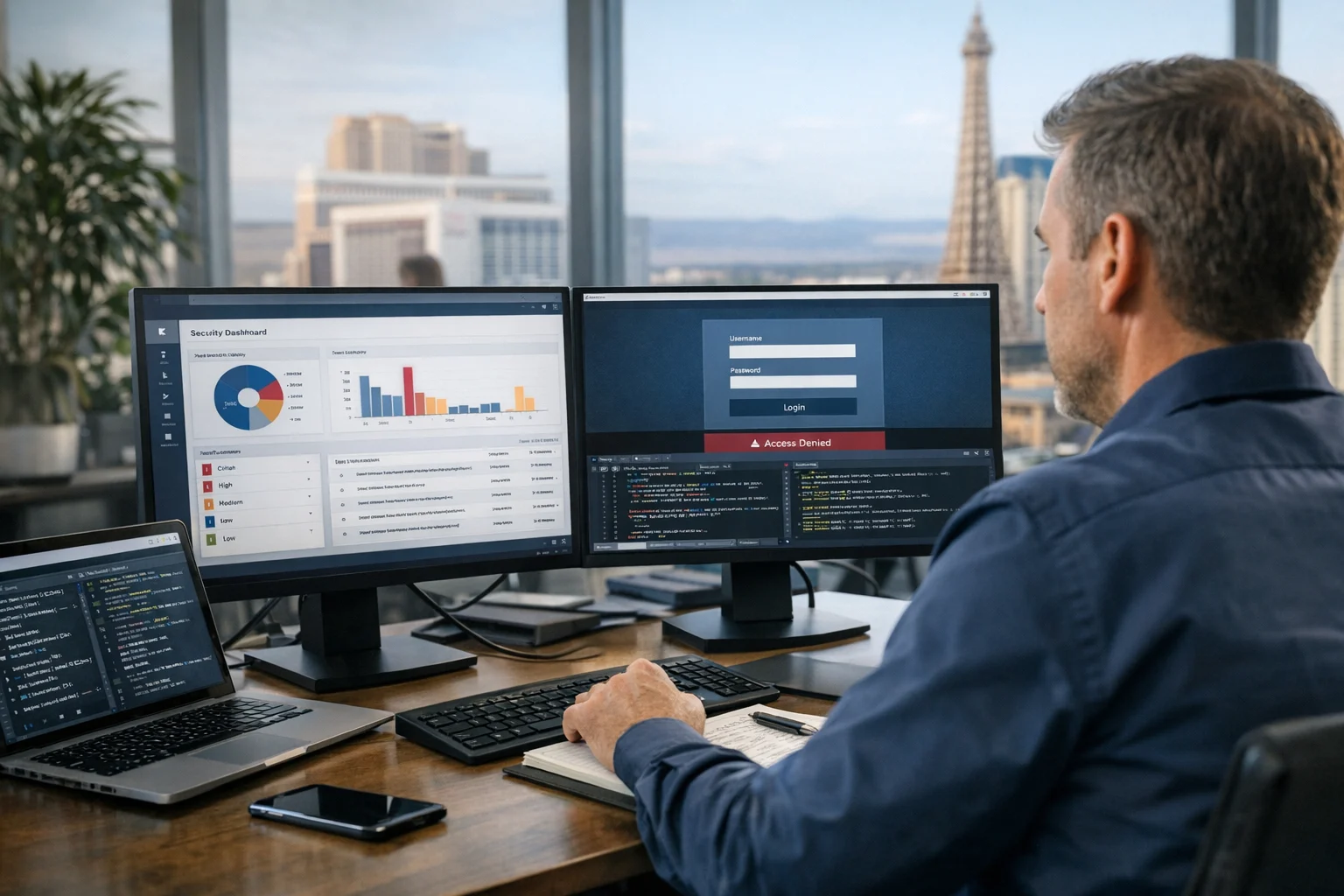
Managing one business website is hard enough. Managing dozens or hundreds of client websites creates a very different level of risk. The moment an agency takes responsibility for hosting, updates, SEO tools, admin accounts, analytics access, form handling, and third party integrations across a shared portfolio, security stops being a technical checkbox and becomes an operational discipline.
That matters in every market, but it matters even more when you support businesses that depend on their websites for leads. In Las Vegas, for example, a site outage or malware incident can hit law firms, contractors, hospitality brands, eCommerce stores, medical practices, and local service companies during peak traffic windows. If your agency handles Las Vegas SEO, web design Las Vegas, local SEO Las Vegas, paid ads, or website maintenance, clients expect growth and stability at the same time. They do not separate marketing performance from security performance.
At SiteLiftMedia, we look at website security the same way we look at technical SEO or infrastructure planning. It needs to be repeatable. It needs to be documented. It has to hold up through busy seasons, redesign projects, team changes, plugin conflicts, rushed launches, and those moments when a client wants a new feature live by Friday afternoon.
Here is what works when an agency is responsible for multiple client websites and wants to reduce risk without slowing delivery to a crawl.
Why agencies become attractive targets
Attackers like concentration. If one compromised agency login can open a path into 20, 50, or 100 client environments, the return on effort is obvious. This is especially true for agencies that manage CMS logins, cPanel or server access, DNS, tag managers, social media integrations, and shared hosting infrastructure.
The weak points are usually not dramatic zero day exploits. More often, it is a chain of ordinary mistakes:
- Shared passwords across clients
- Old contractor accounts that were never removed
- Outdated plugins, themes, or PHP versions
- Too much access granted to too many people
- One hosting environment serving many unrelated websites
- No alerting until a client notices a hacked page or a Google warning
- Backups that exist in theory but not in a restorable form
For agencies that sell growth services such as technical SEO, backlink building services, custom web design, and social media marketing, security failures can quietly hurt rankings and conversion rates long before a site goes fully offline. Spam pages get indexed. Redirects poison organic traffic. Malware scripts slow page load. Contact forms start sending leads to the wrong inbox. Search Console begins flagging issues. Suddenly the SEO report looks worse, but the root cause is infrastructure and access hygiene.
Start with a security standard, not case by case improvisation
The fastest way to create inconsistency is to let every account manager, designer, developer, and freelancer set up websites however they prefer. Agencies need a standard operating model for security, even when some clients have custom requirements.
A good baseline should define:
- How new client environments are provisioned
- Which roles get admin, editor, billing, or read only access
- How passwords, secrets, and recovery codes are stored
- How updates are tested and deployed
- How backups are scheduled, retained, and restored
- How DNS, SSL, CDN, and WAF settings are managed
- How incidents are escalated internally and communicated to clients
This sounds basic, but most problems show up when there is no default. One site is using MFA, another is not. One staging site is password protected, another is public and indexable. One client has separate user accounts for each team member, another still uses a generic admin login created four years ago.
Security scales when your process scales. Agencies that handle this well treat website launches, redesign planning, spring marketing pushes, content expansion, and infrastructure cleanup as chances to tighten controls, not just ship new work.
Control access like it actually matters, because it does
Access management is usually the first place to clean up. If an attacker gets in through a valid account, your firewall and malware scanner are already behind the play.
Use named accounts for every person
Never let teams share a single admin login. Every staff member, contractor, and client stakeholder should have an individual account tied to a real identity. That makes it easier to remove access cleanly, review logs, and keep privileges aligned with actual job duties.
Apply least privilege by default
Your SEO specialist does not need hosting root access. Your designer usually does not need database credentials. Your client may need content approval access without the ability to disable security plugins or edit DNS records. Separate duties carefully.
Require multi factor authentication
MFA should be standard for CMS admin users, hosting dashboards, domain registrars, email platforms, tag managers, Git repositories, cloud services, and password managers. If a platform supports MFA and it is not enabled, that is a risk decision whether people admit it or not.
Use a password manager, not spreadsheets or chat threads
Shared spreadsheets full of credentials are still common in agency environments, and they are still a bad idea. A business grade password manager lets you share credentials securely, rotate them, revoke access, and limit who can even view certain secrets.
Offboard fast
When an employee leaves or a contractor rolls off, remove access the same day. Not next week. Not after you happen to remember. Stale accounts are one of the easiest paths into a multi client portfolio.
Patch management is not glamorous, but it saves agencies constantly
If you manage WordPress, Magento, Shopify apps, Laravel builds, or custom stacks, patching needs discipline. Many compromises happen through known vulnerabilities that were publicly documented weeks or months earlier. In agency life, the excuse is usually the same: nobody wanted to risk breaking the site during a busy campaign.
That is understandable, but it is not a strategy.
Agencies should maintain an update policy that classifies changes by urgency and risk. Critical security patches should move quickly. Routine updates should follow a tested schedule. High risk plugin or theme changes should go through staging first, with rollback plans in place.
If your team needs a stronger framework for update discipline, SiteLiftMedia has covered why patch management matters for website security and how small delays can turn into avoidable incidents.
Strong patch management includes:
- An inventory of every CMS, plugin, theme, module, and server component in use
- Version tracking for each client environment
- Staging environments for testing critical changes
- Scheduled maintenance windows
- Rollback snapshots before major updates
- Removal of abandoned plugins, themes, and unused software
Agencies that provide website maintenance should position this as a core protection layer, not a side task buried in the monthly checklist.
Separate client environments instead of stacking risk
One of the biggest mistakes agencies make is over sharing infrastructure. It may feel efficient to place many small sites on the same server, use the same admin email, or reuse similar deployment patterns across all clients. The problem is blast radius. When one site is compromised, weak isolation can expose everything around it.
That does not mean every client needs an expensive dedicated server. It does mean you should think carefully about segmentation.
Keep environments isolated
- Separate production from staging and development
- Use distinct system users where possible
- Avoid unnecessary cross site file access
- Restrict database permissions to only what the application needs
- Protect staging environments with authentication and noindex controls
Harden the server layer
Too many agencies stop at the CMS. Real security work also lives at the operating system, web server, firewall, SSH, package management, and monitoring layers. For clients with custom hosting or VPS environments, server hardening should include secure SSH configuration, firewall rules, fail2ban or equivalent controls, limited open ports, file permission reviews, malware scanning, and log review.
Our team has written more about secure website hosting and system administration best practices because hosting choices directly affect business website security, uptime, and recoverability.
This is where agencies that offer system administration, server hardening, and cybersecurity services can create real value for clients. It is also where a pure marketing agency often gets exposed if nobody on the team owns infrastructure risk.
Backups only count if you can restore them quickly
Ask most agencies if backups exist and they will say yes. Ask when the last restore test was completed and the answer usually gets less confident.
For multi client operations, backup strategy needs more than a plugin sending archives somewhere once a day. You need to think about recovery point objectives, retention, offsite storage, database consistency, and restore time.
At minimum:
- Back up files and databases on a defined schedule
- Store backups separately from production hosting
- Retain multiple restore points, not just the latest copy
- Encrypt backup storage where appropriate
- Test restores on a schedule and document the process
- Know who has authority to initiate emergency recovery
For agencies managing revenue generating client sites, this is not optional. A Las Vegas eCommerce brand during a promotion, a law office running local ads, or a healthcare group collecting leads cannot wait while an agency figures out whether last night’s backup was complete.
Backups are also a contract issue. If your proposal says you handle website maintenance, be clear about what is covered, how quickly a restore can be initiated, and what scenarios fall outside normal support.
Monitor aggressively, because clients rarely spot problems early
Most clients do not notice the first signs of compromise. They notice the aftermath: ranking loss, spam pages, suspicious redirects, browser warnings, broken forms, or calls from confused customers. Agencies need their own alerting and monitoring stack so they are not depending on luck.
Useful monitoring for multi client websites includes:
- Uptime checks and response time monitoring
- SSL certificate expiration alerts
- File change detection for critical paths
- Malware and blacklist monitoring
- Login failure and admin role change alerts
- Disk usage, CPU, memory, and service monitoring for hosted environments
- Search Console and analytics anomaly review
This is where security and SEO overlap more than many agencies realize. A hacked website can create soft 404 issues, inject cloaked pages, tank Core Web Vitals, and trigger indexing problems. If your agency is positioning itself as an SEO company Las Vegas businesses can trust, monitoring has to include both technical and reputational signals.
Lock down third party tools, APIs, and marketing scripts
Modern websites are full of third party dependencies. Ad pixels, CRM forms, chat widgets, booking tools, analytics platforms, maps, payment integrations, review widgets, and social embeds all create convenience and risk at the same time.
Agencies often inherit client websites that have been patched together over years of redesigns and campaign experiments. One plugin connects to a dead service. Another uses an old API key with broad permissions. Several scripts are loading from vendors nobody has reviewed in ages.
Clean this up during onboarding and during periodic audits.
- Remove scripts and plugins that are no longer used
- Rotate API keys when vendors or staff change
- Scope API permissions tightly
- Review webhook endpoints and form handlers
- Limit who can add new scripts through tag managers
- Document what each integration does and who owns it
For larger client ecosystems, this matters just as much as CMS patching. A compromised third party account can turn into a website compromise, a data leak, or an analytics integrity issue.
Make staging, redesigns, and launches safer
Security incidents often show up during moments of change. A redesign goes live with debug mode enabled. A staging site is indexed by Google. Temporary admin users remain active after launch. Old assets are left accessible on the server. Forms route to the wrong mailbox. DNS changes are rushed with no rollback plan.
Agencies should use a prelaunch and postlaunch checklist for every client, even for small refresh projects. This is especially important when clients are investing in custom web design, migrating platforms, or expanding content for seasonal search demand.
Before launch, confirm:
- Staging is blocked from indexing and protected by authentication
- Debug logs and verbose error output are disabled in production
- Only required plugins and themes are active
- Forms are tested for delivery and spam controls
- Admin accounts are reviewed and reduced
- WAF, CDN, SSL, and caching settings are verified
- Backups and rollback points exist before DNS changes
When a site has been edited for years and security has become messy, sometimes the right answer is not another patch. It is a controlled rebuild. SiteLiftMedia often sees this with older WordPress installs that have accumulated abandoned plugins, template hacks, and unclear ownership across multiple vendors.
Use penetration testing for high value or high risk clients
Not every brochure site needs a deep manual assessment, but agencies should know when automated scans are not enough. Clients that process payments, collect sensitive lead data, support membership access, or depend heavily on organic and paid traffic deserve a more serious approach.
Penetration testing can help validate whether controls actually work in practice. It can also uncover issues that routine maintenance misses, such as insecure admin paths, weak role separation, exposed services, or risky plugin behavior.
For organizations that are growing fast or expanding their digital footprint, our guide to penetration testing basics is a good starting point. In the agency context, this is particularly useful before major launches, after infrastructure migrations, or when a client starts handling more valuable data than they did a year ago.
Train your team so security does not live with one technical person
A lot of agency security problems happen because only one senior developer understands the real environment. Everyone else is moving quickly around the edges, creating content, launching pages, adjusting scripts, and making access requests without seeing the full risk.
You do not need every employee to become a security engineer. You do need baseline awareness across the company.
Training should cover:
- How phishing targets agencies and client communications
- How to store and share credentials safely
- How to request access changes properly
- How to spot suspicious plugin or script behavior
- What to do if a site looks compromised
- How to handle client data and exports responsibly
This matters for account managers and marketers too. A rushed request from a client to “just add this tracking code” or “give this freelancer admin real quick” can introduce risk if nobody slows down to validate the request.
Client communication should be part of the security model
Clients are often the reason a site stays secure or drifts into trouble. If they understand the process, they are more likely to approve sensible changes. If they do not, they may resist updates, reuse old passwords, insist on too many admins, or treat security reviews as unnecessary overhead.
Agencies should set expectations early:
- Explain why updates are scheduled and tested
- Define what emergency response includes
- Clarify who owns domain, hosting, and registrar access
- Recommend MFA for all privileged users
- Document how website maintenance protects performance and leads
Business owners and marketing managers usually respond well when security is tied to uptime, lead protection, ad efficiency, and search visibility. That is a much easier sell than abstract risk language.
For Las Vegas businesses in competitive verticals, the commercial angle is simple. A compromised website can interrupt lead generation, weaken local rankings, damage trust, and create expensive cleanup work right when campaigns should be gaining momentum. Security is not separate from growth. It protects the channels growth depends on.
What a mature agency security program looks like
You do not need enterprise complexity to run a secure agency operation. You do need consistency. A mature setup usually includes a documented onboarding checklist, a password manager, mandatory MFA, role based access, scheduled patching, monitored hosting, tested backups, incident response steps, and periodic security review.
It also includes ownership. Someone on the team has to be accountable for business website security, not just vaguely interested in it. That might be an in house technical lead, a dedicated system administration partner, or a firm like SiteLiftMedia that can support security, infrastructure, SEO, design, and ongoing maintenance together.
If your agency or in house team is juggling growth work, redesign planning, hosting issues, and client expectations across multiple websites, tighten the foundation before the next traffic push exposes weak spots. If you need help with cybersecurity services, server hardening, secure hosting, or ongoing website maintenance for clients in Las Vegas or anywhere nationwide, contact SiteLiftMedia to build a setup that is easier to manage and much harder to break.
Photo Gallery