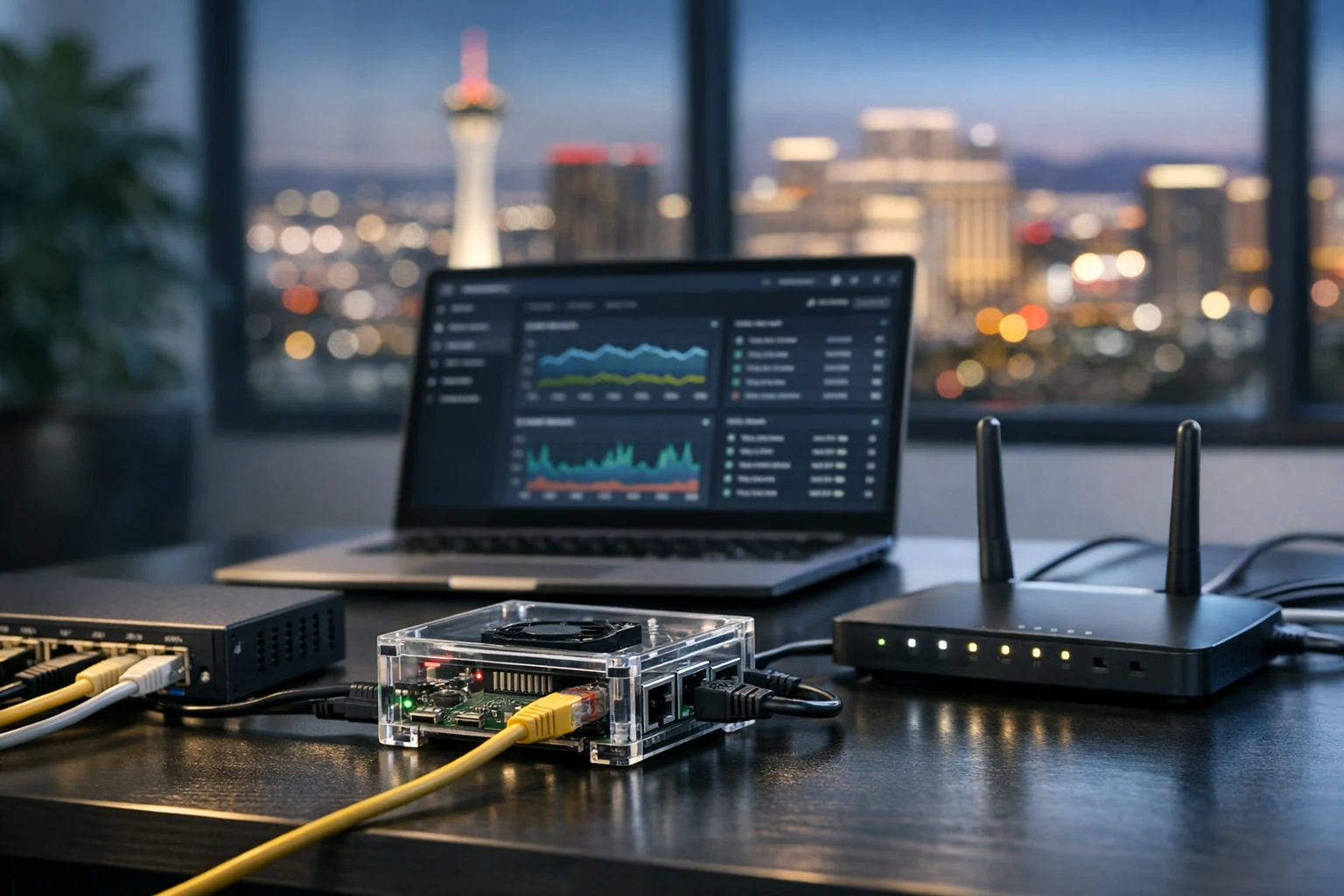
A Raspberry Pi can be a surprisingly capable little workhorse for a business. We’ve seen them used for office dashboards, local file transfers, digital signage, backup jobs, lightweight web apps, VPN endpoints, development tools, and even small internal marketing systems. The problem is that many of these devices get plugged into the office network and then forgotten. That is exactly how a cheap, useful device becomes an easy entry point.
If your Raspberry Pi is exposed to your local network, it needs real security. Not enterprise theater, just smart hardening that reduces risk without making the device difficult to manage. For business owners and marketing managers, that matters more than it might seem. If a Pi touches website files, ad data, CRM exports, analytics dashboards, or internal credentials, a compromise can quickly turn from a small IT problem into a business website security issue.
At SiteLiftMedia, we work with companies that care about growth and stability at the same time. A business investing in Las Vegas SEO, custom web design, technical SEO, social media marketing, or website maintenance cannot afford to ignore the devices sitting quietly on the same network as core systems. This guide walks through the practical steps that actually make a Raspberry Pi safer on a local network.
Why a local network Raspberry Pi deserves real security
A lot of people assume the local network is a safe zone. It is not. If an employee laptop gets infected, if weak WiFi credentials are shared too widely, if a guest device connects to the wrong VLAN, or if a router rule is misconfigured, anything exposed on the LAN can become reachable. A Raspberry Pi is often an easy target because it is small, always on, and usually not monitored as closely as a server or workstation.
That risk goes up when the Pi is handling useful tasks like these:
- Hosting an internal dashboard for sales or marketing reporting
- Running scripts that access Google, Meta, Stripe, or CRM APIs
- Serving files to a team over SMB, NFS, or FTP
- Powering office signage, kiosks, or visitor displays
- Supporting development, staging, or technical SEO testing tools
- Running Docker containers for self hosted services
If any one of those services is weakly configured, the device can expose credentials, data, or network access you never meant to share.
Start with a clean build and a smaller attack surface
The best hardening starts before the Pi even goes live. If you are using an old SD card image you found months ago, you are already behind. Start fresh with a current operating system image from an official source, and use the smallest install that fits the job. For most business use cases, Raspberry Pi OS Lite is a better choice than the desktop version because it comes with fewer packages, fewer services, and fewer things to patch.
During setup, keep the device simple. Do not install a dozen convenience tools because they might be useful later. Every extra package creates more maintenance and more attack surface. If the Pi is only meant to run one internal app, build it for that one purpose.
- Use a fresh, current operating system image
- Prefer the Lite version unless a desktop is truly necessary
- Apply updates immediately after installation
- Update firmware and bootloader components if your model supports it
- Remove packages you do not need
If you are still in the planning phase, SiteLiftMedia has a related guide on how to set up a Raspberry Pi for home and business projects. A secure deployment is much easier when the first build is clean and intentional.
Lock down user accounts, passwords, and SSH
This is where many Pi setups go wrong. Weak credentials are still one of the easiest ways into a system. Even if your Raspberry Pi never touches the public internet, it should not rely on a simple password or a shared office login.
Use a unique administrator account and a strong password. If you are working from an old image that still uses the classic default user approach, change that immediately. Better yet, create a named admin account, confirm sudo access works, then disable or remove any default user you do not need.
For remote management, SSH is usually the right tool, but only when it is configured properly.
- Use SSH keys instead of password authentication
- Disable direct root login
- Restrict which users are allowed to log in over SSH
- Stop sharing admin access, each person should have their own method
- Rotate keys and passwords when staff changes happen
On office networks, it is also smart to limit SSH access to a known management workstation or admin subnet. If only one laptop or one VLAN should manage the Pi, enforce that. It cuts down the number of places an attacker can come from.
What matters most for business environments
If your Pi supports reporting, automation, or web tasks tied to your marketing stack, treat credentials like real assets. We have seen small devices storing API keys for ad platforms, email services, and internal analytics. That is a serious issue. A compromise here can affect lead generation, campaign reporting, and even payment workflows.
Control where the Pi lives on your network
One of the biggest security improvements has nothing to do with the Pi itself. It has to do with network placement. A flat network is convenient, but it is also a gift to attackers. If your office WiFi, guest devices, staff laptops, printers, cameras, and servers all share the same unrestricted network, your Raspberry Pi is more exposed than it should be.
Put the Pi on the right segment. In many business setups that means an IoT VLAN, a server VLAN, or a management network with tightly controlled access rules. The exact design depends on the role of the device, but the idea stays the same: only the systems that need to reach it should be able to reach it.
- Use a DHCP reservation or static assignment so the Pi always has a known address
- Place it on a segmented network instead of a flat office LAN
- Restrict inbound access at the router or firewall
- Do not allow guest WiFi to see the device
- Disable WiFi and Bluetooth if the Pi uses wired Ethernet only
This matters for nationwide businesses and especially for fast-moving local companies in Las Vegas. Teams ramping up summer campaigns, event promotions, or seasonal lead generation often add temporary devices in a hurry. That is when shortcuts happen. Good network hygiene keeps a temporary business solution from turning into a permanent security hole.
Turn off anything you are not actively using
Most Raspberry Pi systems end up running more services than the owner realizes. Discovery tools, print services, old web interfaces, VNC, Bluetooth daemons, test apps, sample dashboards, and network shares can all remain active long after their original purpose disappears.
If a service is not required, disable it. If a package is not required, uninstall it. Convenience should not outrank security on a business device.
- Disable VNC if the Pi does not need a remote desktop
- Turn off Samba, FTP, or NFS if file sharing is not in use
- Remove web interfaces you used only during testing
- Shut down mDNS or discovery services if they are not needed
- Review startup services regularly so old tools do not linger
A small reduction in exposure makes a big difference. If an attacker scans the local network and your Pi answers on one tightly controlled service instead of six loosely managed ones, you have already lowered the risk.
Use a firewall and allow only the ports you actually need
Even inside the LAN, a firewall is worth using. On Linux-based systems, a simple host firewall can sharply limit what is reachable. Think in terms of allow lists, not open access. If your Pi only needs SSH from one admin machine and HTTPS from one application subnet, allow only that.
A lot of businesses leave every local port open because the device is considered internal. That assumption gets expensive when something else on the network is compromised first.
- Allow SSH only from trusted IP addresses or management networks
- Allow app traffic only from the systems that truly need it
- Block broad inbound access by default
- Review listening ports after every new application install
- Do not rely on nonstandard ports as your only protection
If you are forwarding any Raspberry Pi service through the router to the public internet, stop and rethink the design. For most business environments, direct exposure is unnecessary and risky. Use a VPN, a secure reverse proxy, or a properly managed cloud service instead.
Harden the apps and containers running on the Pi
Many Raspberry Pi security problems are not operating system problems. They are application problems. A well-patched Pi can still be risky if the dashboard, CMS, script, or container on top of it is poorly configured.
If you are using Docker, keep the container environment minimal and intentional. We have seen business users spin up a container for convenience, then forget which ports were published, which volumes were mounted, and whether the app was running as root.
- Use trusted images from reputable sources
- Update containers regularly, not just the host operating system
- Avoid running containers as root when possible
- Do not mount more host directories than the app needs
- Do not use host networking unless there is a clear technical reason
- Protect web interfaces with authentication, not just obscurity
If self hosting is part of your plan, our guide on installing Docker on a Raspberry Pi for self hosted apps can help you build the software layer cleanly before you lock it down.
For internal web dashboards, add authentication, reduce exposed endpoints, and use HTTPS where practical. Internal does not mean harmless. A compromised browser session on the office network can still be enough to abuse a weak local admin panel.
Protect business data, API keys, and website credentials
Business owners sometimes underestimate what is stored on a Raspberry Pi. It may look like a hobby device, but in real deployments it often holds sensitive data or the keys to reach that data elsewhere.
Common examples include:
- API tokens for ad platforms and analytics tools
- Database credentials for websites or dashboards
- SSH keys for backup jobs and deployments
- CRM exports and customer contact lists
- Website files used for staging or maintenance
If your Pi is involved in website maintenance, technical SEO testing, or a custom web design workflow, be especially careful. A small device used to mirror site files or automate reports can expose production credentials if secrets are stored casually.
Use environment files with restricted permissions, not plain text notes sitting in a home directory. Limit which user accounts can read those files. Rotate keys on a schedule. If a token is no longer used, revoke it. If a backup contains sensitive exports, encrypt it. And if the Pi stores anything business critical, move away from fragile microSD storage and use a reliable SSD when possible.
This is one of the less glamorous parts of security, but it matters. Companies can spend heavily on backlink building services, local SEO Las Vegas campaigns, or paid advertising, then leave critical API credentials on a lightly protected internal box. That is not a good trade.
Set up updates, monitoring, and alerting
A secure Raspberry Pi is not a one-time project. It needs maintenance. If you patch it once and ignore it for six months, you are back to gambling.
Use a practical patching process. For some environments, automatic security updates are a smart move. In others, a scheduled maintenance window is better. The key is consistency. Decide how updates will happen, who approves them, and how you verify the device still works afterward.
- Apply operating system security updates regularly
- Track application and container updates too
- Review authentication logs for failed logins and unusual access times
- Watch disk space, CPU load, memory pressure, and temperature
- Set simple uptime and service health checks
- Back up configuration files and test restores
For businesses, logging is often the difference between a minor annoyance and a real incident response effort. If something strange happens, you need records. Centralized logs are ideal, but even a modest alerting setup is better than silence.
At SiteLiftMedia, this is where our broader system administration and server hardening experience becomes useful. A Raspberry Pi rarely exists on its own. It may support a file system, a web environment, a router service, or a small office operations tool. The monitoring strategy should fit the whole stack.
Do not ignore physical security and power protection
Physical access still matters. A Raspberry Pi sitting near a front desk, media cabinet, or open office shelf can be unplugged, reset, or tampered with in seconds. If staff, vendors, or visitors can reach it casually, that is a risk.
- Keep the Pi in a secure location or locked enclosure
- Label the device clearly so no one unplugs it by accident
- Use stable power and consider a UPS for critical workloads
- Protect it from heat, dust, and poor airflow
- Prefer SSD storage over microSD for better durability
That last point matters in Nevada more than people think. Las Vegas offices, garages, event spaces, and retail environments can be rough on small hardware. Heat and inconsistent power do not just affect reliability, they create opportunities for corruption, emergency troubleshooting, and rushed security shortcuts.
Common mistakes that put Raspberry Pi devices at risk
Some errors show up again and again, whether the business is a local startup, a growing ecommerce team, or a larger company with multiple locations.
- Leaving SSH open to the entire local network
- Using weak or shared passwords
- Keeping unused services enabled
- Placing the Pi on the same unrestricted network as every other device
- Skipping updates because the device seems stable
- Running multiple unrelated business functions on one Pi
- Storing secrets and exports in plain text
- Forwarding ports to the internet for convenience
- Assuming a local device does not need monitoring
If you recognize your setup in that list, do not panic. Start with the highest-risk items first: credentials, network access, exposed services, and updates.
When it makes sense to bring in outside help
Not every business owner wants to spend time hardening Linux systems, checking firewall rules, or reviewing service logs. That is reasonable. The key is knowing when the Raspberry Pi has stopped being a side project and started becoming part of your real infrastructure.
If the device touches office operations, lead tracking, web deployments, reporting systems, or customer data, it deserves professional attention. That is especially true if your team is already juggling website maintenance, SEO campaigns, social media marketing, or day-to-day operations.
SiteLiftMedia helps businesses with more than just growth marketing. As a nationwide digital agency with strong Las Vegas roots, we work on the technical side too, including cybersecurity services, penetration testing, system administration, server hardening, and business website security. If your Raspberry Pi sits next to a broader self hosted stack, the same discipline applies across the environment. Our guide on securing a Proxmox server before regular use shows how that mindset extends to larger systems.
For companies looking for a dependable partner, that mix matters. A strong Las Vegas SEO strategy or web design Las Vegas project can drive more traffic and leads, but the technical foundation still has to be safe. If a device on the local network can expose website credentials, analytics access, or internal files, it becomes a business issue, not just an IT detail.
Make an inventory of what your Raspberry Pi is doing today, shut off anything it does not need, rotate credentials, and restrict access before the device quietly becomes your weakest link. If you want an experienced team to review the Pi and the network around it, contact SiteLiftMedia for server hardening, cybersecurity support, or ongoing website maintenance that keeps growth and security moving in the same direction.
Photo Gallery













