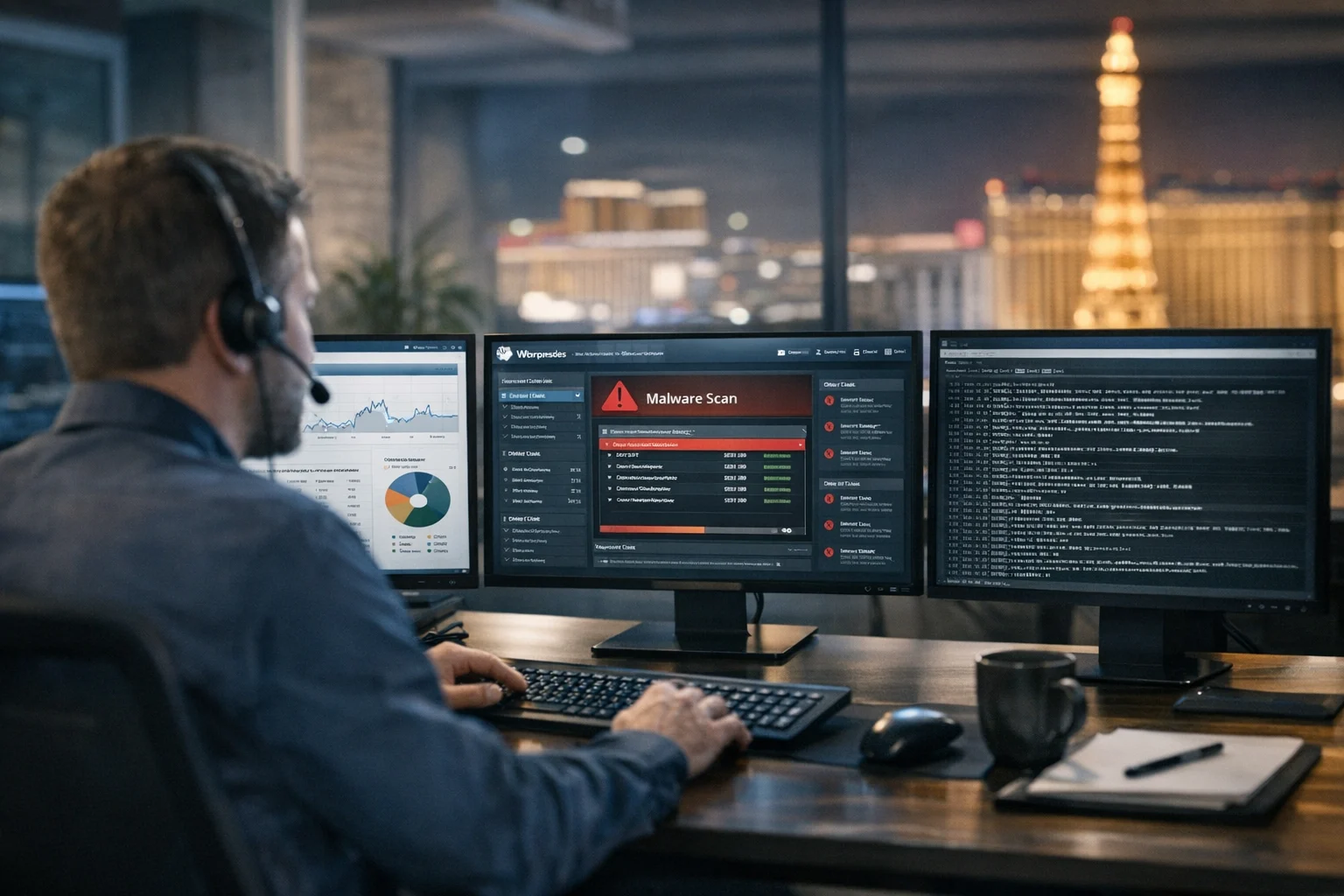
WordPress powers a huge share of the internet, which is exactly why attackers keep coming back to it. The platform itself can be managed securely, but business websites often get hacked because of how they are built, maintained, hosted, and accessed over time. A site launches clean, then a few months later a plugin is outdated, an old employee account still has admin access, backups have never been tested, and nobody notices suspicious files until rankings drop or customers start seeing malware warnings.
That pattern is common. At SiteLiftMedia, we've seen WordPress hacks hit companies that assumed they were too small to be targeted, along with larger brands running aggressive campaigns across SEO, PPC, and content marketing. For businesses in Las Vegas, where competition is fierce in hospitality, legal, medical, home services, and local retail, a hacked website can quickly turn into a revenue problem. It affects trust, lead flow, ad performance, and search visibility all at once.
If you're a business owner, marketing manager, or decision maker trying to understand how WordPress websites get hacked and what to do about it, the key is to stop treating security like a one-time task. It needs to be part of your website maintenance, technical SEO, hosting, and system administration strategy from the start.
Why WordPress Sites Get Targeted So Often
WordPress is not the only platform attackers go after, but it remains one of the most attractive targets because of its popularity. A hacker does not need a personal reason to choose your company. Most of the time, they want scale. They look for predictable weaknesses they can exploit across thousands of websites.
- WordPress is everywhere. Attackers build automated tools that scan for known weaknesses in plugins, themes, and login pages.
- Business sites often fall behind on updates. The site may look fine on the surface while the software underneath gets stale.
- Many websites are built by one provider and maintained by nobody. That gap is where a lot of hacks begin.
- Plugins expand functionality but also increase attack surface. More code means more opportunities for errors, abandoned development, or vulnerable integrations.
In other words, WordPress gets targeted because it is common, flexible, and often undermaintained. The problem usually is not that WordPress was chosen. The problem is that the site was treated like a brochure instead of a living business asset.
The Most Common Ways WordPress Websites Get Hacked
Outdated plugins, themes, and core files
This is one of the biggest causes of WordPress compromises. Attackers regularly scan the web for known plugin and theme vulnerabilities. Once a weakness becomes public, the time between disclosure and active exploitation can be very short. If a business delays updates for weeks or months, that window stays open.
We've seen websites hacked through sliders, form builders, backup tools, page builders, and niche plugins that stopped receiving support years ago. Even one neglected add-on can expose the entire site. If you want a deeper look at that risk, SiteLiftMedia has already covered how outdated WordPress plugins put business sites at risk.
The danger is not limited to visible features either. A plugin that seems minor can still let an attacker upload files, create admin users, inject spam content, or execute code on the server.
Weak passwords and brute force attacks
Many WordPress hacks still start with basic credential abuse. That includes weak passwords, reused passwords, exposed passwords from another breach, and login pages with no rate limiting or multi-factor authentication. Attackers use automated tools to test usernames and password combinations at scale. They also buy credential lists and try them against business websites.
When a site uses common usernames like admin, shares logins among staff, or never removes old accounts, the odds get worse. Protecting the login page matters, but it should be part of a broader access policy. SiteLiftMedia also breaks down how to harden WordPress against brute force and plugin attacks in more detail.
Nulled themes and pirated plugins
Free copies of premium themes and plugins are one of the fastest ways to inherit a backdoor. They often contain hidden code that creates admin users, injects malware, or phones home to a remote server. Businesses sometimes download these tools to save money, or inherit them from a previous developer who never disclosed where the files came from.
If your site includes software that did not come directly from a trusted vendor, assume you have a security problem until proven otherwise. The short-term savings are never worth the cleanup cost, the ranking loss, or the brand damage.
Phishing and compromised admin access
Not every website hack starts on the website. Sometimes the attack starts in email. An employee gets a fake login alert, enters credentials into a spoofed page, and suddenly an attacker has access to WordPress, hosting, email, or all three. That becomes especially dangerous when one person uses the same password across multiple systems.
Marketing teams are frequent targets because they often manage forms, plugins, analytics, tag managers, and social media marketing tools. Once an attacker gets access to a connected account, they can tamper with scripts, inject redirects, or create a path back into the website.
Poor hosting setup and weak server configuration
Businesses sometimes assume that if a site is hosted somewhere reputable, security is handled. That is not how it works. Hosting quality matters, but server hardening, account isolation, file permissions, PHP versions, firewall rules, and logging practices still need attention. Shared hosting environments, sloppy permissions, exposed admin panels, and unmonitored servers can all make a breach more likely.
This is where strong system administration matters. A secure WordPress site is not just about the dashboard. It is also about the stack underneath it. Businesses investing in custom web design or redesign planning should include infrastructure cleanup in the scope, not treat it like an afterthought.
Abandoned accounts, unused tools, and risky integrations
Another common issue is digital sprawl. Over time, a business site collects old user accounts, disconnected vendors, expired form tools, outdated tracking scripts, and integrations nobody fully owns anymore. Every leftover piece creates one more path an attacker can test. The risk often grows during content expansion, spring marketing pushes, and rush projects where speed takes priority over review.
Sometimes the vulnerable component is not even on the public-facing website. It might be a forgotten staging site, an old subdomain, or a file manager exposed on the server.
What a Hacked WordPress Site Often Looks Like
Many business owners assume a hack will be obvious. Sometimes it is. Often it is not. A compromised site can continue loading normally while attackers use it in the background for spam, redirects, phishing pages, or malicious scripts. The warning signs may show up first in analytics, Google Search Console, or customer complaints.
- Unexplained ranking drops for core service pages
- Spam pages indexed in Google for gambling, pills, or fake products
- Redirects sending visitors to unrelated websites
- New admin users that nobody on your team created
- Security warnings from browsers, hosting providers, or ad platforms
- Sudden traffic spikes from strange locations or bots
- Website files changing without a valid reason
- Checkout issues, contact form failures, or suspicious outbound emails
For local companies investing in Las Vegas SEO or local SEO Las Vegas campaigns, the first symptom may simply be fewer leads. If location pages lose visibility because malware gets indexed, the marketing team may think it is an algorithm issue when the real problem is a compromised website.
Why This Turns Into a Business Problem Fast
A hacked website is not just an IT headache. It affects revenue, brand trust, and marketing performance across the board. If your site is the foundation of lead generation, appointment booking, ecommerce, or service inquiries, any disruption gets expensive fast.
Here is what businesses usually feel first:
- Search visibility drops. Malware, spam pages, cloaked redirects, and hacked internal links can damage technical SEO and organic rankings.
- Paid campaigns get disrupted. PPC landing pages may be flagged, disapproved, or perform poorly if trust signals collapse.
- Sales and leads slow down. Users will not submit forms or call a company if the website looks unsafe.
- Reputation takes a hit. Customers remember malware warnings and broken experiences.
- Team productivity suffers. Marketing plans, backlink building services, redesign launches, and content calendars get pushed aside while the breach is investigated.
In competitive markets like Las Vegas, where businesses depend on strong digital positioning, a hack can create ripple effects beyond the website itself. Your Google visibility, your conversion rates, your social media marketing traffic, and even your outbound email reputation can all get dragged down together.
What Businesses Should Do Before a Hack Happens
Build security into website maintenance
If nobody owns updates, backups, scans, and user reviews, your site is exposed. A real website maintenance plan should include plugin and core updates, staging checks, uptime monitoring, malware scans, backup verification, and periodic manual review. Not every update should go live blindly, but ignoring them is not a strategy.
This is one reason businesses work with agencies like SiteLiftMedia. Security needs process. It needs documentation, timing, rollback plans, and accountability.
Keep the plugin stack lean and intentional
More plugins do not automatically mean more problems, but unmanaged plugin stacks do. Review every plugin and theme on the site. Remove what is inactive, redundant, unsupported, or poorly maintained. Check the vendor reputation, update history, and whether the feature could be handled in a simpler way.
A lot of hacks come from tools the business barely uses. If an add-on is not critical, it should not remain installed just because it might be useful later.
Use strong authentication and least privilege
Every admin account is a risk point. Use strong, unique passwords, enable multi-factor authentication, remove former employees, and avoid shared logins. Give users the minimum access needed for their role. Designers do not always need full administrator permissions. Writers do not need plugin access. Vendors should not keep indefinite admin rights after a project ends.
This matters even more when multiple teams touch the site, such as internal marketing, outside SEO support, ad managers, developers, and content contractors.
Harden the server, not just WordPress
Good business website security includes secure hosting, updated PHP, sensible file permissions, web application firewall rules, secure backups, logging, malware scanning, and restricted administrative access. In many cases, server hardening is what separates a minor issue from a full compromise.
Businesses with serious compliance or risk exposure may also benefit from deeper cybersecurity services such as penetration testing, infrastructure review, and access audits. A polished website on the front end does not mean the environment behind it is safe.
Test backups before you need them
Backups are only useful if they are clean, current, restorable, and stored separately from the compromised environment. Too many businesses find out during an incident that their backups failed weeks ago, or that the only restore point already contains malware. Restoring a bad backup just brings the problem back.
What To Do If You Think Your Site Is Already Hacked
The biggest mistake businesses make after discovering a breach is rushing into cleanup without preserving evidence or understanding the scope. Deleting random files, reinstalling plugins, or restoring an old backup may hide symptoms while leaving the entry point in place.
If you suspect a compromise, move carefully:
- Change passwords for WordPress, hosting, email, database, and connected admin accounts
- Preserve logs, files, and a snapshot of the environment if possible
- Identify recent admin users, plugin changes, and file modifications
- Scan for spam pages, redirects, injected code, and rogue scheduled tasks
- Review both website files and the database, not just one or the other
- Check Google Search Console and browser warnings for malware or hacked content notices
- Do not assume the issue is fixed just because the homepage looks normal again
If you need a practical incident response checklist, SiteLiftMedia has covered what to do right after you discover a website hack. It is also important to understand why hacked site recovery needs more than surface-level cleanup. That is why file replacement alone is often not enough, and why file and database review matters so much during remediation.
Security and Search Performance Are Tied Together
For many businesses, website security gets discussed in one meeting while SEO gets discussed in another. In practice, they are tightly connected. A hacked WordPress site can create index bloat, malicious redirects, hidden links, duplicate spam pages, broken canonicals, slow performance, and trust issues that undermine technical SEO work.
That is a big deal if you are trying to compete for terms like Las Vegas SEO, SEO company Las Vegas, web design Las Vegas, or local service searches with high buying intent. A site that has been compromised may still be technically online, but it is no longer a reliable growth asset. If you are investing in content, local landing pages, backlink building services, or conversion-focused design, you cannot afford a weak security foundation underneath it.
How SiteLiftMedia Helps Businesses Reduce Risk
SiteLiftMedia works with companies that need more than a patchwork fix. We look at the website as part of a larger business system that includes hosting, user access, forms, analytics, SEO performance, maintenance workflows, and infrastructure decisions. That means security work is not isolated from growth work. It supports it.
For Las Vegas businesses especially, that matters. Local competition is intense, and a compromised site can wipe out momentum fast. Whether a company is rebuilding after a hack, planning a custom web design project, cleaning up years of neglected plugins, or preparing for a busy seasonal campaign, the smartest move is to address security before it becomes a public problem.
That can include WordPress hardening, malware cleanup, ongoing website maintenance, system administration, server hardening, access control, technical SEO repair, and broader cybersecurity services where needed. Some businesses also need deeper testing around ecommerce flows, user roles, hosting configurations, or vulnerable third-party tools.
If your WordPress site has shown strange redirects, suspicious admin activity, indexing issues, malware warnings, or unexplained lead loss, SiteLiftMedia can audit the environment, identify the weak points, and help secure the site without losing sight of the marketing side. Reach out before your next update cycle, redesign, or campaign push puts more pressure on a fragile setup.
Photo Gallery











