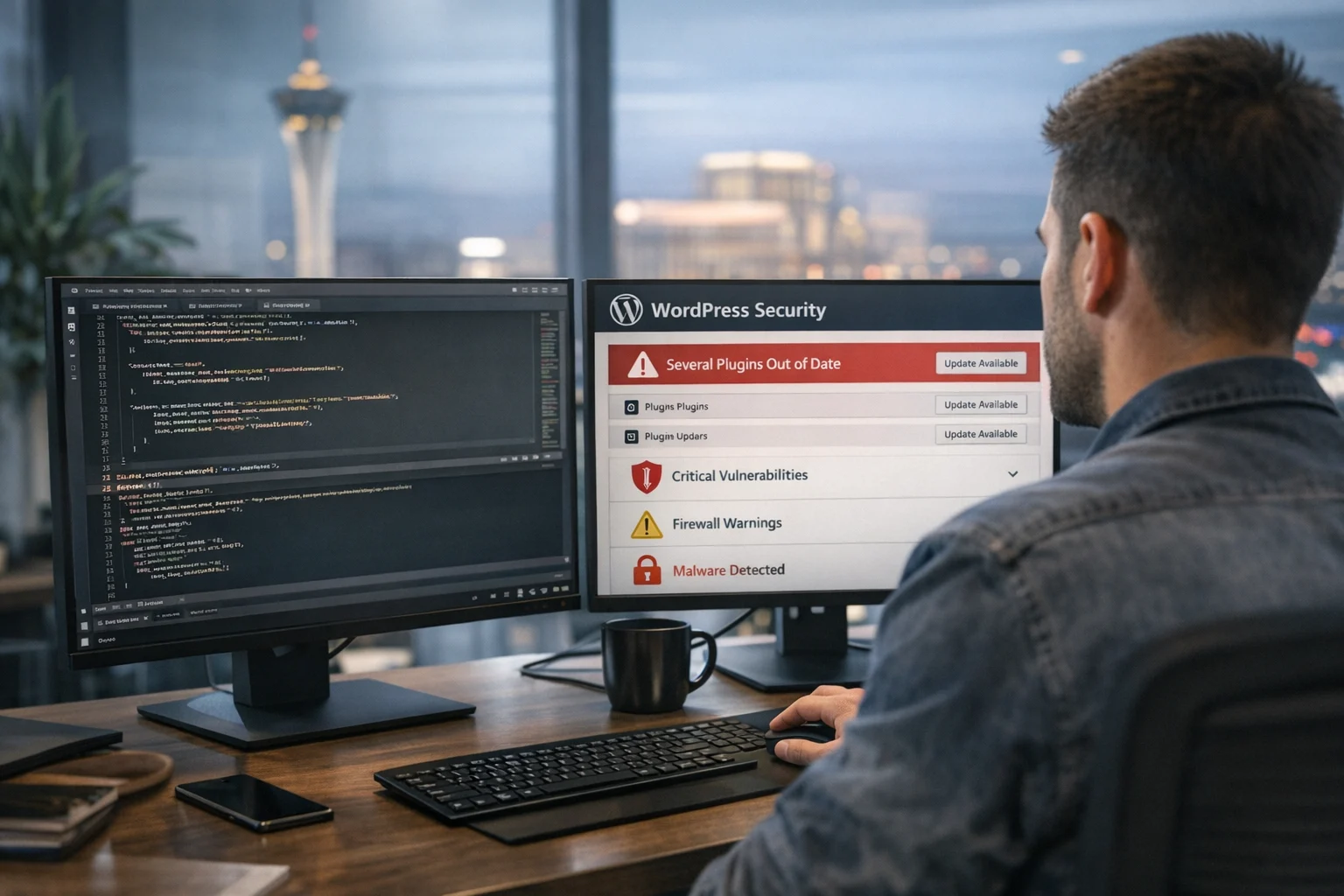
WordPress gives businesses a lot of flexibility, but that flexibility comes with a security tradeoff. The same plugin ecosystem that makes WordPress quick to launch and easy to customize also creates one of the biggest attack surfaces on a modern business website. When plugins fall out of date, the risk is not theoretical. It becomes a direct path into your site, your forms, your user data, and sometimes even your hosting environment.
At SiteLiftMedia, we see this all the time during website maintenance, redesign planning, and infrastructure cleanup projects. A company reaches out about a slow website, weak leads, or a drop in rankings. Then we audit the stack and find a WordPress install packed with plugins that have not been updated in months, sometimes years. In many cases, the problem goes beyond performance. The site is one exploit away from a serious security incident.
For business owners, marketing managers, and internal decision makers, this is where WordPress security becomes a business issue, not just an IT issue. An outdated plugin can lead to malware injections, spam pages, stolen admin access, SEO damage, payment skimming, and downtime that hurts revenue. If your company relies on its site for lead generation, online visibility, or customer trust, ignoring plugin updates gets expensive fast.
This matters for companies everywhere, but it is especially relevant in competitive local markets like Las Vegas. Businesses investing in Las Vegas SEO, web design Las Vegas, local SEO Las Vegas, and paid media often focus on traffic growth without realizing their old plugin stack is undermining the whole effort. A hacked or unstable site can waste ad spend, tank search performance, and scare off prospects right when spring marketing pushes or content expansion campaigns are supposed to build momentum.
The plugin problem most businesses underestimate
Many businesses think of plugins as small add ons. Install one for forms, another for backups, one for SEO, a few for sliders, caching, popups, analytics, security, redirects, and custom fields, and suddenly the site feels complete. The issue is that every plugin adds code, privileges, update requirements, and possible conflicts. Each one is another piece of software that can age badly.
Outdated plugins are dangerous because attackers do not need to break WordPress itself to get in. They just need one weak point. Once a vulnerability is publicly disclosed, exploit attempts often start right away. Bots scan the web at scale, looking for sites still running the exposed version. Small businesses, regional brands, and enterprise sites all get targeted because automation makes mass scanning cheap.
That is why so many breaches feel random to the site owner. They were not singled out. They were simply running a known vulnerable plugin version, and the attack found them.
If you want a deeper look at the broader ways sites get compromised, SiteLiftMedia has also covered how WordPress websites get hacked and what businesses can do. The short version is simple: old plugins are still one of the easiest doors to leave unlocked.
What counts as an outdated plugin
Business teams often assume a plugin is only outdated if it stops working. That is not how security works. A plugin can appear functional and still be dangerously old.
Here is what usually qualifies as a risk:
- The plugin has a newer version available and your site is still running an older release.
- The developer has abandoned the plugin, meaning no active support, bug fixes, or security patches.
- The plugin is no longer compatible with your current WordPress or PHP version.
- The plugin has a known published vulnerability, even if you have not noticed any visible problem yet.
- The plugin depends on outdated libraries such as old JavaScript frameworks or unsupported PHP functions.
One of the most common situations we see is a site built several years ago by a freelancer or previous agency, then lightly edited by multiple people over time. Nobody wants to break the site, so nobody touches the plugins. That hesitation is understandable, but it creates a frozen environment where weak components keep aging until one eventually fails or gets exploited.
Licensing is another common problem. A business may be using premium plugins without an active license, so updates stop. The plugin still runs, but the security fixes never reach the site. From the outside, everything looks fine until an exploit becomes public.
How attackers turn old plugins into entry points
Not every plugin vulnerability works the same way, but the damage often follows a familiar pattern. An attacker identifies a plugin version with a known flaw, finds sites still running it, and uses that flaw to gain access or inject malicious code. After that, the attacker may create hidden admin accounts, upload malware, redirect traffic, spam pages, or move deeper into the server.
Known vulnerabilities spread quickly
Once a flaw is disclosed, security researchers, developers, and attackers all know it exists. Responsible disclosure helps defenders patch systems, but it also creates a race. If your business delays updates, your site sits exposed while automated scanners look for it.
Many plugin issues fall into categories like these:
- Arbitrary file upload, where an attacker uploads a web shell or malicious script.
- Privilege escalation, where a low level user becomes an administrator.
- Cross site scripting, where malicious code runs in the browser of admins or users.
- SQL injection, where attackers manipulate database queries.
- Authentication bypass, where login protections get sidestepped.
- Broken access controls, where restricted functions are exposed publicly.
Site owners are often surprised by how ordinary these flaws can be. A form plugin, gallery plugin, booking plugin, or page builder extension can become the access point.
If you want examples of the patterns behind these attacks, this breakdown of common WordPress vulnerabilities that get sites hacked is worth reading alongside your plugin audit.
Attackers do not stop at one page
Once a vulnerable plugin is exploited, the goal is rarely limited to defacing the homepage. In real incidents, attackers usually want one of four things:
- Persistent access they can reuse later
- Traffic hijacking for spam or malicious redirects
- Sensitive data from customers or admins
- Resources they can use for broader abuse, such as email spam or malicious hosting
That is why a single old plugin can spiral into a much larger cleanup. The initial vulnerability is just the opening.
Why this becomes a business problem fast
Security issues caused by outdated plugins do not stay neatly contained on the technical side of the business. They hit revenue, operations, brand trust, and marketing performance at the same time.
Here is what that looks like in practice.
SEO damage can happen before you notice the hack
A compromised site may start generating spam pages, hidden links, cloaked content, or malicious redirects. Search engines pick up those signals quickly. Rankings can drop, brand queries can start showing suspicious results, and indexed junk pages can crowd out your legitimate content.
For a company investing in technical SEO, backlink building services, content development, or local SEO Las Vegas campaigns, this is brutal. You can spend months building authority and visibility only to lose traction because an old plugin opened the door to spam injections.
We have seen businesses come in asking for help from an SEO company Las Vegas team because leads dried up, when the root cause was actually security related. Their site was technically online, but search trust had already been damaged.
Lead generation gets disrupted
Forms stop delivering. Landing pages redirect. Users hit browser warnings. Pages load slowly because malicious scripts are running in the background. If your website supports calls, contact submissions, quote requests, bookings, or ecommerce, every hour matters.
This is especially painful during active campaigns. A spring promotion, product launch, content push, or paid traffic campaign can be undermined by a plugin exploit that happened weeks earlier.
Brand trust erodes quickly
Customers may forgive a dated design. They do not forgive a site that triggers warnings, shows spam content, or behaves suspiciously. If your company handles forms, payments, user accounts, or customer records, a visible compromise damages confidence immediately.
For professional service firms, healthcare groups, home service brands, hospitality businesses, and multi location companies in Las Vegas, online trust is tightly linked to lead quality. A security problem is not just embarrassing. It directly affects whether people submit a form, place a call, or keep browsing.
Recovery usually costs more than prevention
Businesses put off plugin cleanup because they want to avoid short term cost or inconvenience. Then the site gets compromised and the bill gets much bigger. Recovery often includes malware removal, forensic review, plugin replacement, file restoration, hosting coordination, password resets, database cleanup, blacklist review, and sometimes a full rebuild.
In older environments, patching alone is not enough. The codebase may be so cluttered that the safest move is to streamline plugins, refactor the site, and harden the server. That is one reason regular patch management matters so much for uptime and security.
The warning signs that your site is exposed
Not every vulnerable plugin announces itself. Some sites stay compromised for weeks before anyone notices. Still, there are patterns business teams should watch for.
- Unexplained admin users appear in WordPress
- Plugin update notices keep piling up and nobody owns them
- The site uses plugins that are no longer supported
- Contact forms stop working or submissions disappear
- Pages begin redirecting to unrelated domains
- Search results show strange titles or foreign language spam
- Hosting provider sends malware or abuse alerts
- Site performance drops for no clear reason
- Security plugins report file changes you did not make
- SSL, login, or admin behavior suddenly changes
Even if none of these are happening yet, a long ignored plugin stack is still a risk. The goal is not to wait for symptoms. The goal is to reduce exposure before attackers take advantage of it.
Why marketing teams often inherit risky WordPress setups
Marketing leaders are often handed a site they did not build. It may have gone through multiple vendors, internal edits, rushed campaign changes, and years of plugin additions. One tool was installed for a landing page. Another for a popup. Another for analytics. A few more for page layout, redirects, forms, events, testimonials, and social media marketing integrations.
That kind of growth is normal, but it creates plugin sprawl. Eventually, nobody is sure which plugins are still needed, which ones overlap, or which updates could break the layout. So the team avoids touching anything.
We run into this a lot with businesses planning a redesign or trying to improve rankings. They ask for custom web design or web design Las Vegas support because the site feels bloated, outdated, and hard to manage. During the audit, it becomes clear that security is tied directly to the design and content problem. The site is not just old looking. It is fragile.
If that sounds familiar, this guide on how to improve a WordPress site with too many plugins connects the performance and security side of the issue well.
What a safer plugin strategy looks like
Security is not about installing more plugins to protect the plugins you already have. It starts with reducing unnecessary complexity and maintaining the tools that remain.
A stronger plugin strategy usually includes the following:
Use fewer plugins, but choose better ones
Every plugin should justify its place. If two plugins do similar things, consolidate. If a feature can be handled in code or by a more stable platform level solution, consider that route. Fewer moving parts usually means fewer weak points.
Track ownership and update responsibility
Someone has to own updates. In some businesses that is internal IT. In others it is marketing, a web partner, or a managed service agency. What matters is that update responsibility is clear and recurring, not occasional or vague.
Test before pushing major changes live
One reason businesses avoid updates is fear of breaking the site. That concern is valid. The answer is staging, backups, and controlled deployment. Updates should be tested in a non production environment when the site is complex or business critical.
Remove abandoned or unnecessary plugins
Deactivated plugins can still be a liability if they remain installed. Old code left on the server is still old code. If it is not needed, remove it cleanly.
Keep the environment updated too
Plugin security does not exist in isolation. WordPress core, themes, PHP versions, server configuration, file permissions, and database hygiene all matter. Strong cybersecurity services often include server hardening, system administration, access control review, and backup validation, not just CMS updates.
When updates are not enough
Some sites have been neglected long enough that simple plugin updates will not solve the real problem. If your site is already compromised, running dozens of plugins, or built on years of patchwork edits, you may need a wider remediation plan.
That can include:
- Malware cleanup and file integrity review
- Replacement of risky or unsupported plugins
- Theme and custom code review
- Hosting and DNS review
- Admin access cleanup and password rotation
- Server hardening and firewall tuning
- Penetration testing for high risk environments
- Technical SEO review after a compromise
- Rebuild planning if the site is too unstable to maintain safely
This is where an experienced partner matters. A business website does not live in a vacuum. Security affects performance, SEO, content workflows, lead handling, and platform stability. At SiteLiftMedia, that is why infosec work often intersects with website maintenance, system administration, search visibility, and development planning.
Why Las Vegas businesses should take this seriously now
Las Vegas is a fast moving market. Hospitality, entertainment, professional services, home services, medical practices, ecommerce brands, and multi location businesses all compete hard for visibility. If you are investing in Las Vegas SEO, local SEO Las Vegas campaigns, paid search, or content growth, a vulnerable WordPress setup creates unnecessary drag on every marketing dollar.
Strong rankings do not help if malware gets your pages deindexed. Great creative does not help if outdated plugins break your landing pages. Social media marketing campaigns do not convert well when the site behind them feels unreliable or slow. Security supports growth. It is not separate from it.
This is especially true during busy periods like redesign planning, spring marketing pushes, location expansion, and infrastructure cleanup. Those are the moments when businesses are already touching the site, reviewing vendors, and investing in change. It makes sense to audit plugins, patch weak points, and clean up technical debt before traffic ramps up.
If your company has not reviewed its WordPress plugins in a while, do not wait for a hosting alert or ranking drop to force the issue. Have the site audited, identify outdated or unsupported components, and decide whether you need simple maintenance or a larger security and rebuild plan. If you want a team that understands business website security, technical SEO, custom web design, and the realities of keeping a lead generating site stable, contact SiteLiftMedia and get ahead of the problem before it turns into a cleanup job.
Photo Gallery











