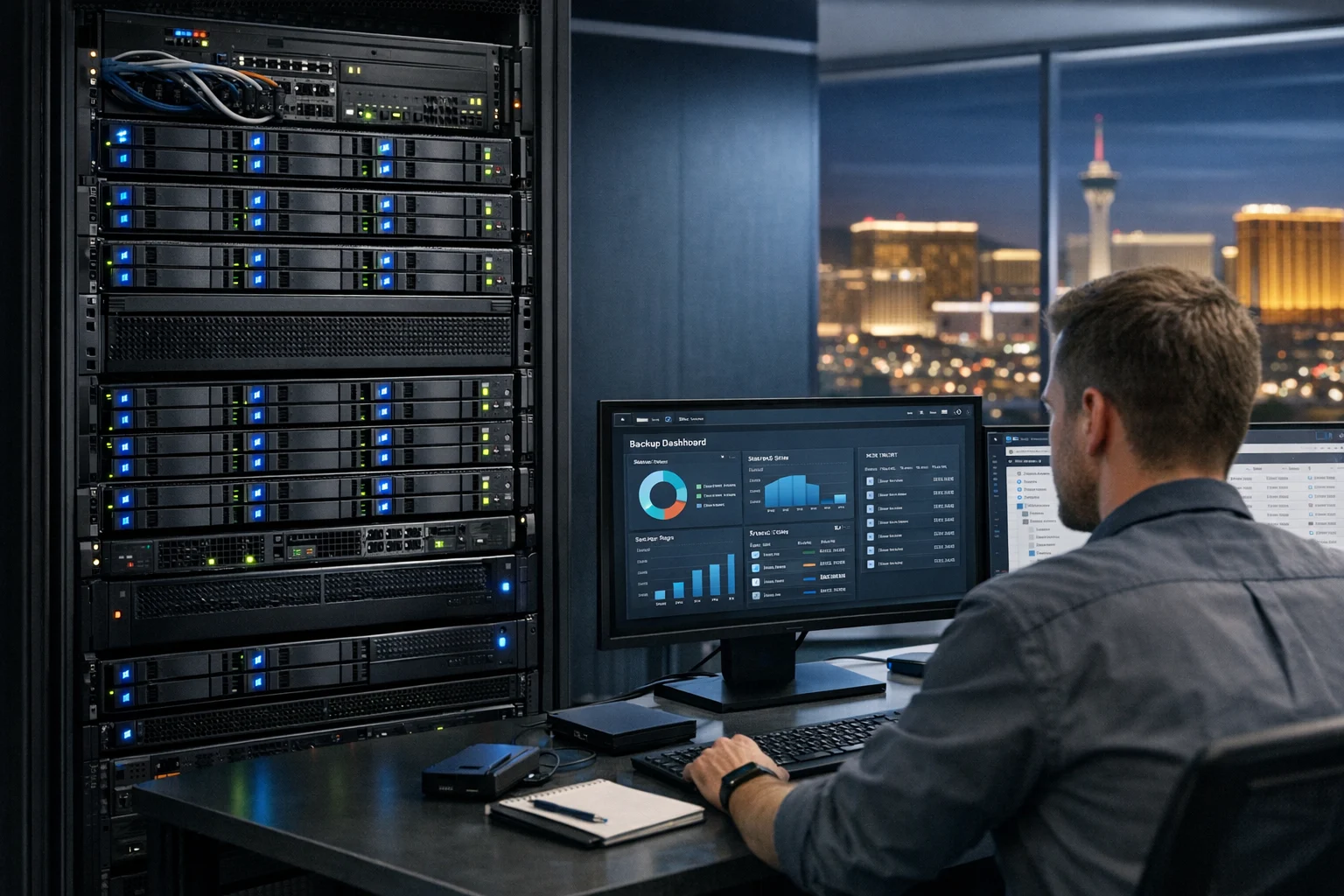
Data loss rarely shows up at a convenient time. It usually hits when a team is busy, a site is live, ad spend is active, and someone assumes the files are safe because they’re sitting on a server. Then a drive fails, a user deletes the wrong folder, ransomware encrypts a share, or a bad update wipes out something important. If your business depends on client files, internal documents, website assets, marketing creative, or shared operations data, you need a backup system that does more than exist on paper.
TrueNAS is a strong tool for building that kind of system. It gives you enterprise-grade storage features without forcing you into enterprise pricing, and when it’s configured well, it can protect everything from accounting folders to production website backups. At SiteLiftMedia, we work with businesses that care about uptime, lead generation, security, and operational stability. That includes companies in Nevada and across the country, especially businesses competing hard in Las Vegas, where downtime can cost real money fast.
If you run a company that invests in Las Vegas SEO, local SEO Las Vegas campaigns, web design Las Vegas projects, social media marketing, or technical SEO work, your digital assets are business-critical. The same goes for agencies, clinics, law firms, contractors, hospitality brands, and ecommerce teams with creative libraries and shared file systems. Here’s how to back up important data with TrueNAS in a way that’s practical, secure, and actually useful when something goes wrong.
Why TrueNAS is a strong fit for business backups
TrueNAS is built around ZFS, and that’s one of the biggest reasons it works so well for backup storage. ZFS gives you data integrity checks, snapshots, replication, and strong protection against silent corruption. That matters because a backup is only useful if the data inside it is reliable.
For business owners and decision makers, the appeal is pretty straightforward:
- Snapshots let you recover deleted or changed files quickly.
- Replication allows you to copy data to another TrueNAS system.
- Cloud sync can push protected copies offsite.
- Rsync and shared storage support make it easier to collect data from servers, workstations, and virtual environments.
- Scalability gives growing companies room to expand storage without rebuilding everything every few months.
That combination makes TrueNAS useful for a wide range of data: shared office files, website repositories, design assets, CRM exports, database dumps, VM backups, security logs, internal documentation, and archived campaign reports. If your business depends on fast hosting, website maintenance, system administration, or business website security, TrueNAS can be a core part of your risk reduction plan.
Start with the backup strategy, not the software screen
Before you click through the TrueNAS interface, define what you’re protecting and how quickly you need it back. This is where a lot of backup projects go sideways. Teams buy storage first and think about recovery later.
Ask these questions:
- Which data is truly business-critical?
- How much data changes every day?
- How much downtime can the business tolerate?
- How much data can you afford to lose between backups?
- Do you need file-level recovery, full server recovery, or both?
- Do you need an offsite copy for fire, theft, or ransomware scenarios?
A small marketing agency might care most about client deliverables, Google Ads reports, backlink building services documentation, creative files, and website snapshots. A medical office might care about compliance, line-of-business applications, scanned records, and workstation file recovery. A hospitality brand in Las Vegas may need fast access to reservation exports, finance documents, digital signage assets, and website rollback points before a summer campaign launch.
Make a list of your important data by source:
- File shares
- Employee desktops and laptops
- Web servers
- Databases
- Virtual machines
- SaaS exports
- Creative libraries
- Configuration files
Once you know what matters, it’s much easier to structure TrueNAS the right way.
Build the storage foundation the right way
A backup system is only as stable as the storage pool underneath it. If you’re still getting the platform ready, take a look at this guide on how to set up TrueNAS for home and business storage. The key point is that backup storage should be designed for resilience first, not for squeezing every last terabyte out of the chassis.
In practice, that means:
- Use enterprise or NAS-grade drives when possible
- Choose a vdev layout that gives you fault tolerance
- Leave room for growth
- Monitor drive health and pool status regularly
- Use ECC memory if your hardware supports it
Don’t treat your backup box like a junk drawer for old parts if the data matters. That shortcut usually costs more later.
Inside TrueNAS, create separate datasets for different categories of data instead of dumping everything into a single share. For example:
- Business-Documents
- Website-Backups
- Marketing-Assets
- VM-Backups
- Finance-Archive
- User-Home-Folders
This makes permissions cleaner, snapshots easier to manage, and restore jobs far less chaotic. It also helps when you need different retention policies. Website backups may change daily and rotate quickly. Finance data may need long-term retention.
Use snapshots as your first line of recovery
One of the best TrueNAS features for protecting important data is the snapshot system. A snapshot captures a point-in-time state of a dataset, which means you can roll back or recover files that were deleted, overwritten, or encrypted.
Snapshots are not a complete backup strategy on their own because they live on the same storage system, but they’re incredibly valuable for fast recovery.
How to set snapshots up sensibly
- Use frequent snapshots for active shared folders, such as every hour or every four hours
- Keep daily snapshots for a few weeks
- Keep weekly or monthly snapshots for longer-term rollback points
- Apply different retention settings to datasets based on business value
For example, if your team constantly updates ad creatives, landing page files, and proposal templates, hourly snapshots may make sense. If a folder only stores archived reports, daily snapshots may be enough.
A common and effective pattern is:
- Hourly snapshots kept for 48 hours
- Daily snapshots kept for 30 days
- Weekly snapshots kept for 8 to 12 weeks
- Monthly snapshots kept for 6 to 12 months
This gives you strong short-term recovery without overwhelming storage. In the real world, many file recovery requests happen within a few hours or a few days of the mistake, so this layer saves time right away.
Replicate your snapshots to a second system
If you stop at local snapshots, you still have a single point of failure. Hardware can fail. A building can flood. A power event can damage multiple systems. That’s why a serious TrueNAS backup plan should include replication to another device.
TrueNAS can replicate snapshots from one system to another, which is ideal for:
- Main office to branch office
- Production site to secondary site
- Local TrueNAS to colocated TrueNAS
- Business office to managed offsite rack
If you’re a growing company in Las Vegas with customer-facing infrastructure, offsite replication is a smart move. Local disasters don’t have to be dramatic to be disruptive. Even a construction issue, HVAC failure, or electrical problem can take a small office offline longer than expected.
When setting up replication:
- Replicate only the datasets that matter
- Use encrypted transport
- Schedule jobs around business activity and bandwidth limits
- Verify the destination keeps enough history to be useful
- Test recovery from the replicated copy, not just the primary system
This is also where system administration matters. A backup design that looks fine in the dashboard can still fail if networking, DNS, credentials, firewall rules, or storage capacity aren’t maintained. SiteLiftMedia often helps businesses align infrastructure, website maintenance, and security so the backup environment supports the business instead of becoming another fragile dependency.
Use cloud sync for the offsite layer
A good rule is the 3-2-1 model: keep three copies of your data, on two different types of storage, with one copy offsite. TrueNAS helps with this by supporting cloud sync tasks to providers like Backblaze B2, Amazon S3 compatible storage, and other cloud targets.
Cloud sync is especially helpful for businesses that don’t have a second physical location. It gives you geographic separation without needing another office or rack.
What to send to the cloud
- Critical documents
- Website exports and deployment archives
- Database dumps
- Financial records
- Configuration backups
- Compressed project archives
Not every file needs to go offsite in raw form. You can be selective. The point is to make sure the data you’d panic about losing exists somewhere outside the primary building.
Be thoughtful about retention and encryption. Cloud copies should be encrypted in transit and at rest, and access should be tightly restricted. If you’re handling sensitive client information, internal business records, or regulated data, this is not the place for weak credentials or shared admin logins.
Back up websites, servers, and business systems into TrueNAS
Many businesses think about backups only in terms of office documents. That’s a mistake. Your website, landing pages, CRM exports, databases, ecommerce files, and server configurations can be just as important. If your company depends on SEO traffic, paid campaigns, and lead generation, a broken or lost site affects revenue directly.
We see this a lot with companies investing in SEO company Las Vegas services, custom web design, technical SEO improvements, and social media marketing campaigns. The launch gets attention. The backup plan gets pushed back. Then a bad plugin update, server issue, or migration problem creates downtime that could have been avoided.
For websites, TrueNAS can store:
- Full site file archives
- Scheduled database exports
- Deployment packages
- Media library backups
- Configuration and environment files
- Logs and rollback snapshots
If your team is planning upgrades or hosting changes, this guide on website backups before updates or migrations is worth reading. It pairs well with a TrueNAS-based storage strategy because it helps you back up the systems that drive traffic, conversions, and search visibility.
For virtual environments, TrueNAS is also a strong backup target. If you’re running business apps or internal tools on Proxmox, for example, this walkthrough on how to back up Proxmox virtual machines the right way can help you avoid the usual mistakes.
Protect the backup system from ransomware and misuse
Backups are part of cybersecurity services, not separate from them. If attackers can access your backup shares with the same privileges as your users, they may be able to encrypt or delete the very data you need for recovery.
To reduce that risk:
- Use separate accounts for backup jobs
- Restrict write access to only what each job needs
- Do not let everyday users browse backup destinations casually
- Enable multifactor authentication where supported in connected systems
- Rotate credentials used by automation
- Audit permissions regularly
- Keep TrueNAS updated on a planned schedule
Security hardening matters here. So does network design. If a backup device is exposed too broadly, it becomes a bigger target. Strong segmentation, limited admin access, server hardening, and monitoring can make the difference between a contained incident and an outage that brings business to a halt.
If you need a more security-focused view, this related article on secure TrueNAS and protect shared business files is a good next step. It lines up well with broader business website security, penetration testing, and internal infrastructure planning.
Test restores before you need them
This is the part many teams skip, and it’s where real confidence comes from. A backup that has never been restored is an assumption, not a proven system.
At minimum, test these scenarios:
- Restore a single deleted file
- Restore a full folder from a snapshot
- Recover data from the replicated system
- Pull a copy from cloud storage
- Restore a website archive to staging
- Recover a VM backup into a test environment
Document how long each restore takes and who is responsible. If your business needs a file back in minutes but your process takes half a day because nobody knows which dataset contains the latest copy, the plan needs work.
For companies in competitive markets like Las Vegas, this matters more than people think. A local business running seasonal promotions, event campaigns, or tourism-focused landing pages can lose leads fast if critical digital assets disappear. The same applies to service businesses using local SEO Las Vegas campaigns, call tracking, and content funnels to drive bookings or estimate requests.
Common mistakes that make TrueNAS backups weaker
Most backup failures come down to design, not software. Here are the issues we see most often:
- Using snapshots as the only backup. They are excellent, but they still live on the same system.
- Keeping everything in one dataset. It becomes messy to secure, restore, and retain properly.
- No offsite copy. Local resilience is not the same as disaster recovery.
- No restore testing. Teams assume jobs are successful because logs look clean.
- Weak permissions. Backup shares are often more exposed than they should be.
- Ignoring website and application data. Shared folders are only part of the business.
- Running out of storage unexpectedly. Retention without capacity planning creates silent risk.
Another mistake is letting backups become a side project with no owner. Someone needs to review reports, storage usage, failed jobs, disk alerts, and restore readiness. That can be an internal IT lead, a managed provider, or a digital operations partner, but it should be assigned clearly.
When it makes sense to bring in SiteLiftMedia
Some companies can handle TrueNAS backups in-house. Others are better off getting help, especially when storage ties into production websites, ad campaigns, shared creative workflows, cybersecurity services, and ongoing system administration.
That’s often the case for growing businesses already juggling web design Las Vegas projects, content production, local lead generation, social campaigns, and internal file management. If the same team responsible for SEO is also trying to troubleshoot replication jobs and retention issues, things start to slip.
SiteLiftMedia helps businesses build practical digital infrastructure, not just marketing campaigns. That can include backup planning, website maintenance, business website security, server hardening, technical SEO support, and the systems behind reliable growth. For Las Vegas businesses preparing for stronger competition, summer campaigns, or a heavier lead flow, a stable backup and recovery process is part of staying ready.
If your current setup is a mix of USB drives, random cloud folders, and crossed fingers, start by listing your critical data, creating snapshot policies, and adding an offsite copy. If you want a TrueNAS backup strategy that protects websites, shared files, and daily operations without guesswork, contact SiteLiftMedia and build it the right way before you need it.
Photo Gallery













