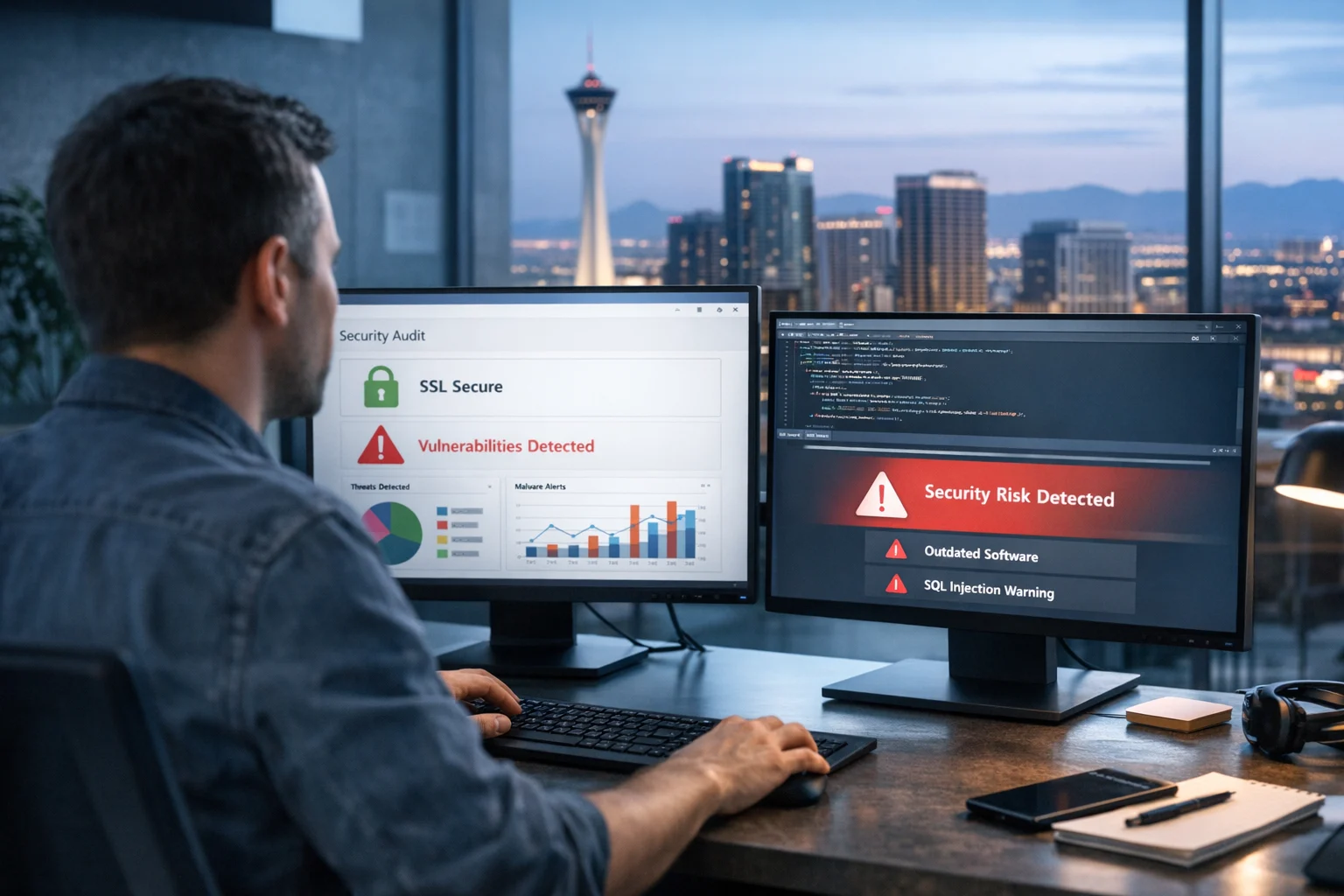
If you run a business website, security is not something to put off until something breaks. By the time a site gets flagged for malware, starts redirecting visitors, or loses rankings because of spam pages, the damage is already costly. Leads drop. Ad performance suffers. Trust takes a hit. In some cases, your hosting provider may even suspend the site before you realize what happened.
At SiteLiftMedia, we work with businesses focused on growth, not just uptime. That includes companies investing in Las Vegas SEO, local SEO Las Vegas campaigns, custom web design, PPC landing pages, and ongoing website maintenance. Security affects all of it. A vulnerable site can hurt conversions, search visibility, and brand reputation in a matter of hours.
The good news is that you can catch many common website security issues before they turn into a full cleanup project. You do not need to be a full time developer or security engineer to spot obvious risks. You do need a clear process, some consistency, and a willingness to act when something looks off.
Here is how to check whether a website is vulnerable to common security issues, which tools and indicators matter most, and when it makes sense to bring in an agency with real cybersecurity services, technical SEO experience, and hands on server hardening knowledge.
Why vulnerability checks matter for marketing and operations
A lot of business owners think of website security as an IT issue. In reality, it is also a marketing issue, a sales issue, and a brand issue.
We have seen hacked sites lose organic rankings because attackers injected junk pages, cloaked content, spammy links, or malicious scripts. We have also seen ad landing pages get compromised during active campaigns, leading to wasted spend and a broken user experience. If your company is paying for social media marketing, backlink building services, or working with an SEO company Las Vegas businesses rely on, it makes no sense to send traffic to a site with weak security.
Security checks are especially important during:
- Website redesigns and web design Las Vegas projects
- CMS migrations
- Q1 growth planning and annual digital strategy reviews
- Hosting changes or server moves
- Plugin heavy WordPress updates
- Lead generation campaigns with new forms and landing pages
- Ecommerce launches and payment integrations
If your site supports lead flow, online purchases, appointment scheduling, or customer data collection, business website security should be part of your regular operating checklist.
Start by identifying your website stack
Before you can check a site properly, you need to know what you are looking at. That sounds basic, but plenty of companies are not fully sure what powers their own website. We regularly talk to teams who inherited a site from a past developer and do not know the CMS, plugin footprint, hosting setup, or who has admin access.
Start with these questions:
- Is the site built on WordPress, Shopify, Magento, a custom framework, or something else?
- Who hosts it?
- Who manages the server?
- What plugins, modules, themes, or external integrations are installed?
- Are updates handled monthly, occasionally, or not at all?
- Who has administrator access right now?
- Where are backups stored, and have they been tested?
If you are on WordPress, your first concern is usually the plugin and theme layer. That is where a large share of compromises start. If you want a deeper look at known risk patterns, SiteLiftMedia has covered common WordPress vulnerabilities that get sites hacked in more detail.
You should also document the software versions in use. Outdated CMS files, old PHP versions, neglected themes, and abandoned plugins are classic attack surfaces. Even if the front end looks fine, the backend may be carrying years of unpatched exposure.
Check for obvious signs of a compromised or weak site
Before you run any tools, spend a few minutes looking at the site as both a user and an admin. A surprising number of issues are visible if you know what to check.
Front end warning signs
- Unexpected redirects to other domains
- Spam pages indexed in Google
- Browser warnings about unsafe content
- Strange popups, fake system alerts, or auto downloads
- Defaced pages or changed content
- Unusual outbound links in the footer or hidden in the page source
- Major performance slowdowns with no clear reason
Back end warning signs
- New admin users you do not recognize
- Password reset emails nobody requested
- Plugin or theme changes nobody approved
- Scheduled tasks or cron jobs that look unfamiliar
- Hosting alerts about malware, high resource usage, or suspicious traffic
- File modification dates that do not line up with real work
Also check Google Search Console if it is connected. Security issues, malware warnings, and indexing anomalies often show up there early. Search visibility can be one of the first business signals that something is wrong, which matters if you are actively investing in Las Vegas SEO or broader nationwide search campaigns.
Test HTTPS, SSL, and security headers
A secure website should load fully over HTTPS with a valid SSL certificate. That is standard now, but many business sites still mix secure and insecure resources or run weak TLS configurations after redesigns or hosting changes.
Here is what to verify:
- The site loads on HTTPS by default
- HTTP requests redirect cleanly to HTTPS
- The SSL certificate is valid and not expired
- There are no mixed content warnings
- HSTS is configured where appropriate
- Basic security headers are present
Key headers to review include:
- Content-Security-Policy to restrict malicious script execution
- X-Frame-Options to reduce clickjacking risk
- X-Content-Type-Options to help prevent MIME type confusion
- Referrer-Policy to control referral data leakage
- Strict-Transport-Security to reinforce HTTPS use
You can test these with online header checkers, SSL Labs, or your browser developer tools. Weak or missing headers do not always mean a site is hacked, but they do point to an easier target.
If your site runs on a VPS, dedicated server, or custom hosting stack, web server configuration matters quite a bit. SiteLiftMedia has also covered how to secure Apache and Nginx for business websites, which is useful if your team handles infrastructure in house.
Audit logins, passwords, and access control
One of the easiest ways attackers get into business sites is through weak access management. Not through some movie style hack, but through poor housekeeping.
Check the following:
- Are admin usernames obvious, like admin or companyname?
- Are passwords unique and strong?
- Is multi factor authentication enabled?
- Do former employees or vendors still have access?
- Are there more administrator accounts than necessary?
- Is login attempt limiting enabled?
- Are admin URLs exposed without any protection?
This matters even more for WordPress, where brute force login attacks are constant background noise across the internet. If you have a content team, marketing staff, freelancers, and developers all touching the same site, permissions can get messy quickly.
Good access control is not glamorous, but it prevents a huge percentage of avoidable compromises. For many organizations, especially growing teams in Las Vegas and other competitive markets, a routine access review should be part of quarterly website maintenance.
Review plugins, themes, modules, and third party scripts
If your website depends on plugins or third party code, every added component expands the attack surface. Some business sites have 40 to 60 plugins installed, many of them inactive, outdated, or unsupported. That is a problem.
Here is how to check that layer properly:
- List every active and inactive plugin or module
- Remove anything unused
- Check the last update date for each component
- Look for abandoned software with no support history
- Review changelogs for recent security fixes
- Confirm that themes are updated, even inactive ones
- Inspect third party scripts added for chat, analytics, popups, or tracking
Outdated plugins are one of the most common entry points we see on small and mid sized business websites. If that sounds familiar, read SiteLiftMedia's guide on how outdated WordPress plugins put business sites at risk.
Also be careful with scripts added for convenience. Marketing teams often install tools for heatmaps, call tracking, social media marketing widgets, booking systems, and form enhancers without a security review. Any third party script loaded into your site can become a liability if the vendor is compromised or the integration is poorly configured.
Scan for malware, SEO spam, and blacklisting
Not every vulnerability has already been exploited, but you should still check whether the site is showing signs of infection or abuse. This is especially important if rankings have dropped suddenly, pages are behaving oddly, or leads have slowed down for no clear reason.
Use a mix of external and internal checks:
- Run a malware scan with a reputable website security scanner
- Search Google for site:yourdomain.com and look for spam pages
- Review Search Console for hacked content warnings
- Check Google Safe Browsing status
- Inspect source code for injected scripts or hidden links
- Review server logs for suspicious requests and repeated failed logins
SEO spam is often missed because it is not always visible to normal users. Attackers may inject casino pages, pharma links, fake product listings, or cloaked doorway pages meant to exploit your domain authority. If you are investing in technical SEO, local SEO Las Vegas campaigns, or backlink building services, this kind of spam can undermine months of work.
In practical terms, malware cleanup and security remediation usually need to happen alongside SEO repair. You do not just remove bad files and move on. You need to verify indexed URLs, redirect behavior, crawl health, and trust signals. That mix of security and search recovery is where agencies with both cybersecurity services and SEO experience can save a lot of time.
Check forms, uploads, and user input handling
Forms are one of the most common weak points on a business website. Contact forms, quote forms, file uploads, chat widgets, and application forms all collect user input, which means they can also be abused if validation is weak.
Pay attention to these areas:
- Can a form accept unusual characters or scripts without validation?
- Are spam protections enabled, such as CAPTCHA or honeypots?
- Can users upload files, and if so, are file types restricted?
- Are upload directories protected from direct execution?
- Are forms sending data securely?
- Is sensitive information being emailed in plain text?
Badly secured forms can expose you to spam floods, malware uploads, cross site scripting, and data leakage. If your site handles resumes, client documents, or support files, the upload path deserves close attention.
This is also where custom web design and custom development need experienced oversight. A visually polished site is not automatically a safe one. We have seen beautiful websites with unsafe form handling, exposed API keys, and poor sanitization in custom coded features.
Inspect file permissions, backups, and sensitive directories
Some vulnerabilities are not visible from the front end at all. They live in the file system, the backup process, or careless deployment habits.
Check for:
- Overly permissive file and folder permissions
- Publicly accessible backup files
- Old staging sites exposed to the internet
- Indexing enabled on sensitive directories
- Configuration files readable where they should not be
- Unused admin panels still available online
A classic example is a development copy of a site left on a subdomain with weak credentials and outdated software. Another is a backup archive sitting in a public directory where anyone can download it if they guess the filename. These are simple mistakes, but they create serious exposure.
Patch routines matter here too. Security is not just about one time scanning. It is about keeping the environment current. SiteLiftMedia's article on why patch management matters for website security is worth reviewing if your internal process is mostly reactive.
Look at the server, hosting environment, and infrastructure
If you have access to the hosting side, or if your provider gives you reporting, check the infrastructure as well. This is where deeper security issues often show up.
Important areas include:
- PHP and database versions
- Firewall and WAF configuration
- Open ports and unnecessary services
- Malware scanning at the server level
- User account separation on shared environments
- Log retention and monitoring
- Backup automation and restore testing
- Server hardening practices
For larger businesses, franchise groups, healthcare practices, law firms, and ecommerce brands, this part usually requires a more advanced review. It moves into system administration, permissions architecture, traffic analysis, and security hardening. If your website sits on cloud infrastructure or a custom application stack, surface level checks are not enough.
This is where penetration testing becomes valuable. A real penetration testing exercise goes beyond plugin scans and browser checks. It looks for exploitable paths, privilege escalation opportunities, unsafe integrations, and weak infrastructure controls. Not every small business needs a full pen test right away, but many growing companies do benefit from a structured security assessment, especially before a major campaign or website refresh.
Use automated scanners, but do not trust them blindly
Automated website scanners are helpful. They can quickly surface outdated software, malware indicators, weak headers, exposed files, and known CVEs. Use them, but do not mistake them for a complete security audit.
Automated tools are best for:
- Routine monthly checks
- Quick triage after suspicious behavior
- Basic SSL and header validation
- Plugin and version awareness
- Monitoring changes over time
They are weak at:
- Business logic flaws
- Custom code review
- Privilege and role abuse
- Infrastructure level misconfiguration
- SEO spam that is selectively cloaked
- Complex chained vulnerabilities
That is why businesses often call an agency after running a scan and still not knowing what it means. A report showing medium or high risk findings is not very useful if nobody can explain the business impact, fix priority, and remediation path.
Know when to bring in SiteLiftMedia
If you notice any of the following, it is time to stop guessing and get expert help:
- Your site has malware warnings or suspicious redirects
- Google has indexed pages you did not create
- Admin access looks compromised
- Lead form submissions have dropped unexpectedly
- The site is running on old software and nobody owns maintenance
- You are planning a redesign, migration, or major marketing push
- You need both security fixes and SEO recovery
At SiteLiftMedia, we approach this as a business problem, not just a technical checklist. That means looking at the website, the server, the CMS, the user access model, the SEO impact, and the marketing dependencies tied to the site. For Las Vegas businesses especially, where competition is tight across legal, hospitality, home services, medical, real estate, and ecommerce, weak site security can directly affect lead generation and local visibility.
Whether you need website maintenance, server hardening, system administration, cleanup after malware, or a more secure rebuild tied to web design Las Vegas and technical SEO goals, the next move is to get a real audit done. If your website has become a question mark for your team, contact SiteLiftMedia to identify the risk, prioritize the fixes, and lock down the site before it costs you traffic or revenue.
Photo Gallery













