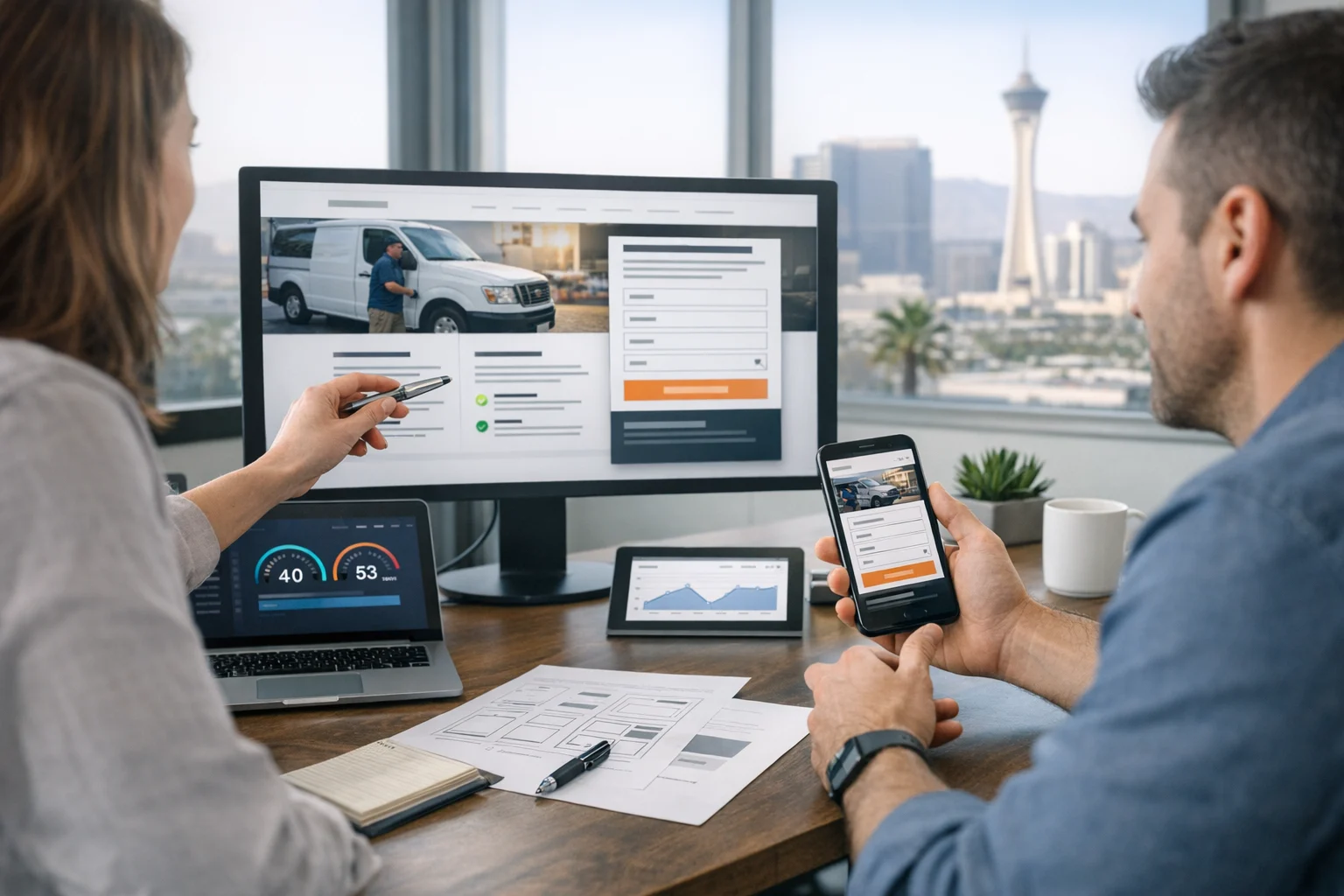
When a service business website has a high bounce rate, the problem usually is not traffic alone. It is friction. People arrive with a need, scan for a few seconds, and leave because the page does not answer the right questions fast enough. That happens on plumber websites, law firm websites, HVAC sites, med spas, home service brands, consultants, IT providers, and just about every other service business category.
We see this all the time at SiteLiftMedia. Companies invest in Las Vegas SEO, PPC, social media marketing, backlink building services, and content, but the website experience still does most of the heavy lifting. If the design is confusing, the load time drags, the mobile layout feels cramped, or the trust signals are weak, visitors bounce before the sales conversation even starts.
For service businesses, bounce rate is rarely just a design vanity metric. It is often a revenue leak. Whether someone found you through local SEO Las Vegas searches, a branded campaign, a referral link, or a national service query, they are trying to confirm a few things quickly: do you solve my problem, do you serve my area, can I trust you, and what should I do next?
The good news is that bounce rate can drop quickly when the right UX fixes are in place. Not cosmetic tweaks. Real improvements that remove uncertainty, match search intent, and help visitors move forward with confidence.
Why service business websites lose visitors so quickly
Service websites are different from content sites and ecommerce stores. People are not usually browsing for fun. They are trying to make a decision. That means your page has to do more, in less time, with less patience from the visitor.
In competitive local markets like Las Vegas, that pressure gets stronger. Searchers often compare several businesses at once. Mobile usage is high. Urgency is common. Someone looking for web design Las Vegas, SEO company Las Vegas, a security consultant, or emergency repair services may open three to six tabs and rule out options almost immediately.
Most bounces happen because one or more of these questions go unanswered:
- What exactly do you do?
- Are you relevant to my location or industry?
- Can I trust you with my project or budget?
- How do I contact you right now?
- Is this site easy enough to use on my phone?
If a landing page makes visitors work too hard to find those answers, they leave. That is why reducing bounce rate is really a UX clarity project.
Make the first screen instantly clear
The first screen a visitor sees, especially on mobile, has one job. It needs to orient them right away. Too many service business websites waste that space on vague taglines, oversized hero images, sliders, or generic copy like trusted solutions for modern businesses. That language may sound polished, but it does not reduce bounce rate.
A better first screen includes:
- A plain language headline that says what the business does
- A short supporting line that explains who it is for or what outcome it delivers
- A visible call to action such as call now, request a quote, or book a consultation
- A trust cue like review count, years in business, certifications, or client logos
- Location relevance where appropriate, especially for Las Vegas service pages
If you are targeting a term like custom web design or local SEO Las Vegas, do not make the visitor guess whether the page is about design, SEO, or something else. Say it clearly. Strong UX starts with clarity, not cleverness.
We often tell clients that above the fold messaging should pass the five second test. A visitor should know what you do, who you help, and how to act next in about five seconds. If they cannot, bounce rate usually climbs.
Match landing pages to search intent
One of the biggest bounce rate problems comes from sending all traffic to the homepage. That might feel efficient internally, but it is rarely efficient for the user. Someone searching for technical SEO does not want to land on a broad agency homepage and hunt through a menu. The same goes for cybersecurity services, website maintenance, app development, or penetration testing.
Search intent should shape the landing page experience. If someone searches for Las Vegas SEO, the page should speak directly to SEO services, local ranking opportunities, reporting, technical fixes, and lead generation. If they search for business website security, they should land on a page that addresses risk, trust, compliance concerns, and remediation options.
This is especially important for local service businesses trying to rank in Las Vegas and nearby markets. Service pages that reflect real intent reduce pogo sticking, improve engagement, and create stronger conversion paths. They also help search engines better understand page relevance.
In practice, that means building focused pages for core services, major industries, and high value locations rather than expecting one generic page to do everything. It is one of the most dependable ways to reduce bounce rates while improving SEO performance at the same time.
Clean navigation lowers friction fast
Navigation problems are a quiet bounce rate killer. A cluttered menu, confusing labels, too many top level options, or buried service pages make users feel lost. The same issue shows up when pages are designed beautifully but the structure underneath is chaotic.
A service business website should feel easy to scan and easy to move through. That means clear menus, obvious service categories, visible contact access, and a page layout that naturally leads from problem to solution to proof to action.
Site structure matters just as much as visual design. If you want a deeper look at that, SiteLiftMedia covered why clean page structure plays such a big role in user experience and conversions.
Simple navigation wins because it reduces decision fatigue. On mobile, it matters even more. Visitors should not have to expand three menu levels just to find pricing, service areas, or a contact option. Sticky headers, click to call buttons, and simplified mobile menus often make an immediate difference for service businesses.
Speed is not a technical detail, it is UX
People do not separate speed from design. If a page loads slowly, feels jumpy, or stalls while scripts fire, the user experiences that as poor design. It breaks trust. It interrupts attention. It creates bounce.
This is one reason many service business sites underperform after being built in bloated page builders or overloaded with plugins, animations, and third party tools. What looked impressive in a design review becomes frustrating in the real world, especially on mobile networks.
Performance tuning should include image compression, lean code, script control, caching, server configuration, and ongoing technical SEO checks. If your team relies heavily on visual builders, it is worth understanding how bloated page builders can hurt speed, SEO, and conversions.
For Las Vegas businesses preparing for Q4, seasonal spikes, or holiday traffic planning, speed matters even more. Campaigns tend to drive more mobile visitors, and delays get more expensive when paid traffic is involved. A fast site lowers bounce rate, but it also protects ad spend and improves lead quality.
Trust signals need to appear before doubt does
Service businesses ask prospects to take a risk. Maybe it is financial risk. Maybe it is operational risk. Maybe it is trust around security, legal work, healthcare, or home access. Either way, users start sizing up credibility almost immediately.
That means trust signals should not be buried halfway down the page. Good UX brings them forward. Useful trust elements include:
- Review summaries and testimonials
- Case studies or project examples
- Real team photos instead of generic stock imagery
- Years in business, certifications, or partner badges
- Response time expectations such as same day callback
- Clear service area information
- Security and privacy reassurance for forms and transactions
For local intent, relevance builds trust too. A Las Vegas visitor is more likely to stay when they see that the company understands the market, serves nearby areas, and has worked with businesses like theirs. That is true whether the company provides roofing, legal services, medical treatments, managed IT, or web design Las Vegas businesses depend on for lead generation.
Accessibility also affects trust. When a website is hard to read, hard to navigate by keyboard, or missing basic usability standards, visitors feel that friction immediately. There is also a search benefit, which is why this piece on how accessibility improvements boost SEO in Las Vegas is worth a look for teams trying to improve both UX and visibility.
Forms should feel easy, not like paperwork
A surprising number of service websites lose leads at the moment of action. The visitor finally decides to contact the business, then hits a form with ten fields, unclear labels, weak reassurance, or an awkward mobile layout. That is where bounce rate and abandonment meet.
Shorter forms usually perform better for top of funnel pages. Ask only for what you truly need to start the conversation. Name, contact info, basic project detail, and maybe a preferred timeline is often enough. If qualification is important, use progressive steps or follow up later.
Better contact UX often includes:
- One clear primary CTA per page
- Short, mobile friendly forms
- Click to call options for urgent services
- Scheduling tools where appropriate
- Privacy reassurance near the form
- Confirmation messaging that explains what happens next
For higher trust categories like cybersecurity services, penetration testing, or consulting, users often want reassurance that inquiries will be handled securely and professionally. That is a UX issue just as much as it is a compliance issue. Clear form handling, SSL, privacy language, and professional follow through can reduce drop off dramatically.
Local relevance should feel helpful, not forced
When businesses target local search, they sometimes overdo local copy to the point that the page feels stuffed and unnatural. That can hurt trust just as much as having no location relevance at all. Good local UX feels grounded, not gimmicky.
If your business serves Las Vegas, show it in practical ways:
- Mention specific service areas where appropriate
- Use local proof such as client examples or local case studies
- Include location specific FAQs that answer real buyer questions
- Keep contact information consistent with business listings
- Align page messaging with the search query that brought the user in
For example, someone searching for SEO company Las Vegas expects more than a paragraph that swaps a city name into a generic template. They want signs that you understand the local market, competition, map visibility, service area targeting, and what lead generation actually looks like in that environment.
This is where good local SEO and good UX overlap. The best local pages are useful first. They answer the visitor's real questions, build trust, and make it easy to act.
Readability is part of conversion design
Dense paragraphs, weak spacing, low contrast text, and oversized blocks of copy increase bounce rate even when the information itself is strong. Visitors do not read websites in a straight line. They scan. They pause. They jump to proof. They look for price signals, service details, and next steps.
That means readability needs to be treated like a conversion feature. Strong service pages use short paragraphs, clear headings, supporting bullets, and visual rhythm. They break down complex services into digestible sections and keep the user moving.
This matters even more when selling technical services. If you provide system administration, server hardening, technical SEO, or business website security, visitors may not fully understand the jargon. Your UX should reduce cognitive load, not add to it. Explain the service in clear language, then support it with detail for buyers who want to go deeper.
One practical improvement here is content sequencing. Lead with the business problem, explain the solution, show proof, then present the call to action. Do not front load every technical detail before the visitor understands the value.
Smart personalization can keep the right visitors engaged
Not every service site needs advanced personalization, but the right level of tailoring can lower bounce rates. That might mean adapting homepage content for returning visitors, highlighting relevant case studies by industry, or adjusting calls to action based on the page path.
Done well, personalization makes the site feel more relevant. Done badly, it feels intrusive. The goal is not to overengineer the experience. It is to help the visitor see themselves in the offer faster.
For teams exploring this area, SiteLiftMedia has also written about website personalization trends that improve engagement without making the experience feel forced.
For service businesses, even simple personalization can work. Showing healthcare proof on a healthcare page, construction examples on a contractor page, or Las Vegas specific project examples for local traffic can be enough to reduce bounce and improve conversion quality.
Some bounce rate problems are really technical failures
It is easy to blame design when the real issue is technical. Broken mobile menus, layout shifts, bad redirects, mixed content warnings, intrusive popups, aggressive chat widgets, and failing scripts all create bounce rate spikes. So do downtime issues and poorly maintained hosting environments.
This is where website maintenance matters. Service business websites are not launch and leave assets. They need regular updates, testing, monitoring, and cleanup. If your forms stop working, your pages start timing out, or security warnings appear, the user experience falls apart immediately.
For organizations handling sensitive data or lead intake, business website security is inseparable from UX. Visitors may not know the technical details behind server hardening, system administration, or penetration testing, but they absolutely notice trust breaks. Browser warnings, spammy redirects, compromised forms, and slow unstable pages create instant exits.
At SiteLiftMedia, we often see the biggest bounce rate gains come from combined work across design, technical SEO, hosting stability, cybersecurity services, and content clarity. Isolated changes help, but coordinated improvements usually perform better.
Measure the signals that actually reflect user quality
If you want to reduce bounce rates intelligently, do not look at one number in isolation. Bounce can be misleading without context. A user may land on a page, call you right away, and technically count as a short session. Another visitor may spend time scrolling without taking any meaningful step.
Useful UX measurement for service businesses should include:
- Landing page bounce rate and engagement rate
- Scroll depth and time on page
- Call clicks and form starts
- Form completion rate
- Navigation path to key service pages
- Mobile versus desktop behavior
- Performance by traffic source such as organic, PPC, and referral
Look for patterns. If a page has strong traffic but weak engagement, the issue may be intent mismatch. If users engage until the form, the issue may be friction at conversion. If mobile bounce rate is much higher than desktop, the design or speed likely needs work.
For Las Vegas businesses competing in crowded search results, this level of analysis matters. The goal is not just to keep visitors on the page longer. The goal is to help the right visitors move forward faster.
If your service website is attracting traffic but too many visitors leave without contacting you, the next step is not guessing. It is a focused UX audit that looks at message clarity, page structure, speed, technical SEO, security readiness, and conversion friction together. SiteLiftMedia helps businesses nationwide do exactly that, with a strong track record for Las Vegas clients who need web design, SEO, performance tuning, and business-ready digital growth support. If you want a second set of eyes on where your bounce rate is coming from, reach out and we will map the fixes that can actually move leads.
Photo Gallery