Building a RetroPie arcade system at home is one of those projects that feels fun on day one and still pays off months later. You get the nostalgia of classic arcade games, a custom entertainment setup, and a surprisingly flexible device that can fit a game room, office lounge, waiting area, or event booth. For business owners and decision makers, it can even become part of a branded customer experience.
If you have searched for how to build a RetroPie arcade system at home, the good news is that you do not need enterprise hardware or advanced engineering skills. You do need the right parts, a reliable build plan, and enough patience to set it up properly. That is where most people either create something polished or end up with a cluttered mess of wires, bad controls, and poor performance.
At SiteLiftMedia, we spend a lot of time helping brands build digital experiences that look clean, work smoothly, and stay secure. Whether that means custom web design, technical SEO, website maintenance, or cybersecurity services, the same principle applies here: good systems are built on strong foundations. This guide walks you through the entire RetroPie process with that mindset.
Start by choosing the kind of arcade system you actually want
Before you buy a Raspberry Pi or pick a joystick, decide what you are building. A RetroPie arcade setup can take several forms, and the right one depends on where it will live and who will use it.
- TV console setup for a living room, break room, or office lounge
- Bartop arcade cabinet for a more authentic arcade feel without taking over the room
- Full size cabinet for home game rooms, retail spaces, or event marketing displays
- Portable arcade case for trade shows, pop up activations, and branded experiences
If you are a business in Nevada, especially in hospitality heavy markets, a compact bartop unit is often the sweet spot. It looks impressive, gives people something memorable to interact with, and can be folded into social media marketing or in store branding. A polished arcade installation in a showroom or waiting area can generate conversation and user photos in ways that generic decor never will.
What you need to build a RetroPie arcade system
The core hardware list is fairly simple. The real difference is whether you want a quick setup or a premium finish.
Essential parts
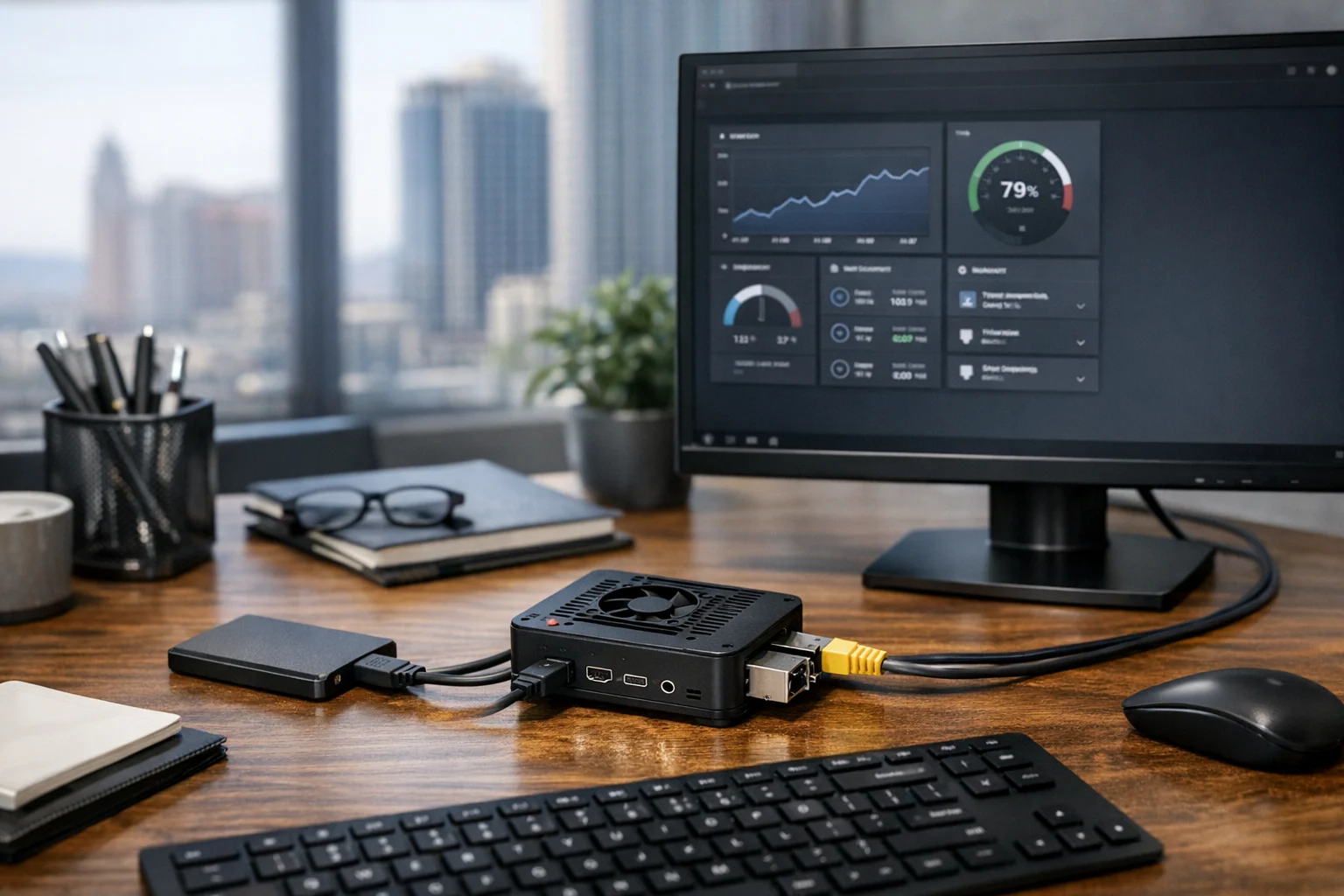
- Raspberry Pi with enough power for the systems you want to emulate. A Raspberry Pi 4 is still a common choice for stable performance.
- MicroSD card with enough storage for the operating system and game library. A quality card matters more than people think.
- Power supply matched to your Raspberry Pi model.
- Case or cabinet depending on whether you are making a console or a full arcade build.
- HDMI display or monitor or a small LCD panel for a bartop cabinet.
- USB encoder boards if you are using arcade joysticks and buttons.
- Arcade controls including joystick, push buttons, and possibly trackball or spinner for specialty games.
- Speakers or an audio amp if the display does not handle sound well.
- Keyboard for initial setup and troubleshooting.
- Network connection through WiFi or Ethernet for updates, remote management, and file transfer.
Helpful upgrades
- Cooling fan or heatsinks for better stability during longer sessions
- USB gamepads for console style multiplayer gaming
- LED buttons for a more polished cabinet look
- Power switch module for safer startup and shutdown
- External storage if your game library and media files are large
Do not cheap out on the controls. Bad buttons and low quality joysticks are the fastest way to ruin the experience. The Pi gets the attention, but the controls are what people touch.
Assemble the hardware before you worry about the software
Once your parts arrive, build the physical system first. This helps you identify hardware problems before you are knee deep in menus and configuration files.
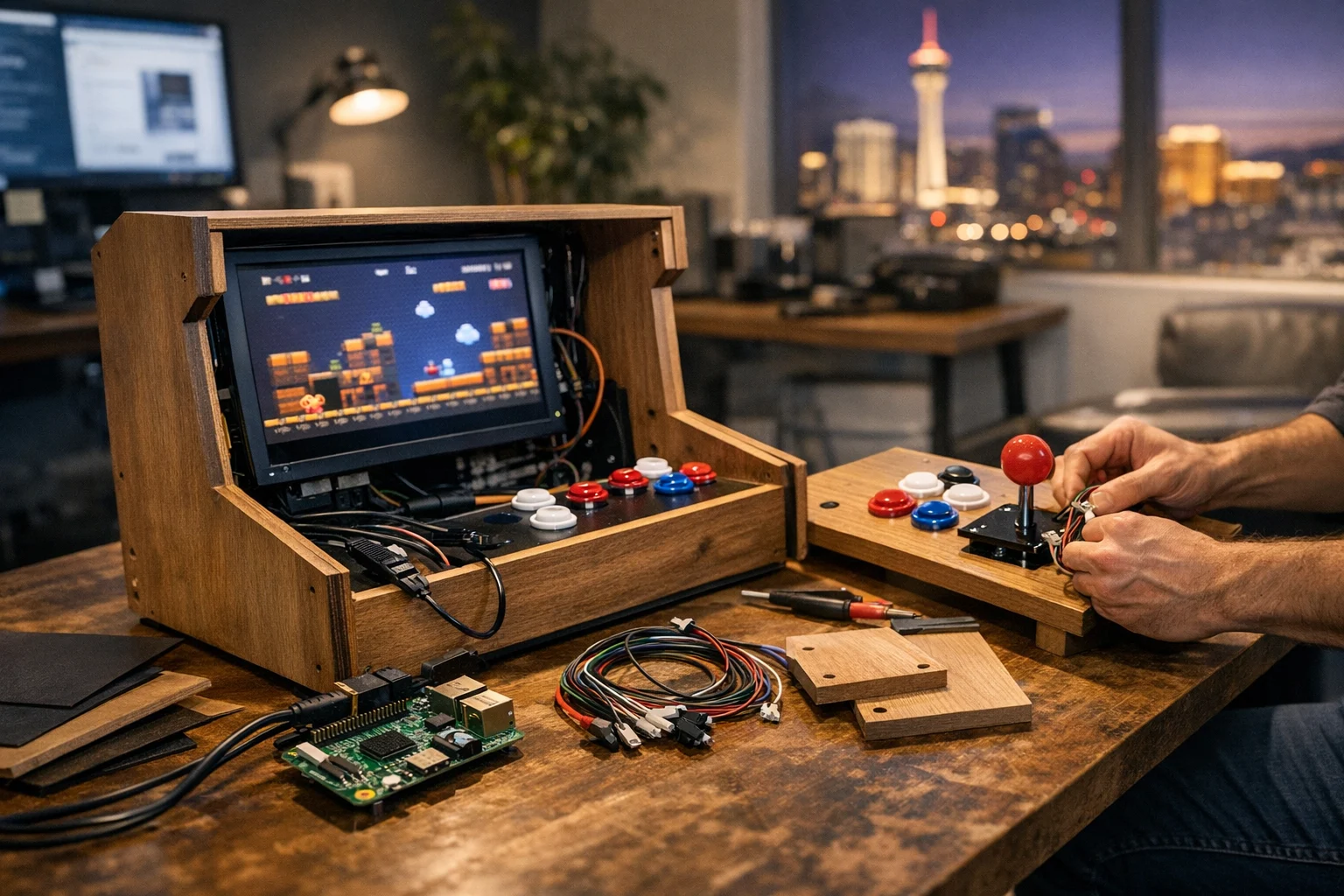
If you are doing a simple TV based setup, put the Raspberry Pi in its case, connect HDMI, power, and at least one controller. If you are building a bartop cabinet, mount the monitor first, then the controls, then route and secure your wiring. Sloppy cable management makes every future change harder.
For a cabinet build, keep these practical rules in mind:
- Place the monitor at a comfortable viewing angle
- Give the Pi room to breathe and do not trap heat
- Label wires if you are using multiple buttons and players
- Leave service access so you can replace a part later
- Test power and video before final assembly
A lot of DIY builders rush through this stage because they want to see the menu on screen. Slow down. A clean physical build saves hours later.
Install RetroPie the right way
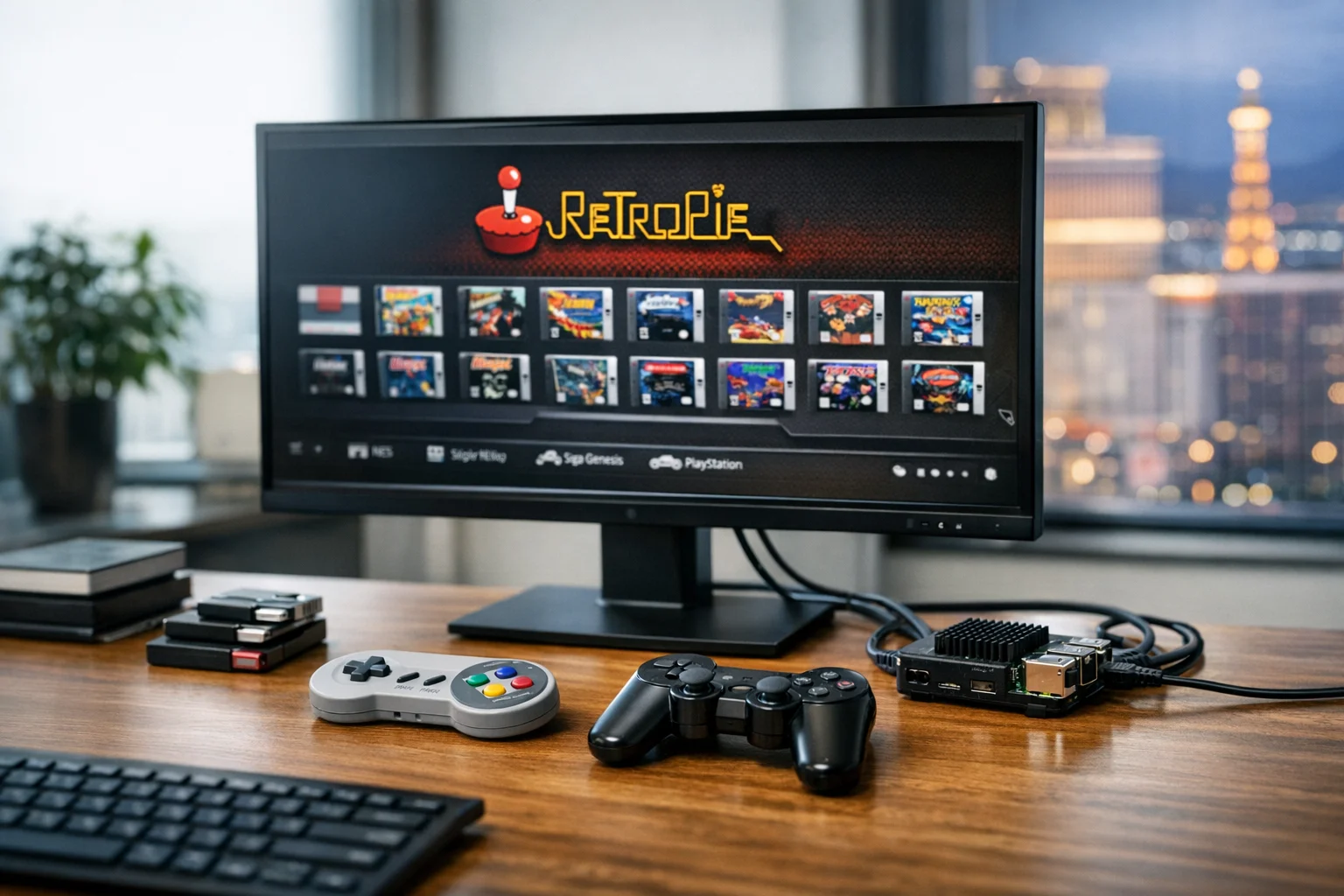
RetroPie is software that turns your Raspberry Pi into a retro gaming platform. The normal workflow is to download the RetroPie image, flash it to the microSD card, insert the card into the Pi, and boot up.
On first launch, RetroPie usually prompts you to configure a controller. If you only have arcade buttons connected through a USB encoder, make sure every button registers correctly. If something does not map the first time, do not panic. That is common.
After first boot, go through these basics:
- Set your language and regional preferences
- Connect to WiFi or Ethernet
- Update RetroPie packages if needed
- Confirm audio output is working
- Set screen resolution and overscan if the image looks cropped
If your goal is a polished home arcade, keep the software image lean. Do not install every theme, every emulator, and every extra menu option just because you can. The best builds feel simple, responsive, and easy to use.
Configure controls so the system feels like a real arcade
This is the make or break step. A RetroPie system can have beautiful artwork and hundreds of games, but if the controls feel inconsistent, it will never feel finished.
Each joystick and button needs to be mapped properly in EmulationStation, and some emulators may need extra configuration. Spend time testing with a few well known games from different systems. Fighting games, platformers, and arcade shooters all reveal control issues differently.
Best practices for control setup
- Use a standard button layout if more than one person will use it
- Map hotkeys for exit, pause, and save functions carefully
- Avoid accidental quit buttons in high traffic environments
- Test two player input if your cabinet supports it
- Keep a keyboard nearby during early setup
For business spaces, simplicity matters even more. If this system will sit in a waiting room, office lobby, or customer lounge, people should be able to start using it in seconds without asking for help.
Add games legally and organize the library well
RetroPie itself is legal. Game files are where you need to be careful. Only use ROMs and BIOS files that you are legally allowed to use. Skipping the legal side is not worth it, especially if this system is connected to a business environment or displayed publicly.
When you add games, organize them with the end user in mind. More is not always better. A short, curated library usually delivers a better experience than dumping thousands of titles into the menu.
- Choose games that run well on your hardware
- Group titles by system or genre
- Remove duplicates and broken files
- Add artwork and metadata for a cleaner interface
- Keep kid friendly or office appropriate selections if needed
If you want to manage multiple media files, backups, or branded content across several devices, central storage can help. Businesses that already use network attached storage may also want to review secure file handling practices, including this guide on how to secure TrueNAS and protect shared business files.
Optimize performance so your arcade does not feel cheap
A common mistake is assuming RetroPie performance is only about the Pi model. It is not. Storage quality, heat, power stability, software bloat, and emulator settings all affect how smooth the system feels.
Ways to improve performance
- Use a reliable power supply to avoid undervoltage issues
- Install cooling if the case gets warm during long sessions
- Use a quality microSD card from a trusted brand
- Disable menu clutter and unnecessary startup services
- Stick with emulators known to run well on your Pi model
- Reduce video preview and theme effects if menus lag
From a business perspective, this is no different than technical SEO or website maintenance. Fancy design means very little if the experience is slow or unreliable. The same thinking applies whether you are launching a cabinet in your office or a custom web design project for a Las Vegas brand.
Build the cabinet or station for the room it lives in
If you want the arcade to look like a real finished product, the cabinet matters as much as the software. Your build should match the room. A family game room has different needs than a real estate office, med spa, restaurant, or event booth.
For home setups, a clean bartop cabinet is usually the best mix of footprint and visual impact. For offices, a counter height cabinet can work well in a lounge or employee break area. For customer facing spaces, durability matters more than novelty.
Design choices that improve the final result
- Use durable surfaces that can handle repeated use
- Keep branding subtle unless it is part of an event activation
- Choose a screen size that matches viewing distance
- Use a front end theme that is readable from several feet away
- Add proper ventilation and easy access for maintenance
This is also where branding can get interesting. A well built arcade can support content creation, office culture, trade show engagement, and short form video clips. For companies investing in Q1 growth strategies or a website refresh project, small physical brand experiences often pair well with larger digital campaigns.
Why some businesses build RetroPie systems at all
At first glance, an arcade project may seem unrelated to marketing. In practice, it can support customer experience and brand perception in smart ways. We have seen decision makers use similar builds for waiting areas, employee lounges, event booths, and hospitality spaces where they want people to remember the experience.
If you run a business in Las Vegas, where entertainment expectations are naturally higher, a thoughtful visual detail can go a long way. An arcade corner will not replace a serious marketing strategy, but it can reinforce one. People take photos, spend more time in the space, and associate your brand with personality instead of generic corporate sameness.
That works best when it is paired with strong digital foundations such as Las Vegas SEO, local SEO Las Vegas campaigns, and a conversion focused site. If you are trying to improve visibility for a physical location, SiteLiftMedia has also covered practical tips on how Las Vegas businesses can improve map pack rankings.
In other words, the arcade can help people remember you. Your website, search presence, and reviews are what help them find you again.
Keep the system secure if it touches your network
This is the step many DIY guides skip. If your RetroPie device connects to WiFi, shared storage, or any internal business network, treat it like a real endpoint. Change default passwords, disable services you do not need, and keep the software updated.
- Use strong passwords for SSH or remote access
- Turn off unused services and ports
- Put guest facing devices on a separate network when possible
- Update the operating system and packages regularly
- Back up your configuration and game library
That matters even more in business environments where one neglected device can become a weak point. Patch discipline is a real part of security hardening, and it applies to small devices too. If security is already on your radar this year, this overview of why patch management matters for website security is worth a read.
SiteLiftMedia helps organizations with cybersecurity services, penetration testing, server hardening, system administration, and business website security because the same lesson comes up again and again: convenience without controls creates risk. A RetroPie unit does not need enterprise complexity, but it does need basic discipline.
Common mistakes that make home arcade builds frustrating
If you want to avoid rework, watch out for the issues below. These are the reasons many home arcade projects stall halfway through.
- Buying the cheapest controls available
Cheap buttons feel mushy, fail early, and make games less enjoyable. - Using an underpowered or unstable power supply
This can cause random crashes, controller dropouts, and weird boot behavior. - Overloading the system with games and themes
Too much content makes the interface slower and more confusing. - Ignoring cooling and ventilation
Heat causes throttling and instability, especially in tightly enclosed cabinets. - Skipping backups
One corrupted card can wipe out hours of configuration work. - Forgetting about the end user
A build that only the creator can operate is not a good build.
If something goes wrong, start with the basics: power, storage, controller detection, video output, and recent configuration changes. Troubleshooting is usually easier when you isolate one variable at a time.
When it makes sense to bring in outside help
You can absolutely build a RetroPie arcade system yourself, but many business owners do not actually want another DIY project on their plate. They want the fun result, not the hours of tinkering, cable management, configuration, and cleanup.
That is also true in marketing. Plenty of companies can publish a few pages on their website or post on social media, but that does not mean they have a serious growth system. If your business is balancing brand experience, digital visibility, and security, the better move is often to work with specialists.
SiteLiftMedia helps companies nationwide and serves Las Vegas businesses with practical growth support including SEO company Las Vegas services, web design Las Vegas projects, custom web design, backlink building services, technical SEO, social media marketing, website maintenance, cybersecurity services, and system administration. If you are planning a customer facing refresh, a local search push, or a stronger business website security posture, the right strategy should connect all of those pieces.
Final thoughts
A great RetroPie arcade system is not about collecting parts. It is about building a smooth experience. Choose reliable hardware, keep the software simple, invest in good controls, secure the device properly, and design the cabinet around where it will actually be used.
If you are building one for home, that approach gives you a better arcade. If you are building one for your office, showroom, or customer lounge, it gives you something even more valuable: an experience people remember.
And if you are also thinking bigger about growth this year, from Las Vegas SEO and local SEO Las Vegas to custom web design, website maintenance, server hardening, or penetration testing, SiteLiftMedia can help you build the digital side with the same attention to detail. Reach out to our team if you want a stronger online presence, better performance, and a smarter foundation for the next phase of your business.
Photo Gallery