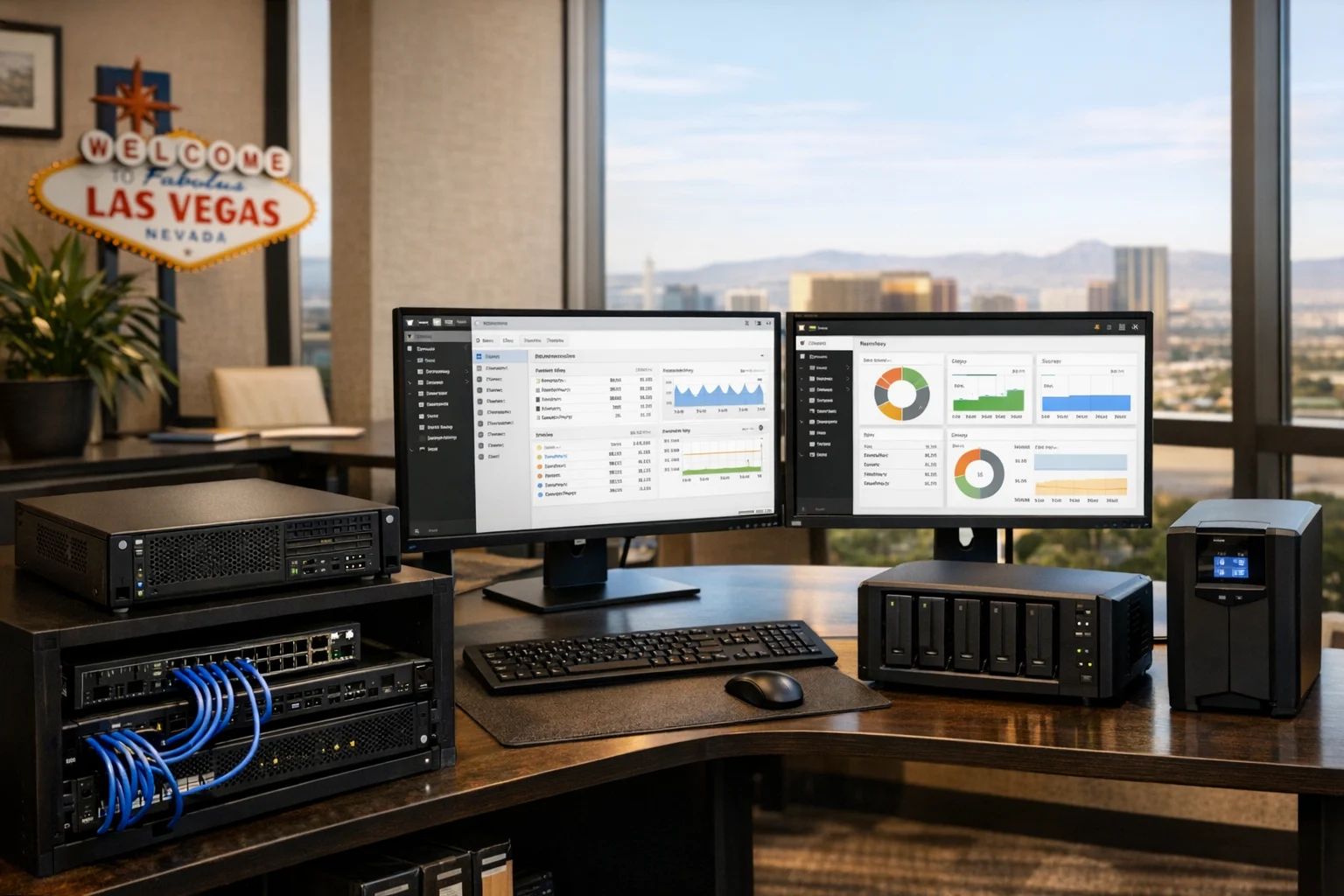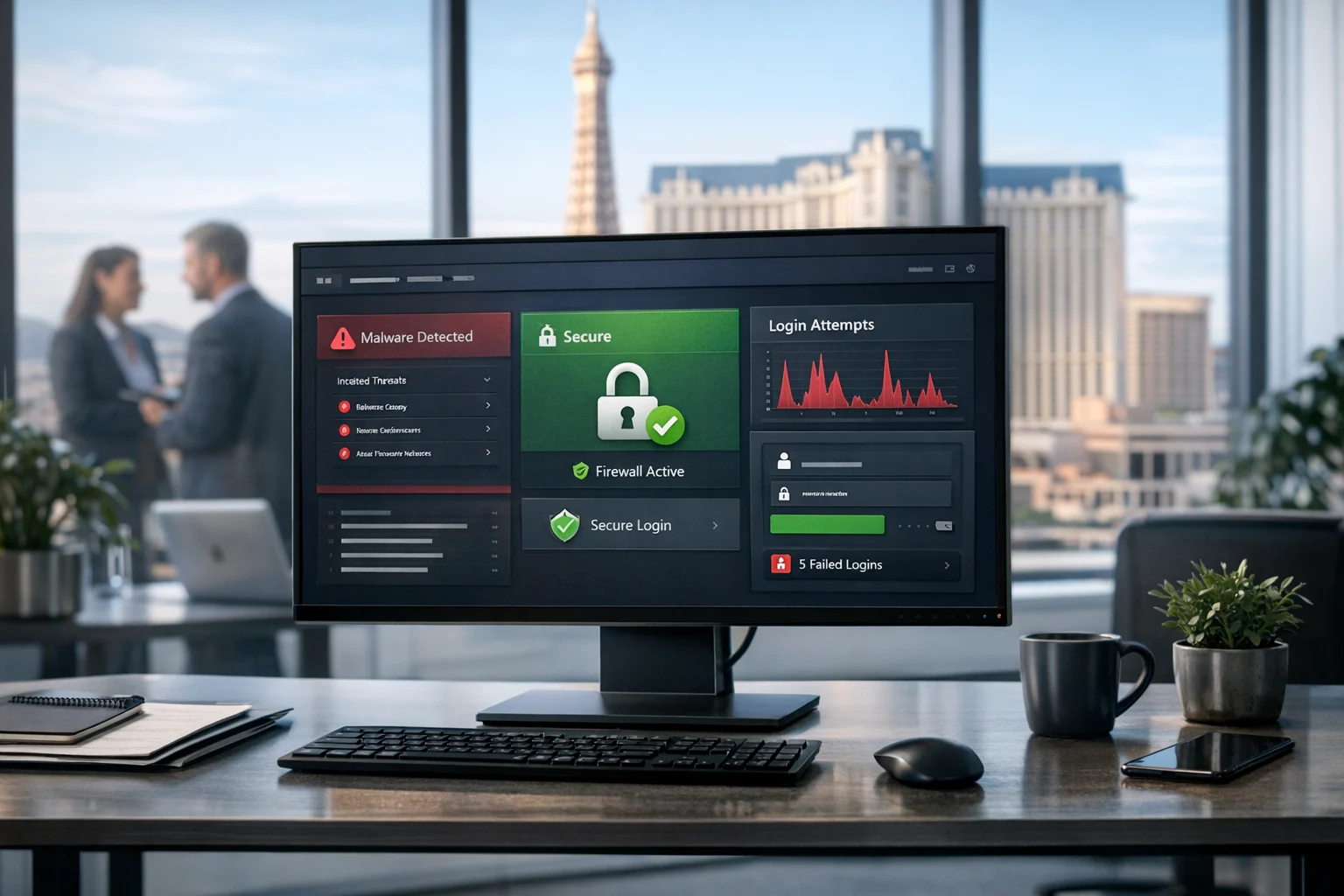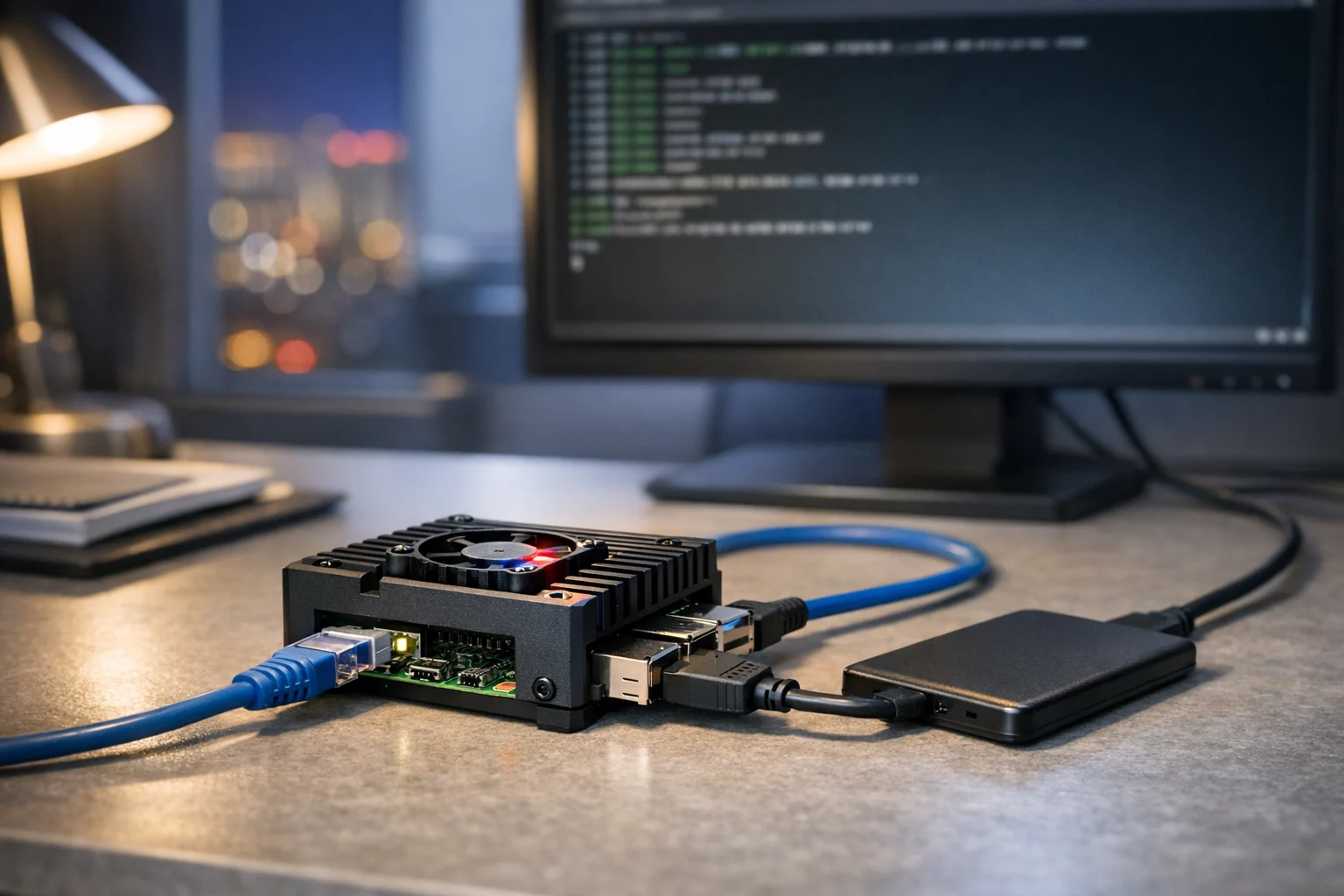
A Raspberry Pi is one of the most affordable ways to build a small server for your business, home office, or internal team. It is compact, energy efficient, quiet, and surprisingly capable when you give it the right job. If you need a simple file server, a staging box for website changes, a network monitor, a lightweight dashboard, or a small internal web app, a Raspberry Pi can do the work without the cost and complexity of a full rack server.
That said, the key word is lightweight. A Raspberry Pi is not meant to replace serious cloud hosting, enterprise infrastructure, or a production server for a high traffic ecommerce website. But for controlled tasks, it can be a smart move. At SiteLiftMedia, we often help businesses decide where low cost infrastructure makes sense and where they need stronger hosting, better system administration, or a more secure deployment.
If you are a business owner, marketing manager, or operations lead in Las Vegas or anywhere in the country, this guide will show you how to turn a Raspberry Pi into a practical lightweight server and how to do it without creating unnecessary security risk.
Why a Raspberry Pi makes sense for business use
The Raspberry Pi works best when you need a small, focused server that stays on all the time. It uses very little power, takes up almost no space, and can handle many internal or low demand workloads reliably. For a small office, agency, or local business, that can be extremely useful.
- Low cost: You can build a functional server for a fraction of the cost of a traditional machine.
- Always on: Great for dashboards, file access, local automation, uptime checks, or internal tools.
- Easy to maintain: With proper setup, updates, and backups, a Pi can be very manageable.
- Flexible: It can run a web server, file server, DNS server, VPN endpoint, containerized apps, or monitoring tools.
- Good for testing: Useful for a web design Las Vegas project, a staging environment, or a Q1 website refresh before changes hit production.
For growing businesses, this can be especially valuable when you want to test ideas cheaply. A Pi can host an internal preview site, a simple analytics dashboard, or a file share for a small team. It can also be helpful for marketing departments that want a separate sandbox for technical SEO checks or content approval workflows.
What a lightweight Raspberry Pi server can realistically do
Before you start, match the hardware to the job. A Raspberry Pi server is best for tasks that are small, predictable, and not mission critical to public revenue. Good use cases include:
- Internal file sharing for a small team
- Simple intranet or documentation portal
- Website staging for custom web design reviews
- Internal reporting dashboards for social media marketing or campaign tracking
- Network monitoring and uptime checks
- A small local development environment
- DNS filtering or VPN access for remote staff
- Digital signage or office display systems
What it should usually not do is host a high traffic public website, process sensitive payment data, or run a business critical application without redundancy and security controls. If your team depends on speed, uptime, and compliance, the better answer is usually managed hosting, cloud infrastructure, and strong website maintenance backed by professionals.
Choose the right Raspberry Pi hardware
If you want a good experience, start with the right model and accessories. Cutting too many corners up front usually creates stability issues later.
- Raspberry Pi 4 or Pi 5: For most business uses, a Pi 4 with 4GB or 8GB RAM is a solid minimum. A Pi 5 gives you more headroom and better overall responsiveness.
- Official power supply: Power instability causes strange problems. Use the correct power source.
- MicroSD card or SSD: A fast, high quality microSD card works, but an external SSD is better for speed and reliability.
- Case and cooling: Passive or active cooling helps the device stay stable under load.
- Ethernet connection: Wired networking is strongly preferred for server use.
- UPS if possible: A small battery backup can prevent corruption during power loss.
If the server will store shared documents, creative assets, or reporting exports, it is wise to use an SSD and a backup plan from day one. Many businesses underestimate how quickly small internal tools become important. If your main goal is file access, also look at best practices for securing shared business files so you do not build a convenient system that later becomes a security problem.
Step 1: Install Raspberry Pi OS Lite
For a lightweight server, use Raspberry Pi OS Lite. It skips the desktop interface and keeps overhead low. You can install it with Raspberry Pi Imager from another computer.
- Download Raspberry Pi Imager
- Select Raspberry Pi OS Lite
- Choose your microSD card or SSD
- Set a hostname, username, and strong password in the advanced options
- Enable SSH during setup so you can manage the server remotely
- If you know your WiFi details, you can preconfigure them, but Ethernet is better
Once the image is written, insert the storage, connect the Pi to power and network, and let it boot. From another machine on the same network, connect over SSH.
ssh yourusername@your-server-hostname.local
If that does not resolve, check your router for the assigned IP address.
Step 2: Update the system and lock down the basics
As soon as you log in, update everything.
sudo apt update && sudo apt upgrade -y
Then run the configuration utility.
sudo raspi-config
From there, confirm your hostname, locale, timezone, and boot settings. For a business environment, the basics matter. Time drift, vague hostnames, and weak passwords create confusion fast.
Next, take these core security steps:
- Use a unique, strong password or switch to SSH keys
- Disable services you do not need
- Create a dedicated admin user if multiple people will manage the server
- Keep the Pi on a trusted network segment
- Set up your router firewall correctly
If the server will be reachable from outside your office, do not skip server hardening. Open internet exposure is where many cheap projects become expensive mistakes.
Step 3: Assign a static IP address
A server should not keep changing addresses. The easiest method is usually a DHCP reservation in your router, which tells your network to always give the same IP to the Pi. This is better than manually forcing an address on the device in many small office setups.
Use a name that makes sense, like:
- lv-office-fileserver
- marketing-staging-pi
- internal-dashboard-01
Good naming matters more than people think, especially once you have multiple devices, contractors, and departments involved.
Step 4: Choose the server role and install only what you need
This is where most people go wrong. They install too much. A better approach is to give the Pi one or two clear jobs and keep the footprint small.
Option A: Turn it into a lightweight web server
If you want to host a small internal site, a staging copy of a website, or a landing page preview, install Nginx:
sudo apt install nginx -y
After installation, open the Pi's IP address in your browser. You should see the default Nginx page. From there, you can replace the default content with your own HTML files or configure server blocks for internal projects.
This setup is useful for agencies and in house teams reviewing content before launch. For example, if you are planning a web design Las Vegas refresh, a Pi based staging box can help stakeholders preview layout changes, image compression, page copy, and call to action updates before they go live.
Option B: Turn it into a small file server
For internal file access, install Samba:
sudo apt install samba -y
You can then create a shared folder and configure access controls. Keep permissions tight. Do not make everything public just because it is easier in the moment. If the server holds contracts, media assets, campaign reports, or customer exports, treat it like business infrastructure, not a hobby toy.
Option C: Use Docker for flexibility
If you are comfortable with containers, Docker gives you a clean way to run small services without cluttering the base system. This can be a smart option for internal dashboards, monitoring, basic CMS testing, or lightweight app prototypes. For a marketing department, that might mean a reporting dashboard for social media marketing, a simple reporting API, or an internal demo environment.
Just remember that more containers means more maintenance. If your team does not have technical staff, simplicity usually wins.
Step 5: Harden the server before you trust it
A Raspberry Pi server should be treated like any other server. Small hardware does not mean small risk. This matters even more if the device touches customer data, internal documents, web assets, or anything related to business website security.
- Enable a firewall: Install UFW and allow only the ports you need.
- Use SSH keys: Disable password login if possible.
- Install Fail2ban: Helps block repeated login attempts.
- Patch regularly: Apply OS and package updates on a schedule.
- Back up configuration and data: Assume the storage will fail someday.
- Limit internet exposure: Avoid opening ports unless there is a clear reason.
- Separate duties: Do not mix too many unrelated roles on one Pi.
Patch discipline is one of the biggest differences between a useful server and a risky one. If you want a deeper look at the operational side of that, read our guide on why patch management matters for website security. It applies just as much to a small office server as it does to a larger web environment.
If your Pi will support external tools, client previews, or remote access, this is also the point where professional help can save you trouble. SiteLiftMedia provides cybersecurity services, penetration testing guidance, system administration, and server hardening support for organizations that need their setup to be practical and defensible.
How businesses can use a Raspberry Pi server strategically
For business owners and marketing managers, the real value is not just that a Raspberry Pi can be a server. It is that it can solve a narrow operational problem cheaply and effectively.
Here are practical ways teams use one:
- Website staging: Preview design or copy updates before pushing them live.
- Technical SEO testing: Run a private environment to review redirects, image handling, or page templates.
- Campaign asset storage: Keep approved graphics, PDFs, and ad files in one internal location.
- Dashboards: Host a simple internal dashboard for lead tracking or monthly KPI reviews.
- Local development: Give your team a low cost environment for testing small tools.
For companies investing in Las Vegas SEO, local SEO Las Vegas campaigns, or broader digital growth efforts, a Pi can act as a support tool during planning and experimentation. It will not replace enterprise analytics, backlink building services, or serious campaign infrastructure, but it can support internal workflow and help your team move faster with fewer bottlenecks.
A local business preparing for a Q1 growth push, for example, might use a Pi to host a temporary staging copy of service pages before launch, test revised site navigation, or review image and copy changes tied to a custom web design update. That is especially helpful when several decision makers need to sign off before the live site changes.
Know the limits before you rely on it
This part is important. A Raspberry Pi is excellent for the right jobs and a bad idea for the wrong ones.
Do not rely on a Pi alone for:
- High traffic public websites
- Large ecommerce catalogs
- Payment processing
- Heavy databases
- Mission critical line of business apps
- Anything that requires high availability or strict compliance
If your site is already experiencing performance issues, your problem is probably bigger than what a Pi should handle. In that case, it makes more sense to review infrastructure, caching, code quality, and hosting architecture. Our guide on how to troubleshoot slow server response times on busy websites is a good next step if your public site is under pressure.
This is where many business owners benefit from outside perspective. A Raspberry Pi can be a smart internal tool. It should not become a shortcut that undermines uptime, security, or customer experience.
Maintenance habits that keep a lightweight server healthy
Once the Pi is running, keep it healthy with a simple routine:
- Check available disk space monthly
- Apply updates on a predictable schedule
- Review logs for repeated errors or login attempts
- Test backups, not just backup jobs
- Document who has access and why
- Restart only when needed and after maintenance windows if others depend on it
For many businesses, the challenge is not building a Raspberry Pi server. It is keeping it organized over time. If no one owns the device, passwords get lost, updates stop, and the original purpose gets forgotten. That is how even a simple internal server turns into hidden technical debt.
Good system administration solves that. So does documentation. If you are already juggling a website refresh, local campaigns, content approvals, or vendor coordination, it may be smarter to let a technical partner handle the back end while your team stays focused on growth.
When to bring in SiteLiftMedia
If you want a Raspberry Pi server for a focused internal task, the process above will get you started. But if your actual need is bigger than a lightweight box, the smarter move is to build the right environment from the beginning.
SiteLiftMedia helps businesses in Las Vegas, Nevada and nationwide with the bigger picture around digital infrastructure and growth. That includes web design Las Vegas projects, technical SEO, website maintenance, system administration, server hardening, business website security, and broader digital execution. If you are looking for an SEO company Las Vegas businesses can trust, or you need help connecting development, security, and marketing into one plan, we can help you make the right decision instead of the cheapest short term one.
A Raspberry Pi is a great tool when used well. If you need help deciding whether to keep things lightweight, move to managed hosting, improve your Las Vegas SEO foundation, strengthen cybersecurity services, or align your web platform with Q1 growth goals, contact SiteLiftMedia. We will help you build the setup that fits your business now and scales when you need it to.
Photo Gallery