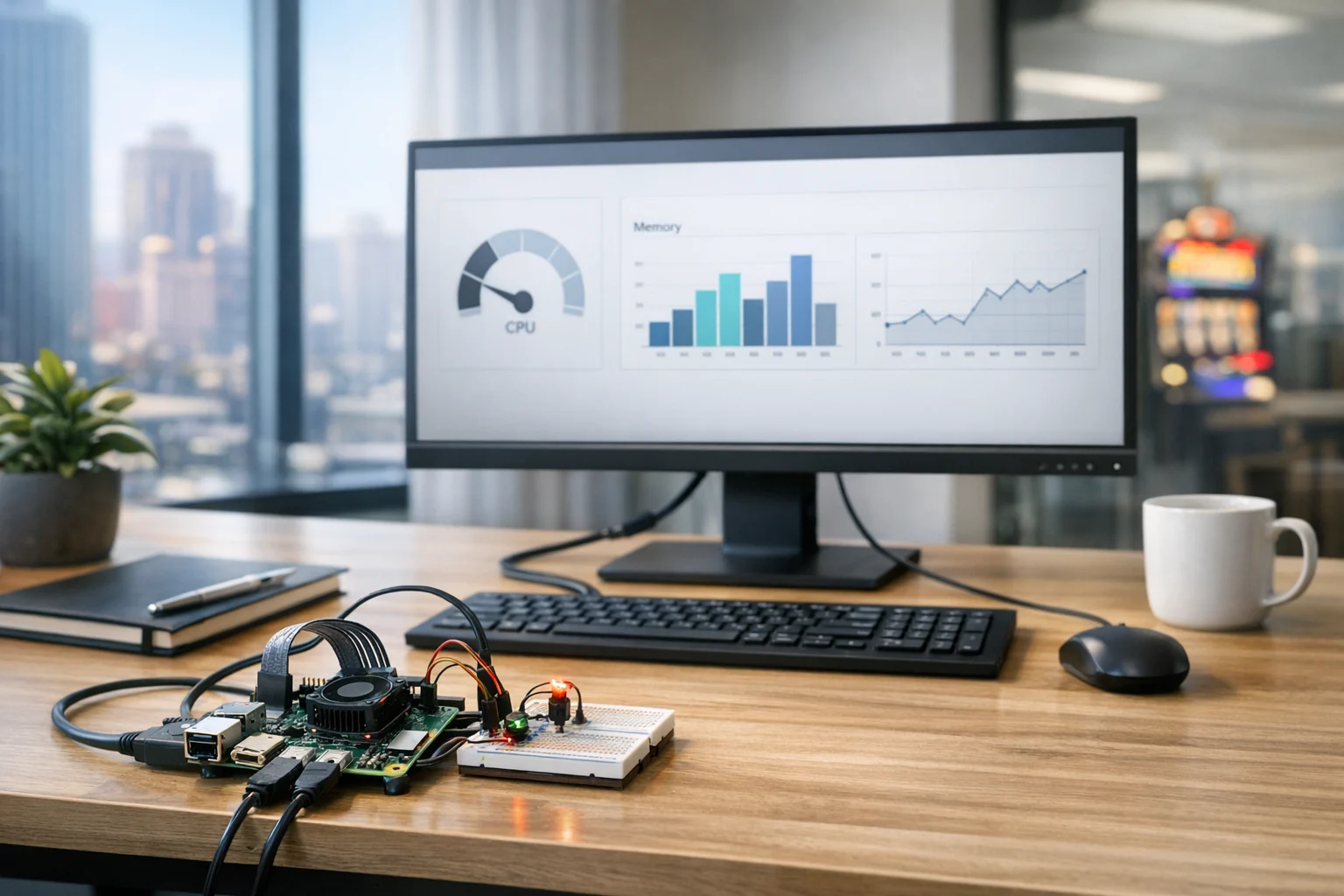
Choosing your first Raspberry Pi project sounds easy until you realize just how many ideas are out there. One blog tells you to build a retro gaming console. Another suggests turning it into a server. Then you start seeing videos about smart mirrors, ad blockers, security cameras, kiosks, home automation, digital signage, and network monitors. For a beginner, that much choice can be more paralyzing than having too few options.
If you're a business owner, marketing manager, or operations lead, the decision becomes even more practical. You are not just looking for a fun weekend build. You may want a low cost way to test an internal dashboard, run lightweight signage, learn basic automation, or prototype an idea before investing in custom software. That is where a Raspberry Pi becomes surprisingly useful.
At SiteLiftMedia, we've worked with businesses that need the digital side of growth handled properly, from Las Vegas SEO and web design Las Vegas projects to technical SEO, website maintenance, system administration, and cybersecurity services. We also understand why decision makers are drawn to Raspberry Pi projects in the first place. They are affordable, flexible, and genuinely useful for learning. The key is picking a project that gives you an early win instead of leaving you with a pile of unfinished parts on your desk.
Here is how to choose the right Raspberry Pi project for beginners, especially if you want something useful, realistic, and relevant for home or business use.
Start with the real reason you want a Raspberry Pi
The biggest mistake beginners make is choosing a project because it looks impressive, not because it fits their actual goal. Once you define why you want a Raspberry Pi, the right project usually becomes much easier to spot.
Ask yourself a few straightforward questions:
- Do you want to learn basic Linux and hardware setup?
- Do you want a practical business or office tool?
- Are you trying to prototype something before hiring a developer?
- Do you want a fun personal project to build confidence?
- Do you need something that can run unattended and reliably?
If your main goal is learning, start simple. If your goal is business utility, pick something with a clear use case like signage, monitoring, or a lightweight internal web tool. If your goal is customer facing, slow down and plan more carefully. A Raspberry Pi can absolutely be part of a polished solution, but once uptime, security, and public use matter, professional planning matters too.
That is especially true for companies in competitive markets like Las Vegas. Whether you run a restaurant, retail store, real estate office, medical practice, or hospitality brand, experimentation has value. But if that experiment touches customer data, internal systems, or branded experiences, it needs to be stable and secure. A beginner project can be the start of something smart. It should not turn into accidental production infrastructure.
Choose based on skill level, not ambition
Ambition is great. It is also one of the main reasons first Raspberry Pi builds never get finished.
A beginner friendly project should teach you one or two new things at a time, not ten. If the project requires command line setup, networking, soldering, API integration, enclosure design, and ongoing maintenance all at once, it is probably not the best place to start.
In practice, the projects that go smoothly first usually share a few traits:
- They can be completed in a few hours or over one weekend
- They rely on well documented software
- They use common hardware with minimal add ons
- They still feel useful after the setup is done
- They are easy to reset if something breaks
That is why simple media, dashboard, signage, or server projects usually outperform more complex robotics or custom electronics builds for beginners. You still learn the core Raspberry Pi workflow, but without getting buried in troubleshooting.
If you are completely new to the platform, it helps to first set up a Raspberry Pi for home and business projects before committing to a specific use case. Getting comfortable with the operating system, storage, networking, and remote access removes a lot of friction later.
Budget matters, but time matters more
Many people choose Raspberry Pi projects because the hardware is inexpensive. That makes sense, but the real cost is often time. A project that saves you $100 on hardware but eats 12 hours in setup is not always the best beginner choice, especially for busy teams.
When comparing project ideas, look at the full cost:
- The Raspberry Pi board itself
- Power supply
- MicroSD card or SSD
- Case and cooling
- Keyboard, mouse, monitor, or adapters if needed
- Your time for setup, testing, and maintenance
For business users, maintenance should never be an afterthought. If a Pi will sit behind a front desk, power a digital screen, or run an internal tool, ask who will update it, reboot it, back it up, and secure it. This is where beginner enthusiasm tends to run into real operations.
We see a similar pattern in digital marketing and web work. A company starts with a small DIY fix, then realizes the long term work involves performance, security, uptime, and growth planning. That is true for websites, and it is true for Pi based tools. The initial build is only one part of the story.
The best Raspberry Pi projects for most beginners
If you want your first project to teach useful skills and actually get finished, these categories are usually the safest bet.
1. A lightweight server
This is one of the best first projects because it teaches fundamentals that carry into almost every other Raspberry Pi use case. You learn networking, remote access, storage, software installation, and how to keep a system running reliably.
A lightweight server can host:
- An internal dashboard
- A small test website
- A file share for local use
- A development environment
- A monitoring or logging tool
For business owners and marketing teams, this type of project is especially useful when you want to test something privately before putting it in front of customers. Maybe you are evaluating a new landing page structure, trying a simple booking interface, or previewing a content display for an event booth.
If that sounds like the right fit, this guide on how to turn a Raspberry Pi into a lightweight server is a natural next step.
2. Digital signage or kiosk display
This is one of the most practical Raspberry Pi projects for real businesses. A Pi can drive a screen that shows menus, promotions, internal metrics, event schedules, waiting room content, or rotating brand visuals.
In Las Vegas, this is especially relevant. Local businesses often need flexible displays for trade shows, hospitality spaces, retail promotions, lobbies, model homes, pop ups, and visitor experiences. A beginner can start with a simple browser based full screen display and quickly move into scheduled content or dashboard rotation.
This kind of project works well because the payoff is immediate. You can see the result on a screen, make changes quickly, and adapt it to your business without a major hardware investment.
Just remember that once signage is customer facing, the content matters as much as the device. If your messaging, branding, landing pages, or calls to action need improvement, working with a team that handles custom web design, social media marketing, and conversion focused content can make the project far more valuable.
3. Network monitoring or internal status dashboard
If you are curious about operations, uptime, or office infrastructure, a Raspberry Pi is a good entry point for simple monitoring. You can use it to track whether devices are online, display internal metrics, or present a live dashboard on a small office screen.
This is a smart project for beginners who care more about practical outcomes than flashy builds. It also gives you exposure to networking and system basics without requiring complicated hardware.
For growing companies, it can become a stepping stone into more serious conversations about infrastructure cleanup, system administration, and server hardening. We have seen businesses start with a tiny monitoring project and quickly uncover broader issues like weak internal passwords, outdated devices, or neglected updates. That is not a bad outcome. It means the project did its job and showed you what needs attention.
4. Media center or noncritical office display tool
This is a classic beginner project for a reason. It is approachable, visual, and low pressure. Even if your end goal is business oriented, building a simple media or display system can help you learn the Pi without the stress of supporting essential operations.
Think of this as the training wheels version of a more serious display deployment. Once you understand boot behavior, storage, networking, and remote access, you will be much better prepared to build something that serves an office, showroom, or public area.
What makes this category useful is that mistakes are cheap. If the setup fails, you can reimage the storage and try again. That kind of flexibility is ideal for beginners.
Projects beginners should usually avoid first
Not every Raspberry Pi project is beginner friendly, even if a tutorial says otherwise.
For a first build, I would avoid:
- Projects that depend on unreliable third party scripts with little documentation
- Complex robotics builds that require wiring, sensors, motors, and coding at the same time
- Anything that stores sensitive customer or payment data
- Security camera systems that need dependable recording and retention from day one
- Public facing business systems without a backup plan
This is where judgment matters. There is a big difference between learning on a small internal prototype and using a Pi in a mission critical role before you are ready. If the project touches compliance, customer information, or live business operations, you need to think beyond the hobby stage.
Security matters here too. A Raspberry Pi can be secure, but beginners often leave default settings in place, skip updates, or expose devices to networks without proper controls. If the use case involves business website security, internal systems, or remote access, it is smart to get help from professionals who understand penetration testing and broader cybersecurity services.
A simple way to pick the right first project
If you are deciding between several ideas, score each one against five criteria. Keep it simple and rate each category from 1 to 5.
- Usefulness: Will this still be genuinely helpful after the build?
- Difficulty: Can I realistically finish it as a beginner?
- Documentation: Are there current, trustworthy setup guides?
- Cost: Does the total cost still feel reasonable?
- Risk: If it fails, does anything important break?
The best beginner project usually scores high on usefulness and documentation, moderate on difficulty, low on risk, and acceptable on cost. That balance matters more than novelty.
For example:
- A lightweight internal server often scores well across the board
- A digital signage display can be an excellent choice if the content is simple
- A smart office automation system may be useful, but often scores higher on difficulty and maintenance
- A custom hardware invention might be exciting, but often fails the beginner reality check
That quick scoring system can save you a lot of wasted time.
How this connects to marketing and business growth
At first glance, Raspberry Pi projects may seem far removed from agency work. In practice, they connect more often than people expect.
A business might use a Pi to run in store displays that promote local offers. A property management company might use one for office dashboards. An events business might create a kiosk prototype for lead capture. A restaurant might test digital menu boards before a full rollout. A sales team might use a Pi driven screen to display campaign metrics.
Once those ideas start gaining traction, the next questions are no longer about the hardware. They become questions about design, content, discoverability, security, and performance.
That is where SiteLiftMedia comes in. If your simple Raspberry Pi project leads to a broader digital initiative, we can help with the pieces that turn a prototype into business value, including Las Vegas SEO, local SEO Las Vegas, technical SEO, custom web design, website maintenance, backlink building services, and campaign support that aligns with seasonal marketing pushes, redesign planning, or content expansion.
For local companies, this matters even more. A flashy display or internal dashboard does not do much if your website is slow, your forms are clunky, or your search visibility is weak. Many businesses that contact an SEO company Las Vegas are already trying to improve customer experience across multiple touchpoints. The Pi project may be a small part of that ecosystem, but it should still connect to the bigger picture.
If your team is working on a test environment for site changes or content experiments, it is also worth reviewing how to speed up a business website for rankings and sales. A Pi can be useful for learning, staging, or internal tools, but your live site still needs production grade hosting, optimization, and support.
What beginners in Las Vegas should think about differently
Las Vegas businesses often operate in fast moving, high visibility environments. That changes which Raspberry Pi projects make the most sense.
If your business depends on foot traffic, events, bookings, or local brand presence, beginner projects with visible business utility are usually the strongest choice. That often means:
- Digital signage for promotions or event messaging
- Internal dashboards for sales or appointment tracking
- Simple kiosks for information display
- Low risk server projects for internal testing
What tends to be less useful is a complicated novelty build that never leaves the back office. There is nothing wrong with hobby projects, but business owners usually get more value from something tied to communication, operations, or experimentation.
That is also why local search strategy matters. If your Pi project is part of a larger effort to improve customer experience, pair it with stronger digital fundamentals. A Las Vegas hospitality brand may need better location pages. A home services company may need stronger local SEO Las Vegas signals. A multi location business may need cleaner site structure, technical cleanup, and more consistent branding across screens and web properties.
When to keep it DIY and when to call in help
DIY is great when the stakes are low and the learning is the point. Keep it internal, keep it simple, and keep backups of anything important.
Call in help when the project starts affecting:
- Customer experience
- Public facing content
- Sensitive data
- Internal network access
- Long term maintenance obligations
- Brand presentation across digital channels
That does not mean you failed as a beginner. It means you recognized the point where a promising experiment needs professional execution. Good judgment is part of the process.
We tell clients the same thing in web and marketing work. There comes a point when a template, patch, or quick fix is no longer enough. If you are building a stronger digital presence, whether that includes a Pi based display, a new landing page system, better analytics dashboards, or a full redesign, the smartest move is matching the complexity of the project with the right level of expertise.
If your first Raspberry Pi idea is starting to grow into something more serious, make sure the next step fits the real stakes. And if you need help connecting that experiment to stronger infrastructure, better branding, or measurable business growth, contact SiteLiftMedia.
Photo Gallery













