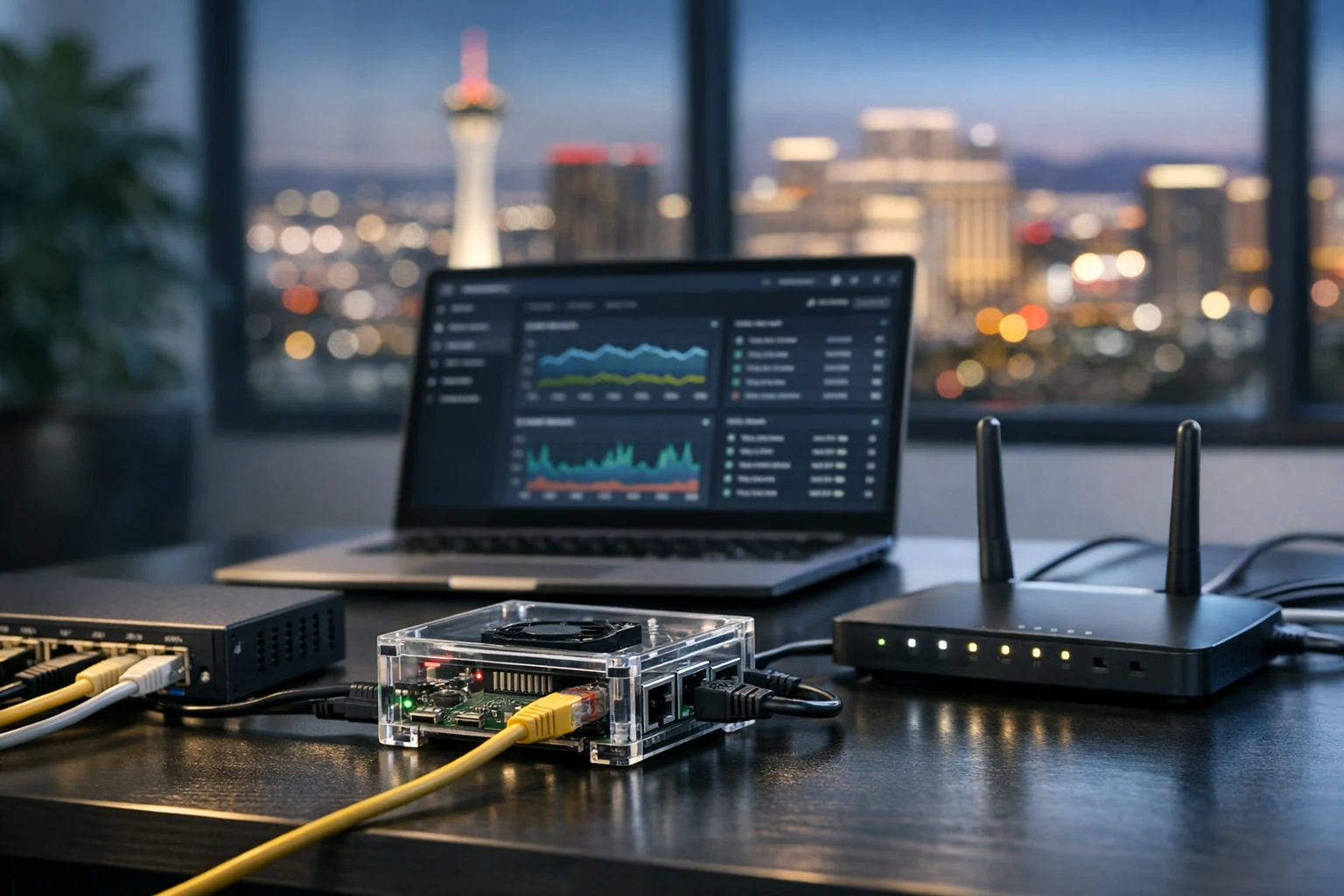
A Raspberry Pi can be one of the handiest little systems in a home office or business environment. It can run internal dashboards, digital signage, DNS filtering, development tools, lightweight file services, monitoring, and all kinds of self hosted apps. It can also become the forgotten box on the network that nobody patches, nobody documents, and nobody notices until something breaks or the wrong person gets into it.
If your Raspberry Pi is exposed to your local network, that exposure matters. A lot of people hear “local network” and assume the risk is low. In practice, local network access is still access. If an employee device gets compromised, if a contractor joins the wrong WiFi, if a router rule is too loose, or if an insecure service is installed on the Pi, that small device can become an easy foothold inside your environment.
At SiteLiftMedia, we’ve seen this in both technical and marketing environments. A Pi that started as a quick office utility sometimes ends up supporting client demos, analytics displays, internal staging, or automation tied to website maintenance. Once a device becomes part of business operations, it needs the same basic discipline you’d expect from any production system. That’s especially true for companies in Las Vegas already investing in business website security, web design Las Vegas projects, local SEO Las Vegas campaigns, and infrastructure cleanup before a busy season.
This guide covers how to secure a Raspberry Pi exposed to your local network, using practical steps that actually reduce risk.
Why a locally exposed Raspberry Pi is still a real security concern
Most Raspberry Pi security problems do not start with a dramatic internet facing breach. They start with convenience. Someone enables SSH and leaves password logins on. A default account sticks around longer than it should. A Docker container pulls in a service with weak authentication. A file share gets opened too broadly so everyone in the office can “just use it.”
That’s how local network exposure turns into business risk. Once the Pi is reachable by laptops, desktops, phones, printers, cameras, or guest devices, every one of those paths matters. If the Pi stores credentials, browser cookies, backups, API keys, or office files, the impact grows quickly.
For business owners and marketing managers, the point is not to fear the Pi. It’s to treat it like a server, not like a toy. If it supports reporting, internal content review, social media marketing workflows, or development tied to custom web design, it deserves proper hardening.
Start with a clean operating system and current firmware
If the device was set up casually months ago, first decide whether it should be rebuilt instead of endlessly patched. A clean install is often faster and safer than trying to remember what changed over time. If you need a solid foundation first, SiteLiftMedia has a step by step guide on setting up a Raspberry Pi for home and business projects that pairs well with the hardening steps here.
Use a current Raspberry Pi OS image, or another actively maintained operating system that fits your use case. Then update the system fully before you install apps or expose services to anyone else on the network. That includes operating system packages, bootloader updates where appropriate, and firmware updates if the platform supports them.
While you’re there, clean up the basics:
- Change the hostname so it clearly identifies the device. “raspberrypi” tells an attacker too much and tells your own team too little.
- Create a named administrative user for the person or team responsible for it.
- Remove or disable legacy default accounts if they exist on older images.
- Document the device’s role, IP address, owner, and purpose before it becomes another mystery box on the network.
That documentation step sounds boring, but it matters. In a lot of small businesses, a Raspberry Pi outlives the person who originally configured it. Six months later, nobody knows whether it’s safe to patch, reboot, or retire.
Lock down user accounts and administrative access
User management is where simple Pi deployments often go wrong. The fix is straightforward. Give access only to people who actually administer the device, and make every account traceable to a real person or team function.
Use strong, unique passwords
Any local account on the Pi should have a long, unique password stored in a password manager. Do not reuse office passwords, WiFi passwords, or website admin passwords. If the device is tied to a business process, credential reuse can turn one compromise into several.
Prefer SSH keys over passwords
If you manage the Pi remotely, key based SSH access is one of the best security upgrades you can make. Once keys are working, disable password authentication for SSH. That removes one of the most common entry points on small Linux systems.
While you’re configuring SSH, also:
- Disable direct root login
- Restrict SSH to specific users or an admin group
- Limit which local subnets can reach the service if your firewall supports it
- Do not rely on obscurity alone. A random port by itself is not security.
Use sudo carefully
Not every account needs elevated rights. Keep administrative privileges limited, and avoid using the same account for routine service tasks and system administration. That separation improves accountability and reduces accidental damage.
If your team grows, review user access regularly. That’s a standard system administration habit, and it matters just as much on a Raspberry Pi as it does on a larger server.
Reduce the network attack surface before you add applications
A secure Raspberry Pi is not just about passwords. It’s about reducing how much is reachable in the first place. The less the network can see, the less there is to attack.
Only enable the services you actually need
If Bluetooth, remote desktop, file sharing, web administration panels, printer services, or discovery services are not required, turn them off. Many Pi projects accumulate extra packages and background services over time. Every one of them is another thing to patch and another possible weakness.
Use a host firewall
A basic firewall on the Pi is worth having even on an internal network. Allow only the ports needed for the device’s actual role. If it only needs SSH from one management machine and a web interface from a few office systems, write the rules that way. Broad “allow any from local subnet” policies are common, but they are rarely the best choice.
At a minimum, think in terms of:
- What should be allowed in
- Which devices or subnets should be allowed
- What should never be exposed
Put it on the right network segment
If the Pi matters to operations, don’t leave it sitting on the same flat network as everything else. A separate VLAN or protected office subnet is a much better fit than general employee or guest WiFi. This is especially useful for Pi devices handling internal files, DNS, dashboards, or test environments.
Network segmentation is one of the biggest wins for business website security and internal resilience. If a user laptop gets compromised, proper segmentation helps keep that incident from becoming an infrastructure problem.
Turn off UPnP and review router rules
Many accidental exposures happen at the router, not on the Pi. Universal Plug and Play can open paths you never intended. Review port forwarding and remote access settings carefully. A Raspberry Pi that is “only local” sometimes is not local at all once you inspect the gateway.
Harden SSH, web interfaces, and self hosted apps
Once the base system is under control, focus on the services people actually use. This is where real risk tends to live, especially if the Pi runs dashboards, intranet tools, Home Assistant, Pi hole, Node RED, internal file apps, or lightweight web services.
Bind services only where necessary
If an application only needs to be available on the Pi itself or through a reverse proxy, bind it to localhost instead of all interfaces. If it only needs to serve one subnet, restrict it. Services that listen everywhere attract unnecessary attention.
Use authentication that fits business use
Do not trust “it’s inside the network” as your security model. Internal web panels should still require strong credentials. Better yet, place them behind a reverse proxy with access controls, logging, and TLS where appropriate.
This matters more than many teams realize. Internal tools often hold customer exports, campaign notes, content approvals, API keys, and analytics tokens. For agencies and in house marketing teams, that can expose paid media data, social media marketing credentials, and website admin integrations.
Be careful with Docker and convenience stacks
Docker on a Raspberry Pi is incredibly useful, but it also makes it easy to deploy a lot of software very quickly without thinking through exposure. If you’re using containers, know which ports are published, which volumes hold sensitive data, and which containers run with elevated privileges. SiteLiftMedia also has a guide on installing Docker on a Raspberry Pi for self hosting if you’re building out that environment from scratch.
With containers, a few habits go a long way:
- Do not publish ports you do not need
- Avoid privileged containers unless there is no alternative
- Use official or reputable images
- Keep environment files and secrets out of public repositories
- Update images on a schedule, not just when something fails
Install fail2ban or equivalent rate limiting where it makes sense
For SSH and some web applications, login abuse protection is still useful on a local network. Maybe it never triggers. That’s fine. It is still a cheap layer that can stop noisy attacks or misconfigured internal scripts from hammering authentication endpoints.
Patch aggressively and remove what you do not use
One of the biggest mistakes with Raspberry Pi devices is leaving them in a corner after the initial setup. Small Linux systems are still Linux systems. They need updates, package reviews, and occasional cleanup.
Make patching part of a simple routine:
- Apply security updates on a schedule
- Remove packages and services that are no longer needed
- Review startup services after major changes
- Check logs for repeated failures or unusual access patterns
For business use, a monthly maintenance window is a reasonable baseline. If the Pi supports an office process that affects revenue, customer communications, or internal operations, monitor it more closely. That can include disk usage, failed login attempts, service health, and temperature or power stability.
This is where many companies benefit from outside help. Teams focused on Las Vegas SEO, redesign planning, content expansion, or a spring marketing push usually do not want to spend staff time babysitting a Pi running a utility service in the background. A partner with real system administration experience can keep the environment clean without turning it into a full scale IT project.
Protect storage, secrets, and backups
Security is not just about keeping attackers out. It is also about making sure the device can fail safely and recover quickly. Raspberry Pi systems often run on SD cards, and SD cards fail. They also corrupt more easily than many people expect when power is unstable.
Move important workloads to better storage
If the Pi supports anything important, use a quality SSD or another more reliable storage option when possible. This is less glamorous than firewall rules, but it often prevents more business pain.
Keep secrets out of plain sight
Do not store API keys, web credentials, SMTP passwords, or cloud tokens in random text files on the desktop or in world readable directories. Limit file permissions. Review application configs. Separate what is sensitive from what is merely convenient.
Back up configuration and data
A backup is part of security because it shortens recovery time and reduces leverage for anyone who damages the system. Back up both the application data and the configuration that makes the Pi useful. Then test that you can restore it.
If your Pi supports web staging, analytics reporting, or office automation related to web design Las Vegas work, custom web design deliverables, or local SEO Las Vegas reporting, losing it at the wrong time can interrupt client service and internal accountability. Backups are cheap compared to downtime.
Monitor for drift and treat the Pi like a production asset
A Raspberry Pi becomes risky when it drifts away from its original purpose. New services get added. Temporary credentials stick around. Someone opens a share for convenience. A contractor gets access and nobody removes it later. That is normal operational drift, and it needs a check.
Build a short review checklist every quarter:
- What is this Pi doing today
- Which ports are open
- Which users can access it
- Which applications are exposed to the local network
- Are backups current and tested
- Is there any reason this device should still exist
That last question matters more than people think. Sometimes the best way to secure a Raspberry Pi is to retire it and move the function to a better managed platform.
If you are already standardizing infrastructure, it also helps to follow the same hardening mindset you would use elsewhere. Our article on secure website hosting and system administration best practices covers the broader discipline behind good server hardening, and that same discipline applies here.
What business leaders should pay attention to
If you are a business owner or marketing decision maker, you do not need to become a Linux administrator to ask the right questions. You just need to know whether a Pi is quietly supporting a meaningful part of your operation.
Ask your team:
- Is a Raspberry Pi running anything tied to customer data, internal reporting, or office access
- Who owns it and who can log into it
- Is it patched, backed up, and segmented from guest or general traffic
- Could its failure affect a campaign launch, content rollout, or client deliverable
That is where the technical issue becomes a business issue. We regularly talk with organizations that are investing heavily in SEO company Las Vegas support, technical SEO, custom web design, and website maintenance while a neglected internal device sits in the background creating avoidable risk. Marketing performance and infrastructure hygiene are not separate worlds. They influence each other.
If a Pi supports staging, internal file transfer, reporting screens, or self hosted tools for your team, treat it like a real asset. If it ties into a customer portal, web app, or office storage environment, take it more seriously and have it reviewed. That review may include server hardening, access control cleanup, penetration testing, and broader cybersecurity services depending on what the device touches.
When it makes sense to bring in SiteLiftMedia
There is a point where a Raspberry Pi stops being a weekend project and becomes part of the business stack. That is usually the right time to bring in experienced help. SiteLiftMedia works with companies in Las Vegas and across the country that need practical support, not bloated theory. Sometimes that means tightening one office device. Other times it means cleaning up the full environment around it, including network access, business website security, application exposure, and operational documentation.
If your Pi is connected to web operations, analytics, internal tools, or customer data, we can review the setup, harden the device, and help align it with the rest of your infrastructure. That is especially useful if you are already investing in Las Vegas SEO, local SEO Las Vegas growth, redesign planning, content expansion, or infrastructure cleanup before a busy quarter. A stable back end makes those efforts easier to protect and easier to scale.
If you want someone to look at the Pi the way an attacker or auditor would, ask SiteLiftMedia about a security review. We can help with system administration, cybersecurity services, penetration testing, and the practical hardening steps that keep a small device from turning into a bigger problem.
Photo Gallery













