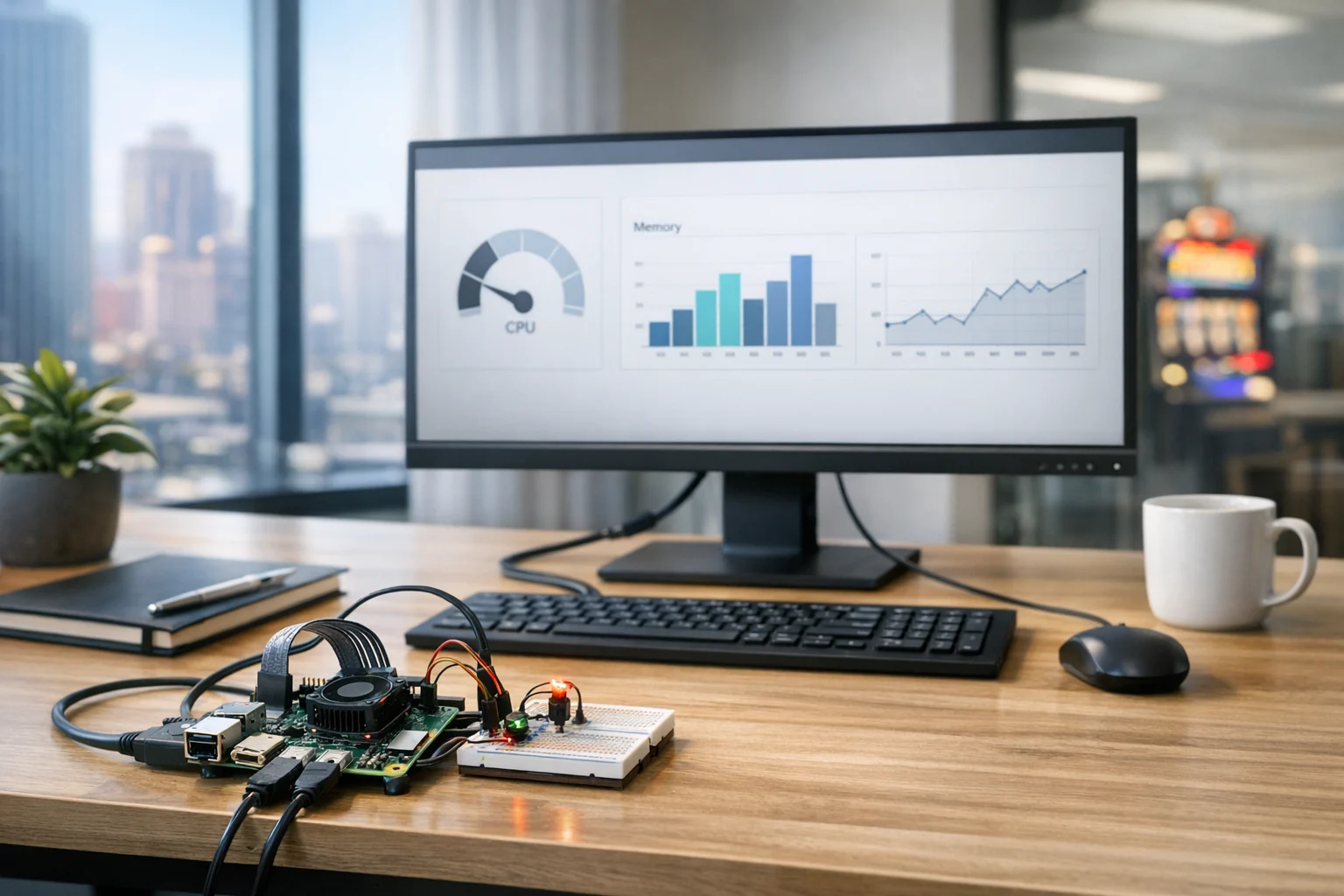
If you are curious about Raspberry Pi projects, you are not alone. A lot of business owners, marketing managers, and technically minded decision makers buy a Pi because it is affordable, flexible, and small enough to fit almost anywhere. Then the same thing happens. The board arrives, a few tabs open, and suddenly every project looks possible. Retro gaming. Digital signage. A lightweight server. Security cameras. A home lab. A kiosk. An office dashboard.
The real challenge is not finding ideas. It is choosing the right first project so you actually finish it, learn something useful, and avoid turning a simple experiment into a frustrating weekend.
At SiteLiftMedia, we work with clients across the country, especially in Las Vegas, Nevada, where businesses move fast, test ideas quickly, and need practical tech that supports marketing, operations, and growth. The same mindset applies here. A good Raspberry Pi project should match your goal, your comfort level, and the amount of time you can realistically give it.
If you are a beginner, the best first project is usually not the most exciting one on YouTube. It is the one with a clear purpose, a manageable setup, and an obvious payoff.
Why the project matters more than the hardware
Most beginners spend too much time asking which Raspberry Pi model to buy and not enough time asking what they want to accomplish. That is backwards.
A Raspberry Pi 4 or Pi 5 can handle a lot, but when you are starting out, project selection matters more than raw specs. The wrong project can make even solid hardware feel unreliable. The right project can make a basic setup feel like a win in the first hour.
That matters because your first build sets the tone. If it boots cleanly, does one useful thing well, and teaches you a few fundamentals, you are far more likely to keep going. If it involves too many moving parts, vague instructions, or advanced networking and security work on day one, it usually ends up in a drawer.
That is especially true for decision makers who are not trying to become full-time hobbyists. If you run a company, manage marketing, or oversee operations, you probably want to know whether a Raspberry Pi can support a real use case before you invest more time in it.
Start with the outcome, not the project name
The easiest way to choose the right Raspberry Pi project is to start with the outcome you want. Forget the flashy labels for a minute and answer one question:
What do you want this Pi to do for you?
For beginners, that usually falls into one of four buckets.
- Learn the basics like Linux, networking, command line tools, and simple device setup
- Create a useful office or home tool such as a dashboard, signage screen, file utility, or lightweight internal server
- Build something fun that keeps you motivated, like a RetroPie system
- Prototype a business idea such as a kiosk, local display, or simple automation concept
If your goal is learning, choose a project that exposes you to the core basics without piling on too much complexity. If your goal is business utility, choose something that solves one visible problem. If your goal is motivation, pick the project that feels rewarding enough to finish.
That sounds simple, but it is the same logic we use in digital strategy. A business does not need every service at once. It needs the right starting point. Sometimes that means Las Vegas SEO and content expansion. Sometimes it means custom web design, technical SEO, website maintenance, or infrastructure cleanup. The right Raspberry Pi project works the same way. Fit comes first.
Best beginner Raspberry Pi projects based on real-world goals
1. A lightweight server for learning and utility
If you want the best balance of usefulness and education, this is hard to beat. A simple Raspberry Pi server teaches you operating system setup, networking, remote access, package management, updates, storage basics, and permissions. Those are foundational skills that transfer well into business environments.
A lightweight server can be used for internal testing, a simple file share, a private dashboard, development practice, or network tools. It is not meant to replace enterprise hosting, but it is one of the best first builds because it feels real.
If that sounds like your lane, start with SiteLiftMedia's guide on turning a Raspberry Pi into a lightweight server. It is a practical next step for beginners who want more than a novelty project.
2. A basic office dashboard or digital signage screen
This is one of the most overlooked beginner projects for business owners and marketers. A Raspberry Pi can power a lobby screen, internal KPI dashboard, trade show display, conference room information panel, or simple rotating content display.
For companies in Las Vegas, this is especially useful. Hospitality, retail, real estate, medical offices, home services, and event-driven businesses often need low-cost visual displays that are easy to update. If you are planning a spring marketing push, promoting offers in-store, or supporting a location-based campaign, a Pi-driven signage setup can be a smart test before scaling to commercial hardware.
The reason this works well for beginners is simple. The win is visible. Once the screen loads the content you want, you immediately see the value.
3. A RetroPie build if you need a confidence boost
Not every first project has to be business focused. Sometimes the best beginner project is the one you are actually excited to finish. A RetroPie build is a valid choice because it teaches imaging, controller setup, storage handling, system navigation, and a little troubleshooting without the pressure of business uptime.
If you want a low-risk project that still helps you get comfortable with the ecosystem, SiteLiftMedia has a solid walkthrough for installing RetroPie on a Raspberry Pi step by step.
Just be honest with yourself. If your real objective is to learn skills you can apply to office technology, infrastructure, or digital operations, a server or dashboard project will give you a better return.
4. A kiosk or customer-facing prototype
If you are a marketer or business owner testing an idea, a Raspberry Pi can be a useful proof-of-concept device. Think self check-in, product browsing, a showroom display, or a simple interactive station for events.
This is a smart beginner project only if the prototype is narrow in scope. One screen, one workflow, one purpose. The moment it needs user accounts, payment processing, database complexity, or uptime guarantees, you are no longer in beginner territory.
That does not mean the idea is bad. It means the Pi should be part of a broader strategy that may eventually involve custom software, better hosting, stronger security, and more professional deployment.
Questions to ask before you choose
Before you order accessories and commit to a project, ask these questions. They will save you time and help you pick something you can realistically finish.
- What does success look like in one week? If you cannot describe the finished result clearly, the project is probably too broad.
- Will this run with or without a monitor? A headless setup is useful, but it adds another learning step.
- Do I need constant internet access? Some projects fail simply because the network is unreliable.
- Will I need extra hardware? Screens, cases, cooling, keyboards, controllers, SD cards, and power supplies all add cost and friction.
- How much maintenance am I signing up for? A one-time build is very different from a device that must stay updated and secure.
- Would this device ever touch business data or my main network? If yes, security should shape the project from day one.
That last question gets missed a lot. People see a tiny board and assume it carries tiny risk. It does not. If a Raspberry Pi is connected to office systems, used as a display in a customer-facing setting, or exposed to the internet, it needs the same discipline you would apply to any connected device.
In Las Vegas, there is another practical detail. Heat matters. If you are putting a Pi in a garage, retail window, networking closet, trade show booth, or poorly ventilated back office, make sure your case, cooling, and placement are appropriate. A project that runs fine on a desk can become unstable in a hot environment.
Match the project to your actual skill level
Beginners are not all starting from the same place. Some have never touched Linux. Others are comfortable with websites, hosting, or networking, but have not used a Raspberry Pi before.
If you are completely new
Choose something with a visible result and a short setup path. A simple dashboard, signage player, or guided RetroPie build is a good fit. You want fewer variables, fewer dependencies, and a clear finish line.
If you are comfortable with websites or hosting
A lightweight server is probably your best first project. If you already understand DNS, file structures, SSH, or basic administration, a server project will feel manageable and useful. You will also learn where low-cost hardware fits and where it stops making sense.
If you are a business decision maker testing ideas
Pick a prototype project that supports a real business process. A KPI display, product catalog kiosk, internal meeting room screen, or office network utility can all be smart choices. Keep the scope tight. Your goal is not technical perfection. Your goal is validation.
If you need a stronger starting point before choosing a direction, SiteLiftMedia also has a guide on setting up a Raspberry Pi for home and business projects. That is often the cleanest first step for people who want a stable base before they start experimenting.
Projects beginners should avoid first
Some Raspberry Pi ideas sound beginner friendly because the parts are cheap or the videos look polished. In practice, they get messy quickly.
- Complex smart home systems with lots of integrations, automations, and troubleshooting points
- AI camera projects that depend on model tuning, high resource use, and unreliable detection
- Public-facing web apps hosted directly from a Pi without proper security controls
- VPN gateways and firewall replacements unless you already understand networking well
- Cluster builds because they are impressive, but rarely the best first learning experience
There is nothing wrong with these projects. They are just not ideal starting points if your main goal is to learn steadily and get a useful result.
A good first project should reduce variables, not multiply them.
Where Raspberry Pi fits in a business environment
For business owners and marketing leaders, the more useful question is not whether a Raspberry Pi is powerful. It is whether it is appropriate.
In the right role, it absolutely is.
A Raspberry Pi can support internal signage, local dashboards, prototype kiosks, small utility servers, network monitoring experiments, training devices, and lightweight operational tools. It can also be a low-cost way to learn how connected systems behave before committing to a larger investment.
What it will not do is replace a serious business website, a secure production server, or a professional marketing stack. If your growth depends on stronger lead flow, better conversion paths, and better visibility in search, you still need the bigger pieces working together. That is where services like Las Vegas SEO, local SEO Las Vegas, technical SEO, custom web design, website maintenance, and social media marketing come in.
We see this with clients all the time. A company might experiment with an in-office dashboard on a Pi while also planning a site redesign, content expansion, backlink building services, and local search improvements. Those are not competing efforts. They support different parts of the business.
If you are comparing options in a competitive market, the same practical mindset applies whether you are choosing a Pi project or hiring an SEO company Las Vegas. Do not chase the flashiest option. Pick the one that solves the clearest problem first.
Security matters, even on a tiny board
This part deserves plain language. If your Raspberry Pi touches business data, office systems, shared Wi-Fi, or public internet access, you need to think beyond setup tutorials.
At a minimum, that means:
- Change default credentials immediately
- Keep the operating system and packages updated
- Use SSH keys if you are accessing it remotely
- Limit exposed services and open ports
- Separate experimental devices from critical business systems when possible
- Back up important configs and content
- Use a quality power supply and stable storage to reduce corruption
If the device is doing anything meaningful for your company, add a stronger layer of policy and oversight. That could include network segmentation, access controls, logging, monitoring, patch schedules, and documentation.
This is where many small businesses blur the line between a hobby project and production infrastructure. Once the Pi becomes operational, you are in the territory of system administration, server hardening, business website security, and broader cybersecurity services. In some cases, especially when internal systems or client data are involved, you may also need formal review, penetration testing, and tighter security standards.
That does not mean you should avoid the device. It means you should respect the environment it lives in.
A simple way to pick your first Raspberry Pi project
If you want an easy decision framework, use this:
Choose a lightweight server if:
- You want useful technical skills
- You are comfortable learning command line basics
- You want a project that can grow with you
Choose a signage or dashboard build if:
- You want a visible business use case fast
- You need something practical for an office, showroom, or event
- You are testing low-cost display ideas
Choose RetroPie if:
- You want a fun project that keeps you engaged
- You are totally new and want confidence first
- You do not need immediate business utility
Choose a kiosk prototype if:
- You are validating a customer or internal workflow
- You can keep the scope very small
- You understand it may evolve into a larger software project later
If none of those feel clear, slow down and define the result you want before you buy another accessory. That one step will make your first project dramatically better.
How SiteLiftMedia helps when the project becomes part of a bigger plan
A lot of beginner Raspberry Pi projects start as experiments and then turn into something larger. A dashboard becomes part of a sales process. A kiosk turns into a customer experience idea. A small internal server leads to broader infrastructure questions. A signage screen becomes part of a retail campaign. That is usually the point where DIY runs into real business needs.
SiteLiftMedia helps companies bridge that gap. We work with nationwide clients and with businesses throughout Las Vegas that need the larger ecosystem around the experiment. That can include web design Las Vegas support, local SEO strategy, technical SEO cleanup, content growth, social media marketing, website maintenance, cybersecurity services, and system administration support when infrastructure starts to matter.
If you are planning a redesign, a new campaign, an office tech refresh, or spring infrastructure cleanup, and you want to pair smart experiments with stronger execution, reach out to SiteLiftMedia. We can help you choose the right build, secure it properly, and connect it to the digital strategy your business actually needs.
Photo Gallery













